













Smart Wi-Fi Protection Switches: Worth It?


What Smart Wi-Fi Protection Switches Actually Do
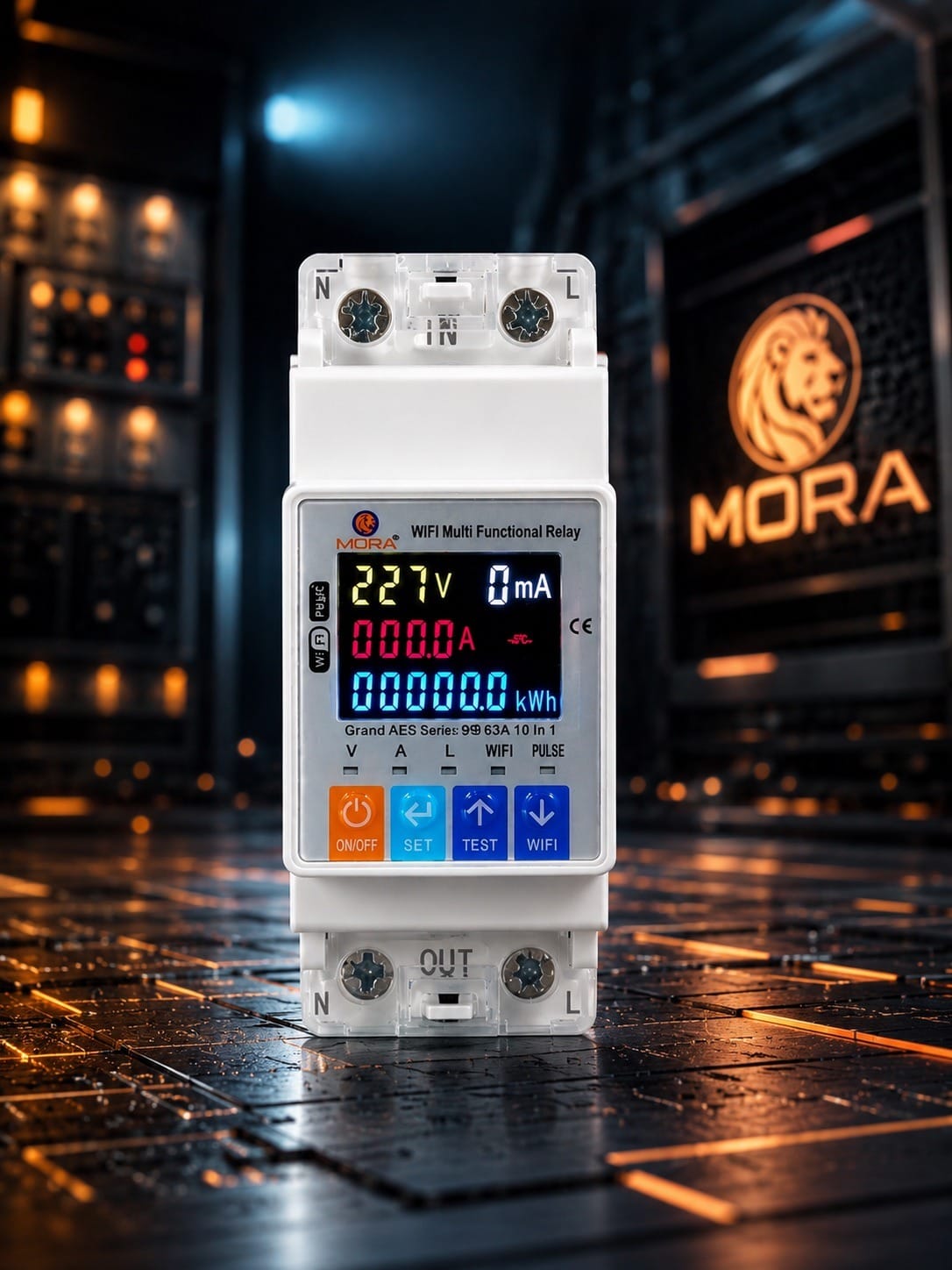
A smart Wi-Fi protection switch is a connected device that sits in your distribution box (DB) and does what a standard changeover or surge protector does, but adds remote monitoring and control via a mobile app. You can trip the main switch from your phone, check voltage readings in real time, set alerts if supply goes out of safe range, and in some cases log load patterns.
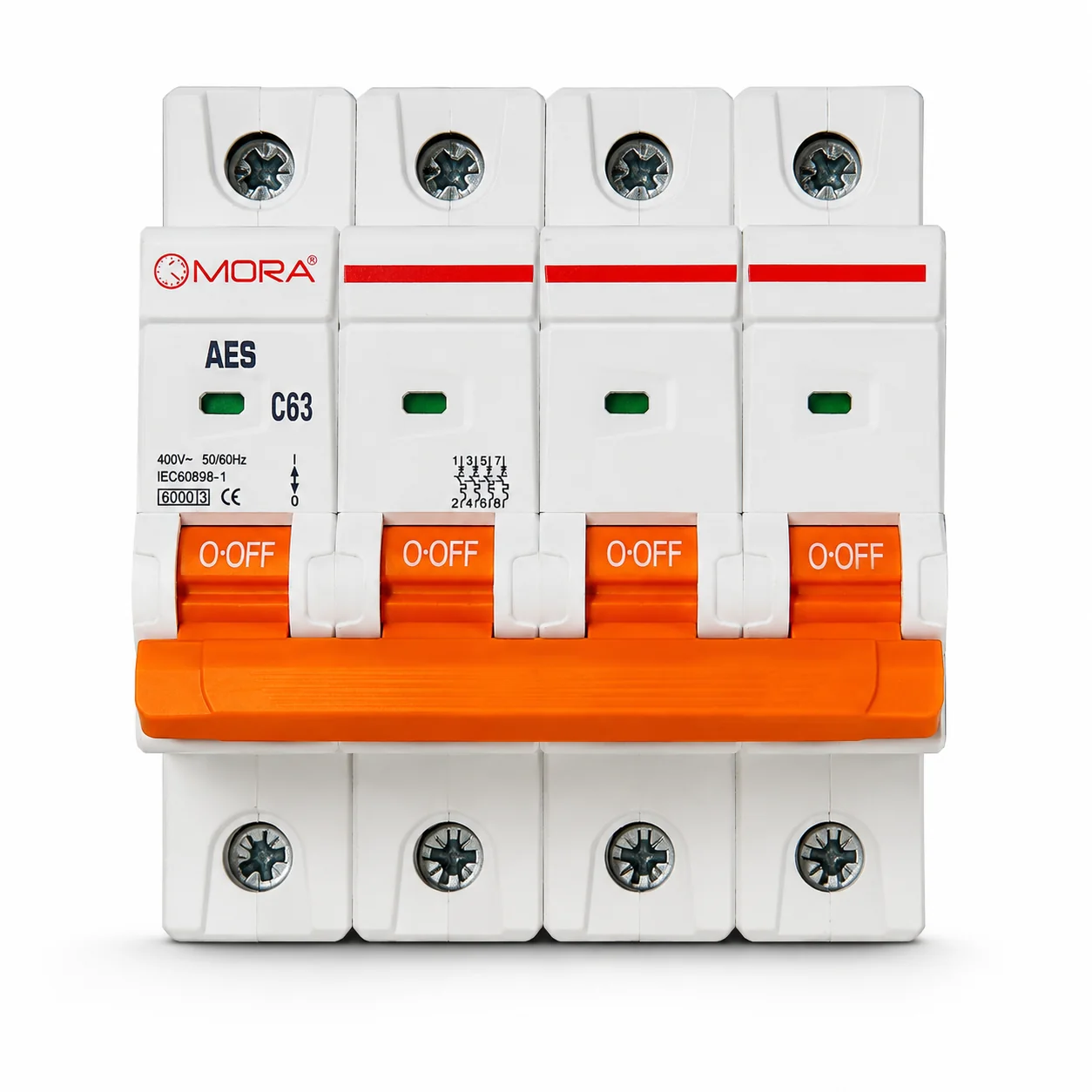
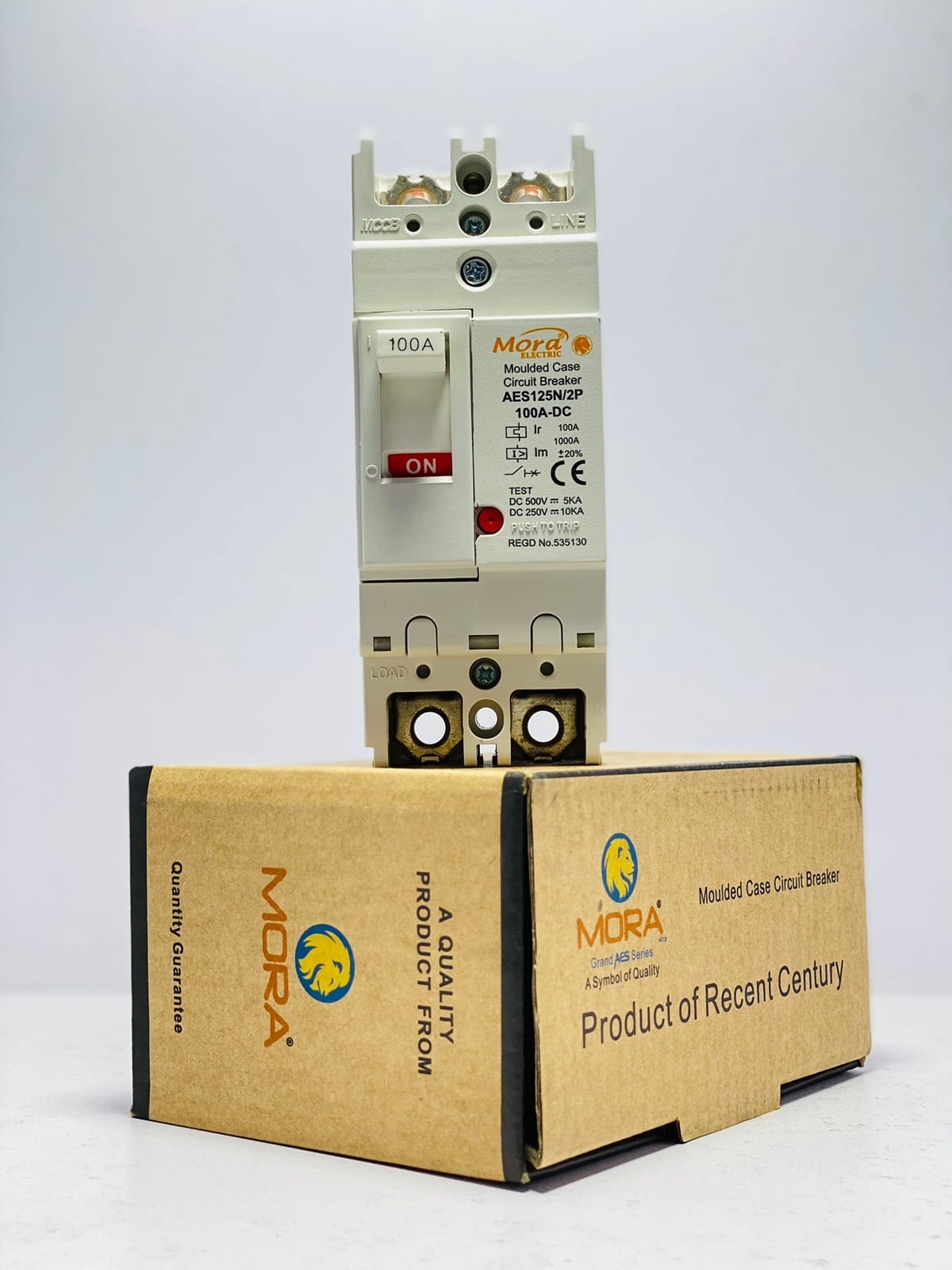
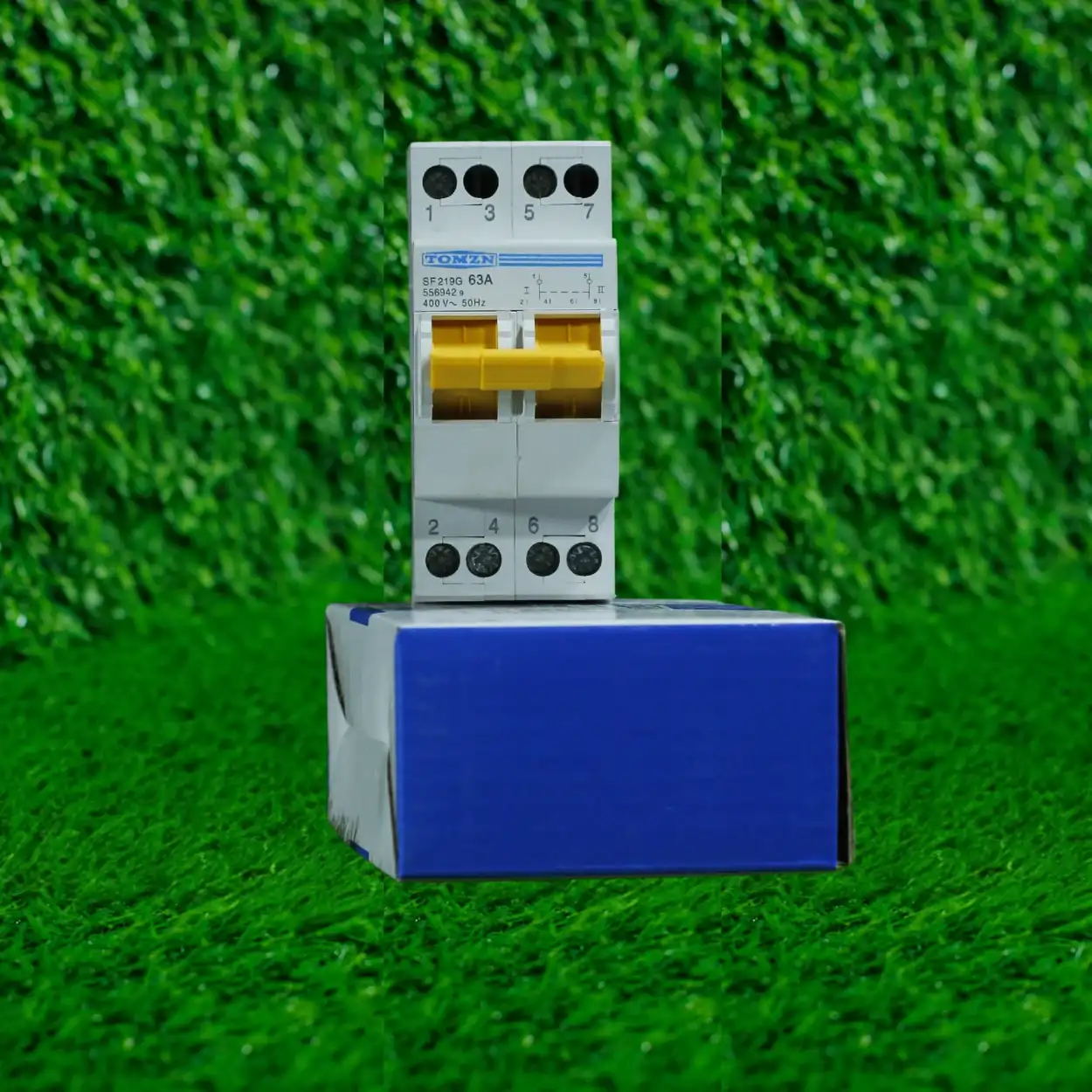
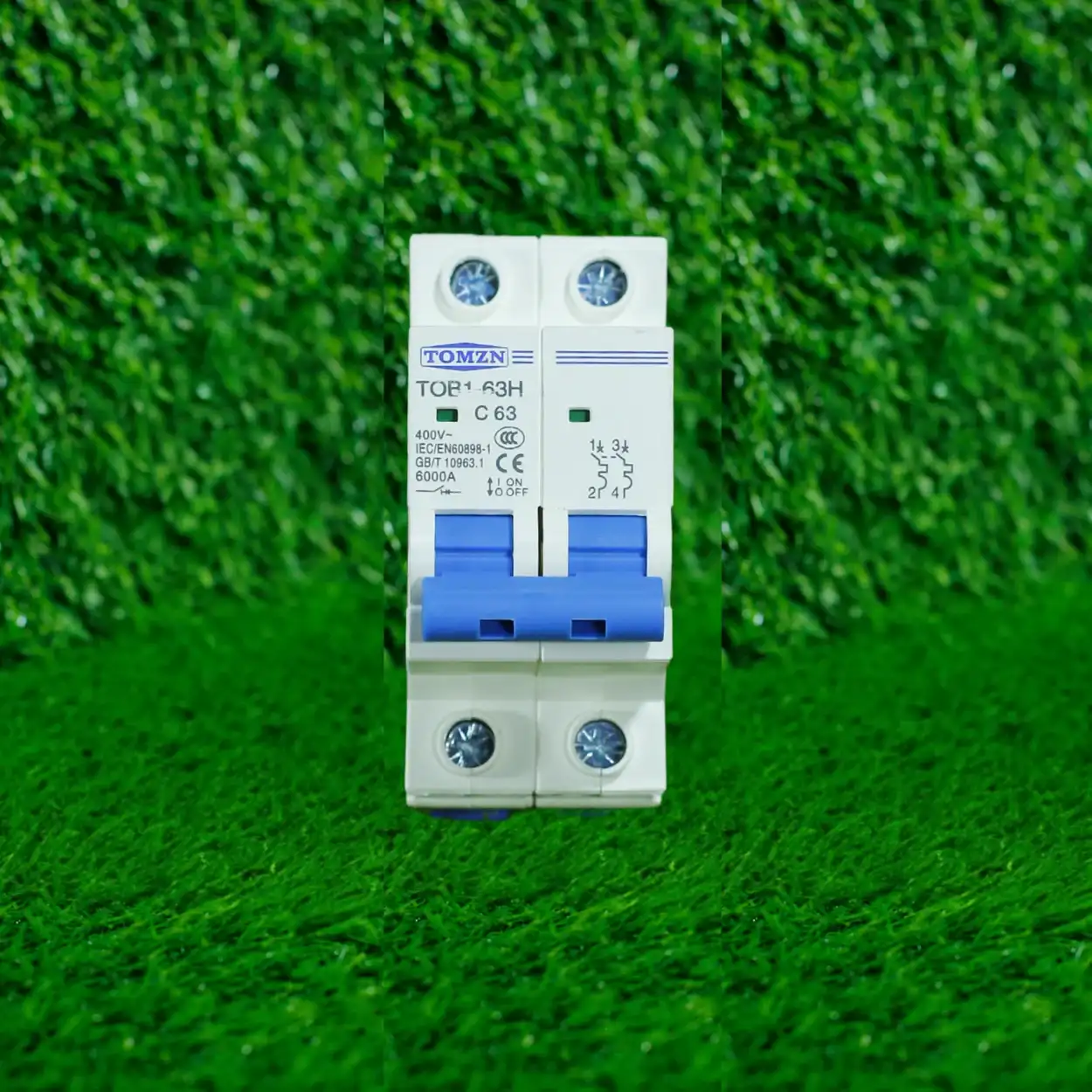
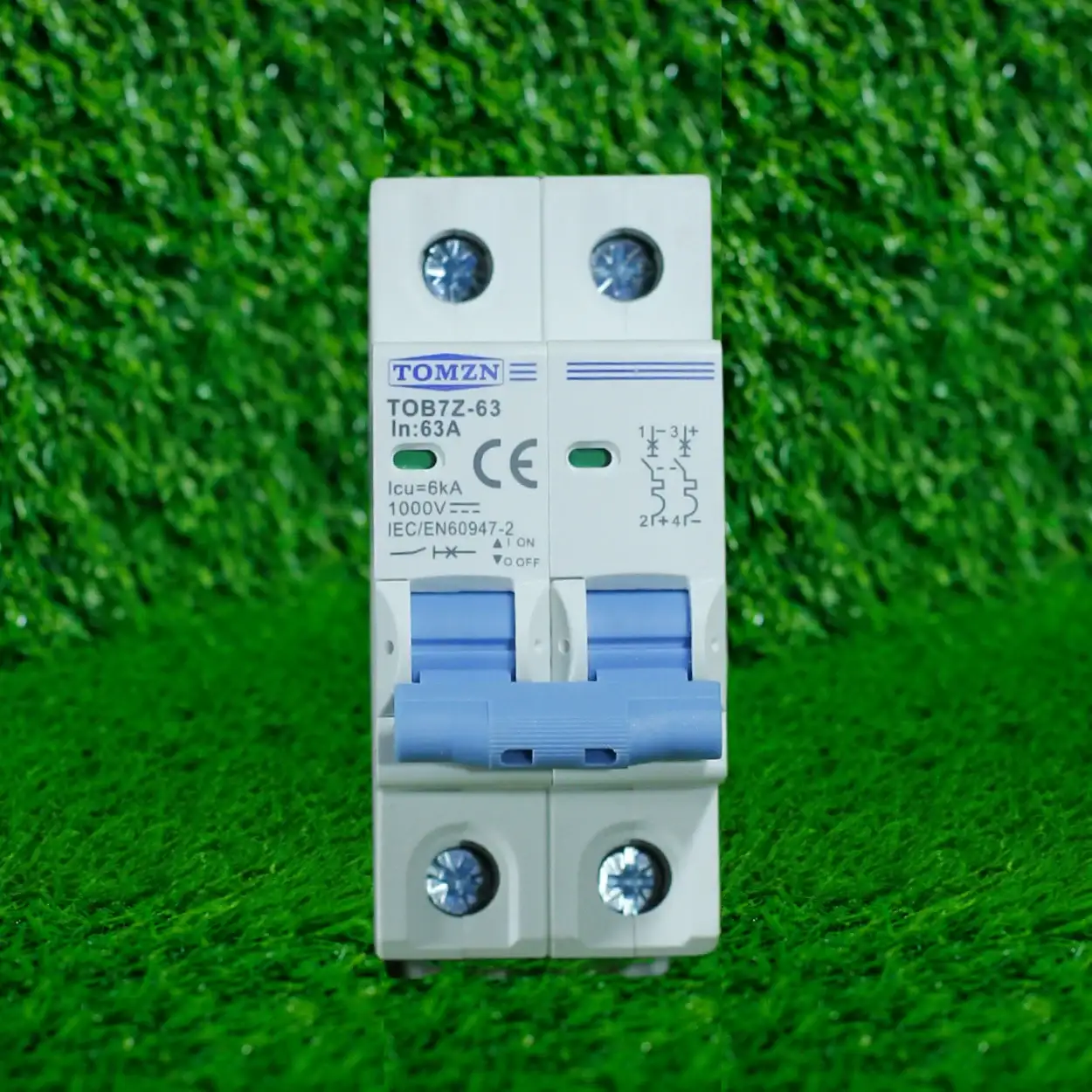
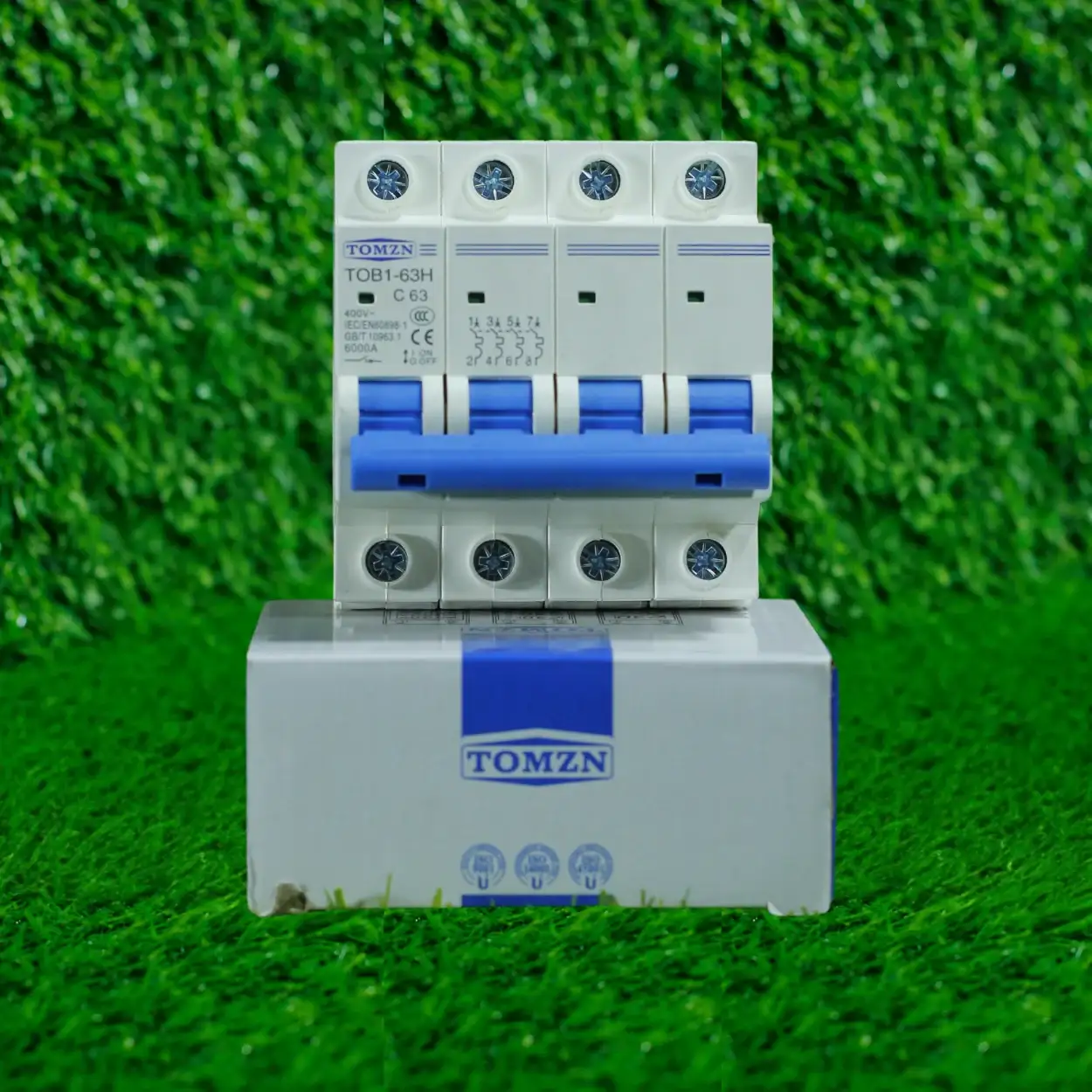
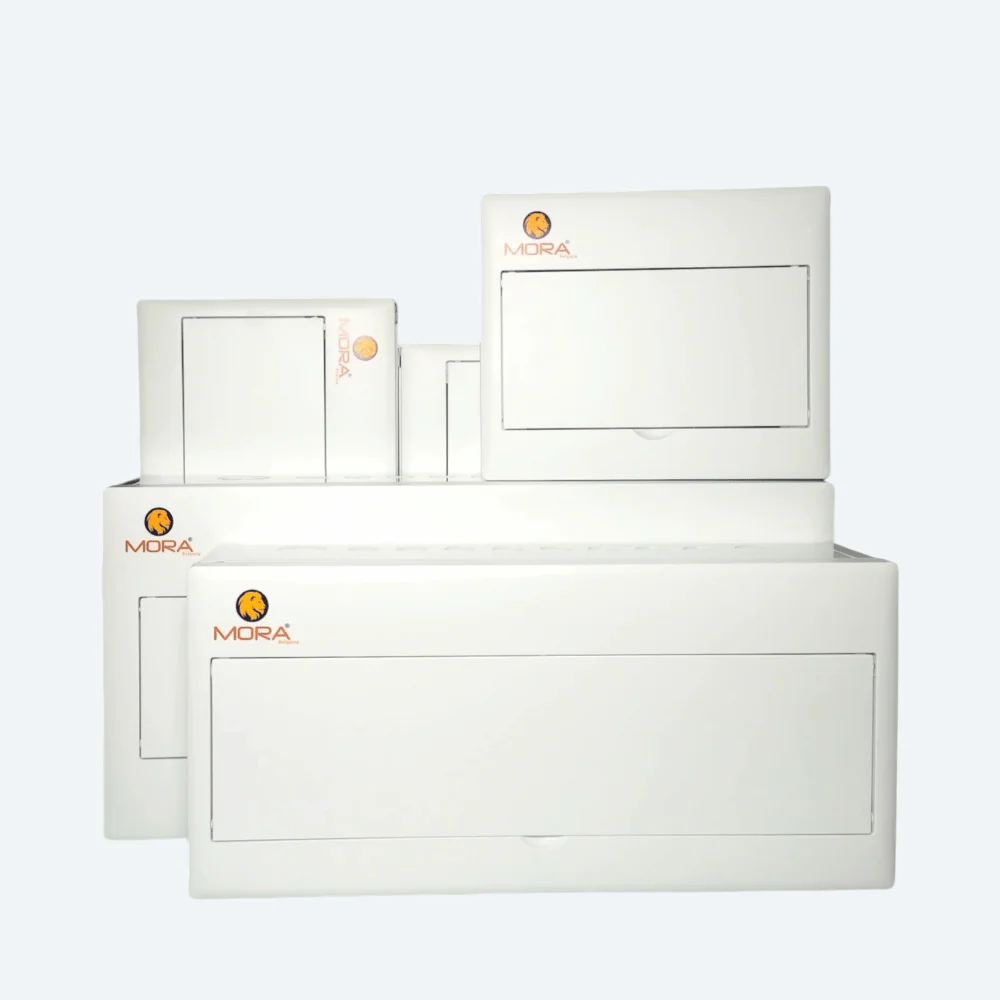
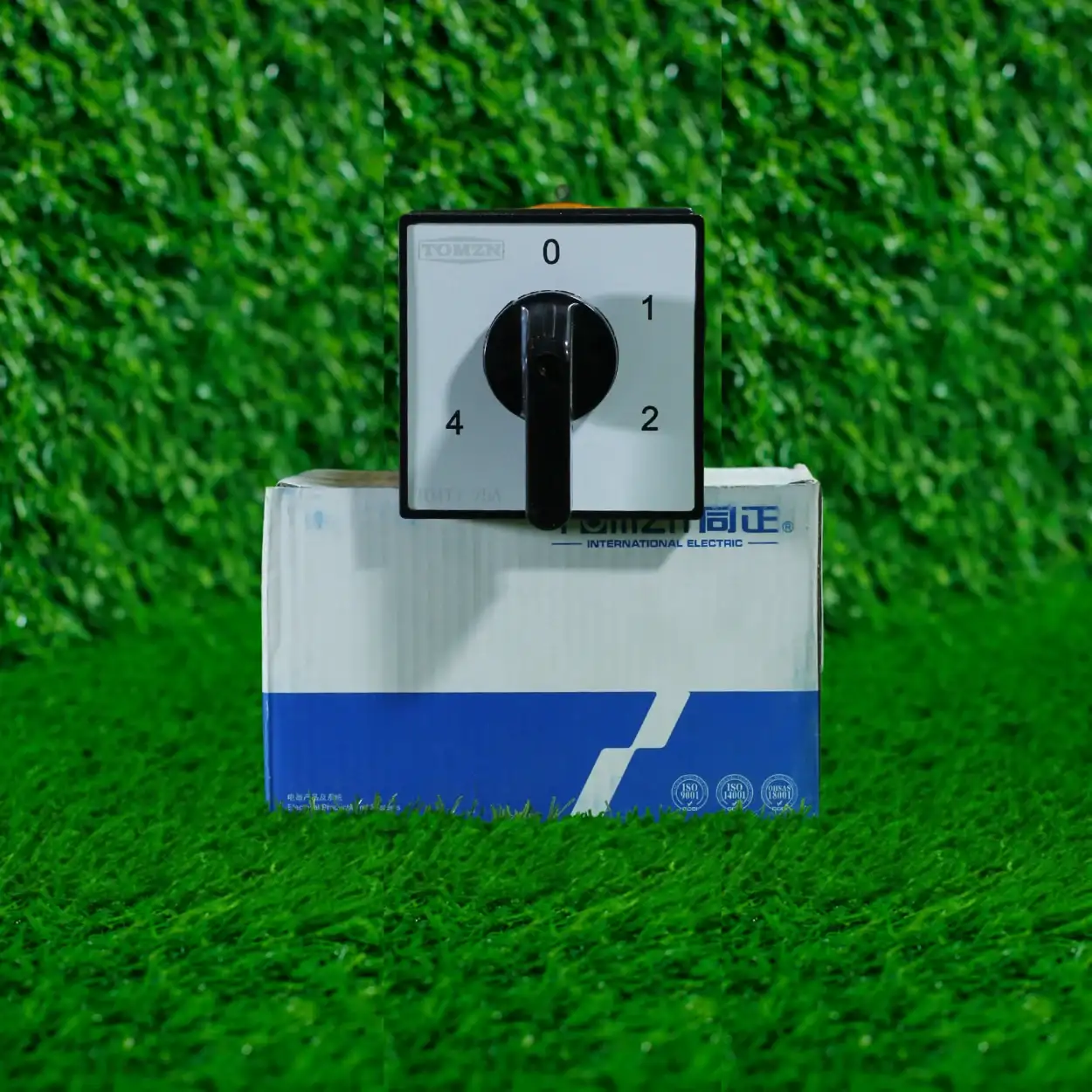
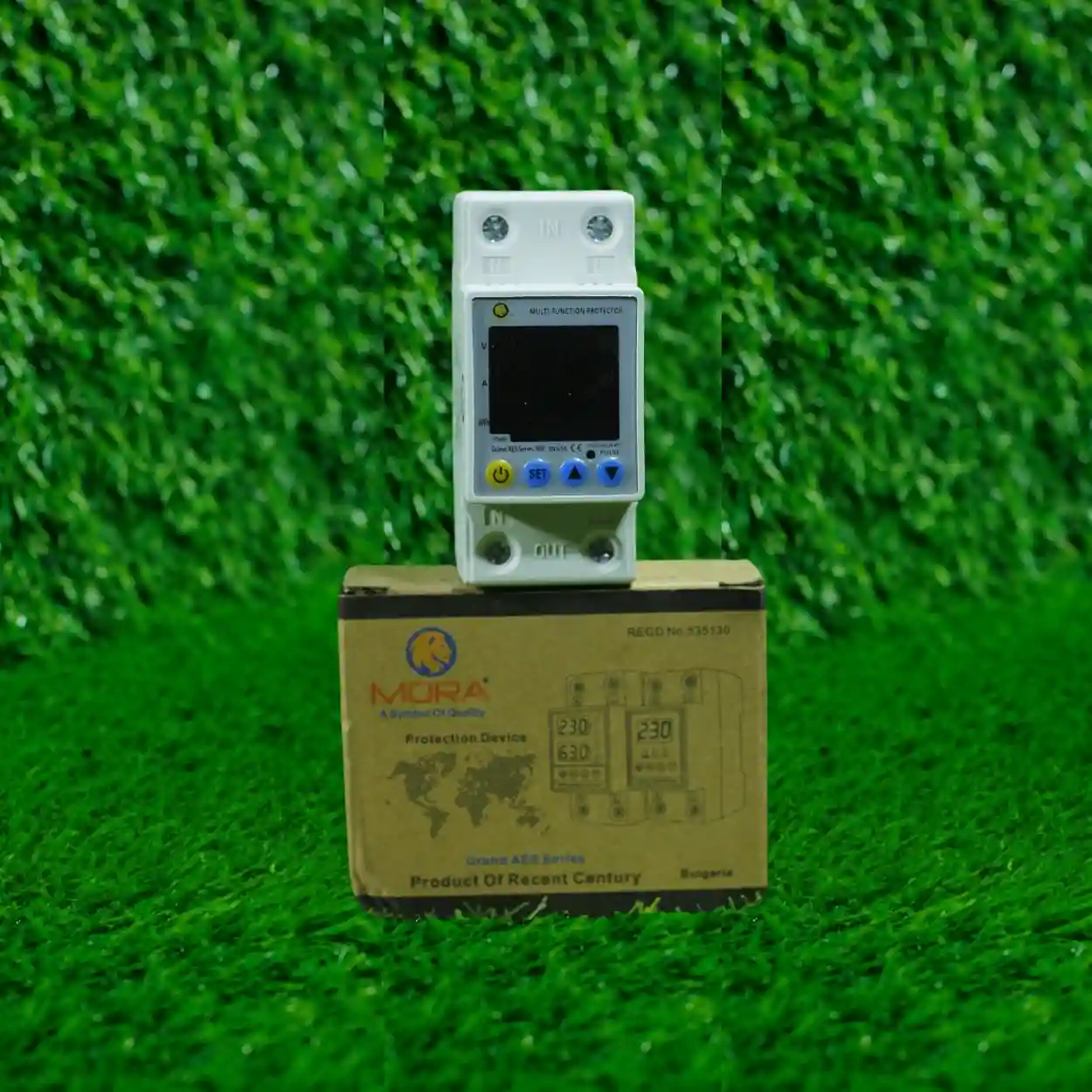
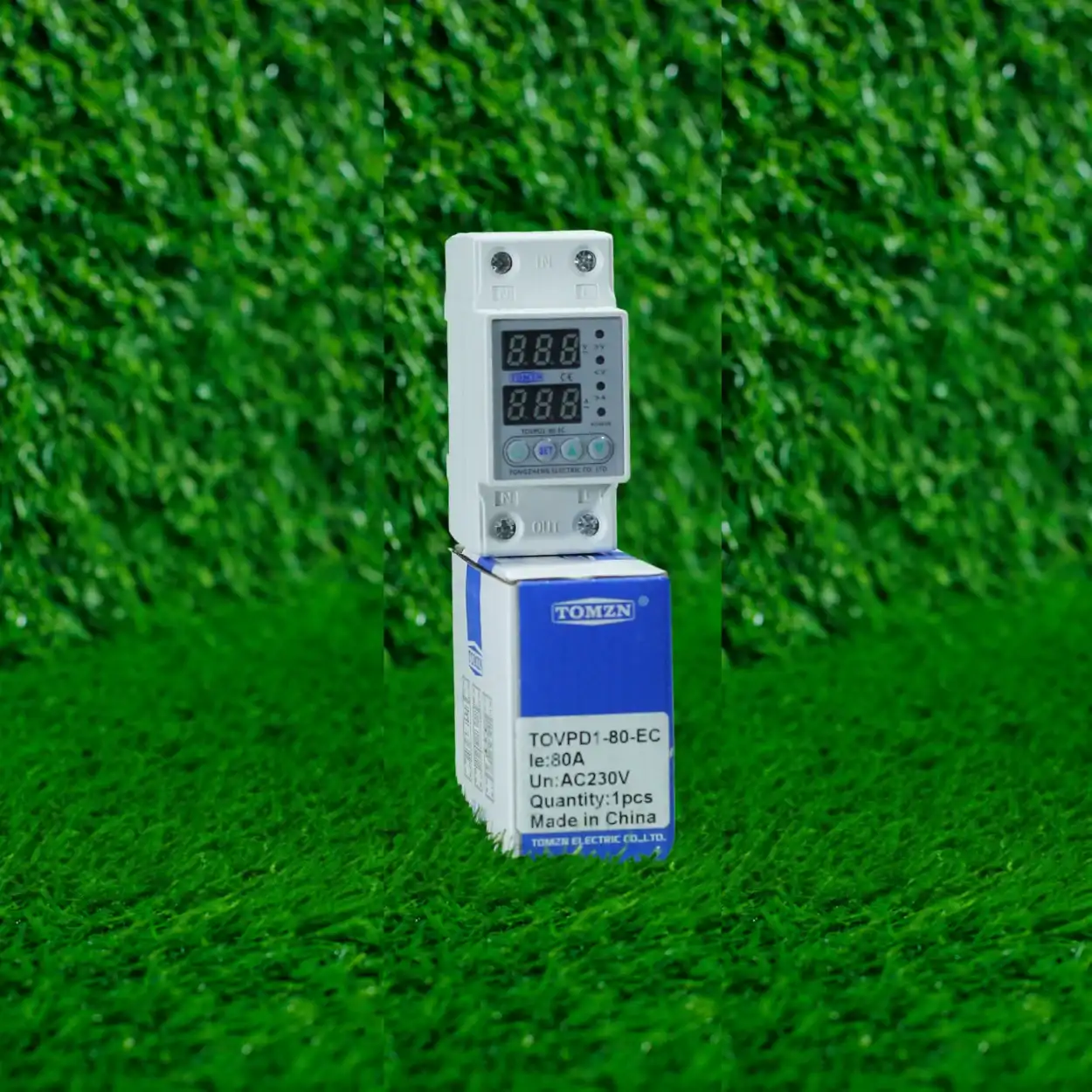
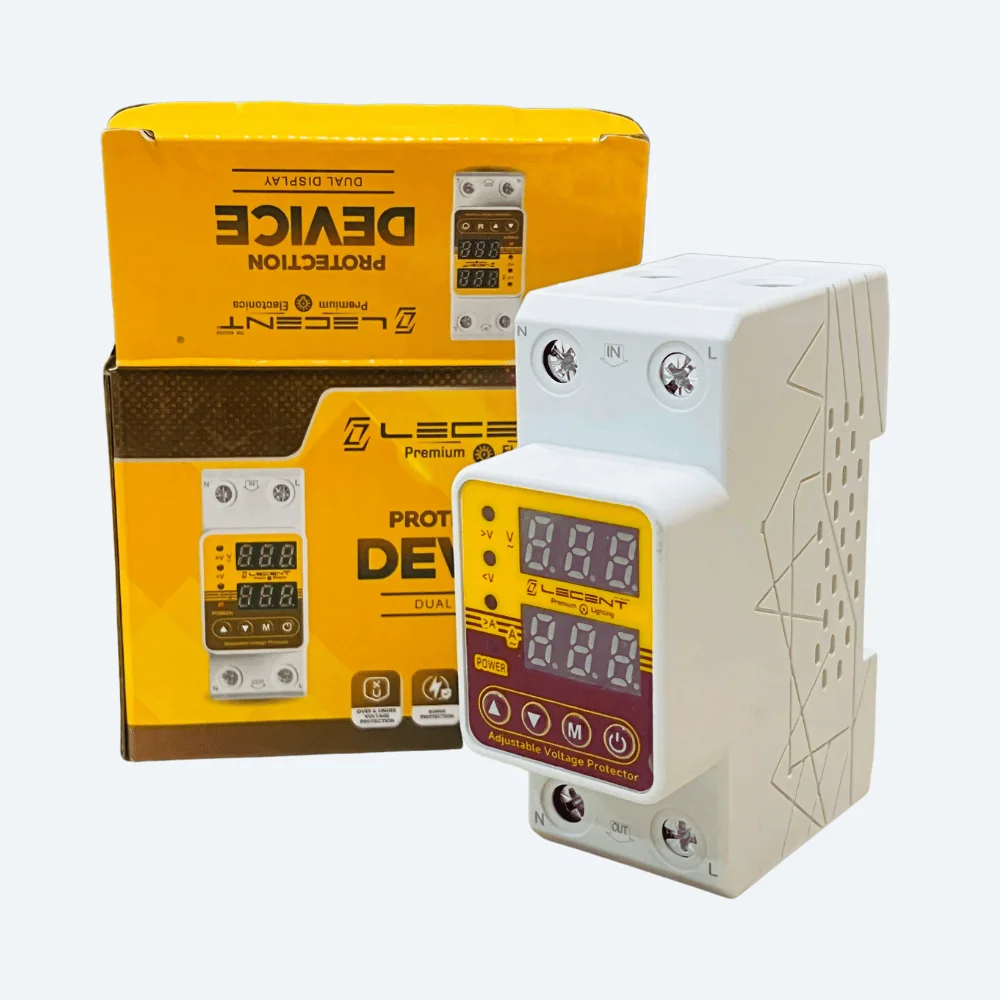
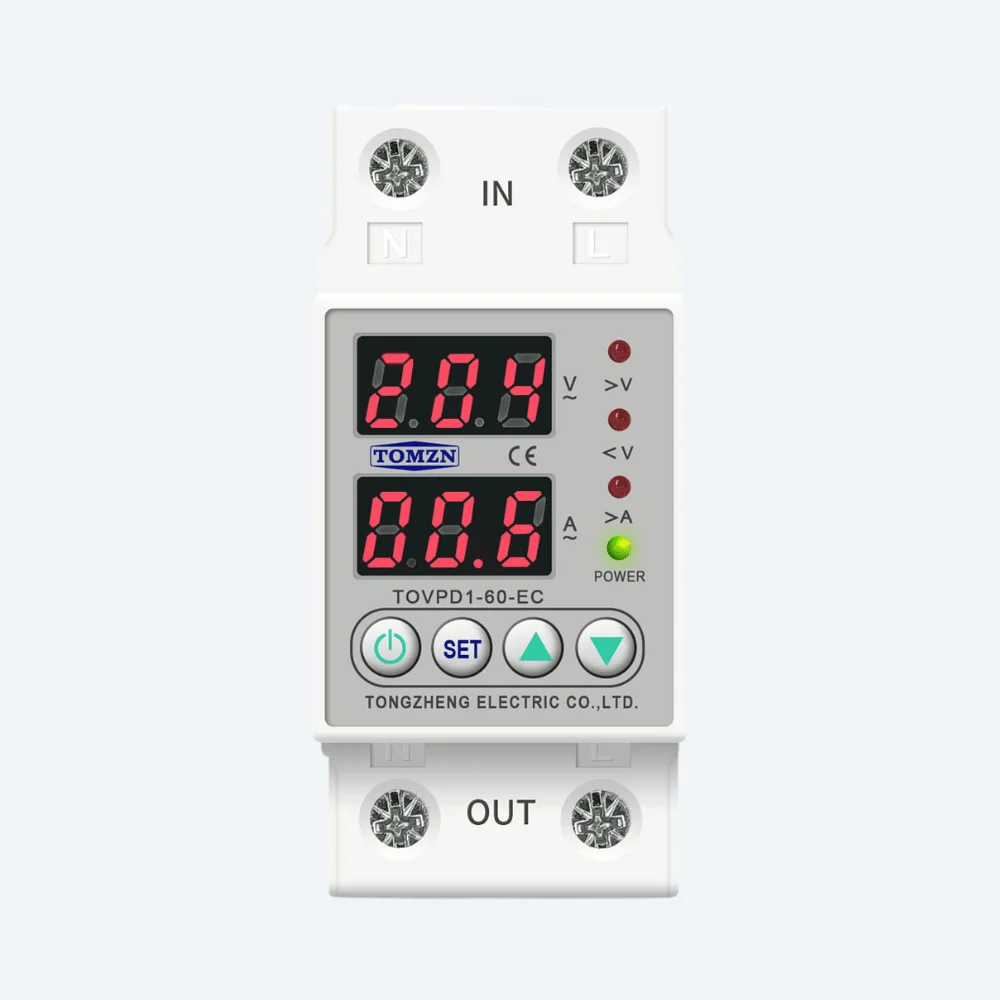
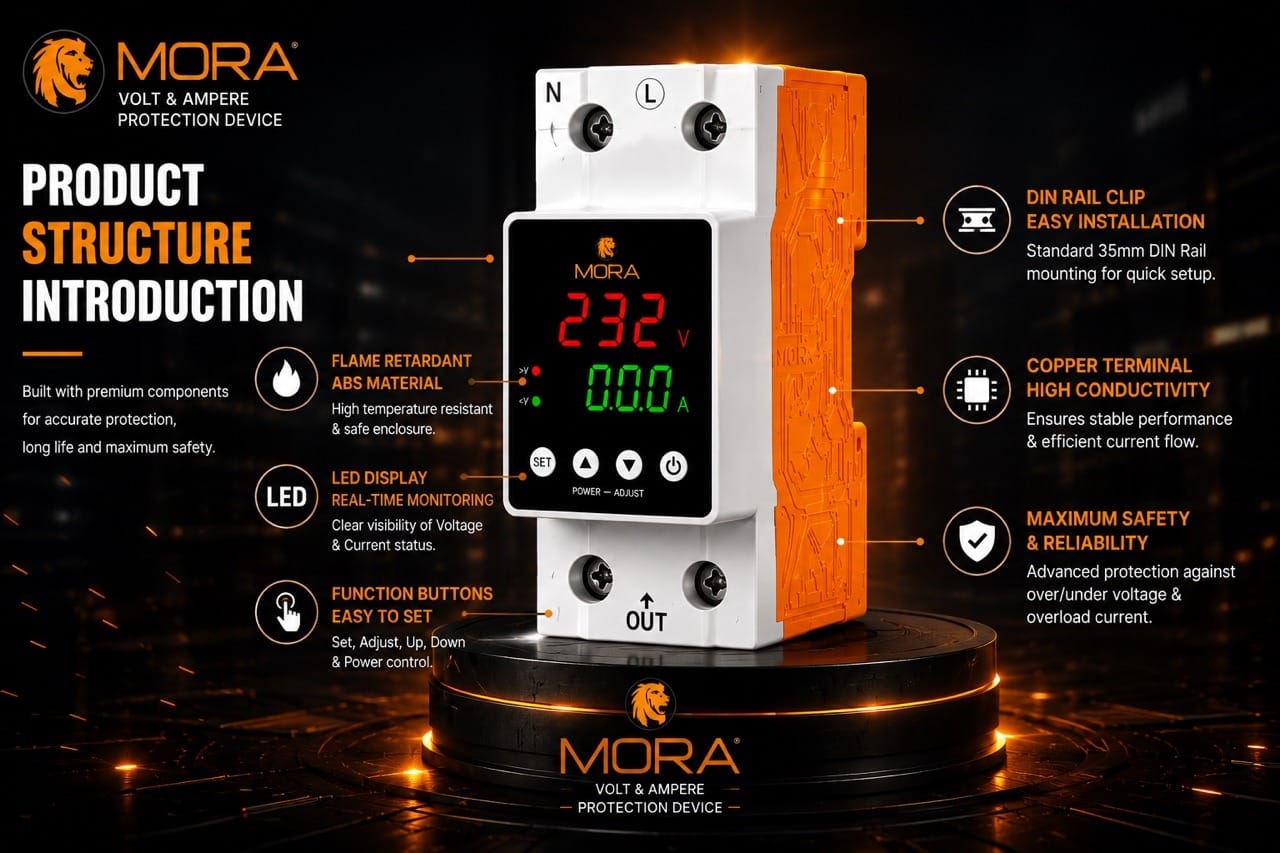
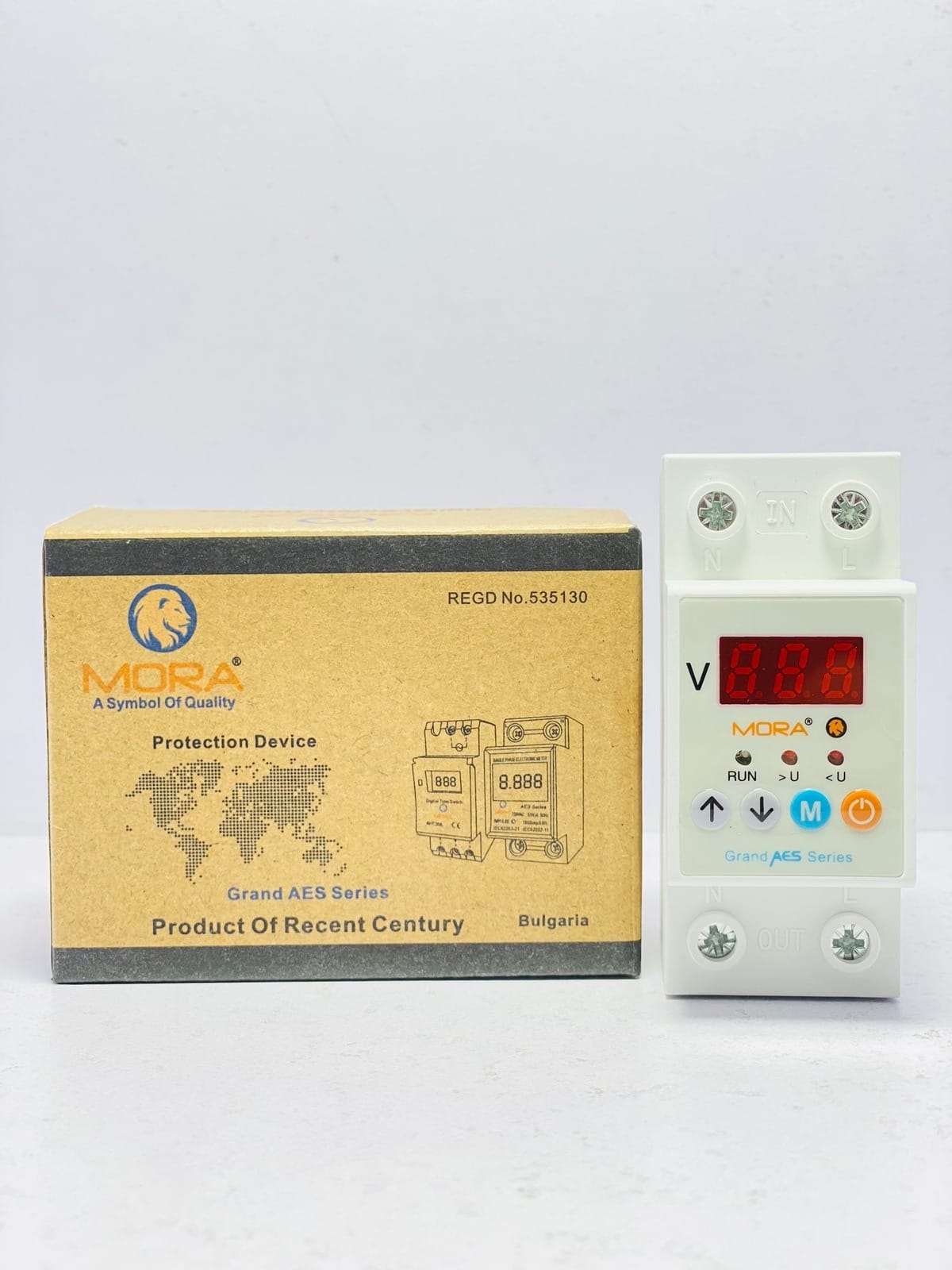
Here’s the honest part: the protection function itself isn’t smarter than a standard MORA or TOMZN breaker or ATS. The ‘smart’ part is just the data and remote control layer bolted on top. The actual switching mechanism, trip curve, and breaking capacity work the same way as a conventional device. What changes is what you know about your system while it’s running, and how quickly you can respond to faults without walking to the panel.
The Real Field Picture: When They Add Value
I’ve installed these on maybe a dozen residential jobs in Lahore over the last few years, mostly for people with rental properties, small offices, or poultry farms spread across multiple buildings. The genuine wins show up in specific scenarios.
Load-shedding cycles and ATS churn
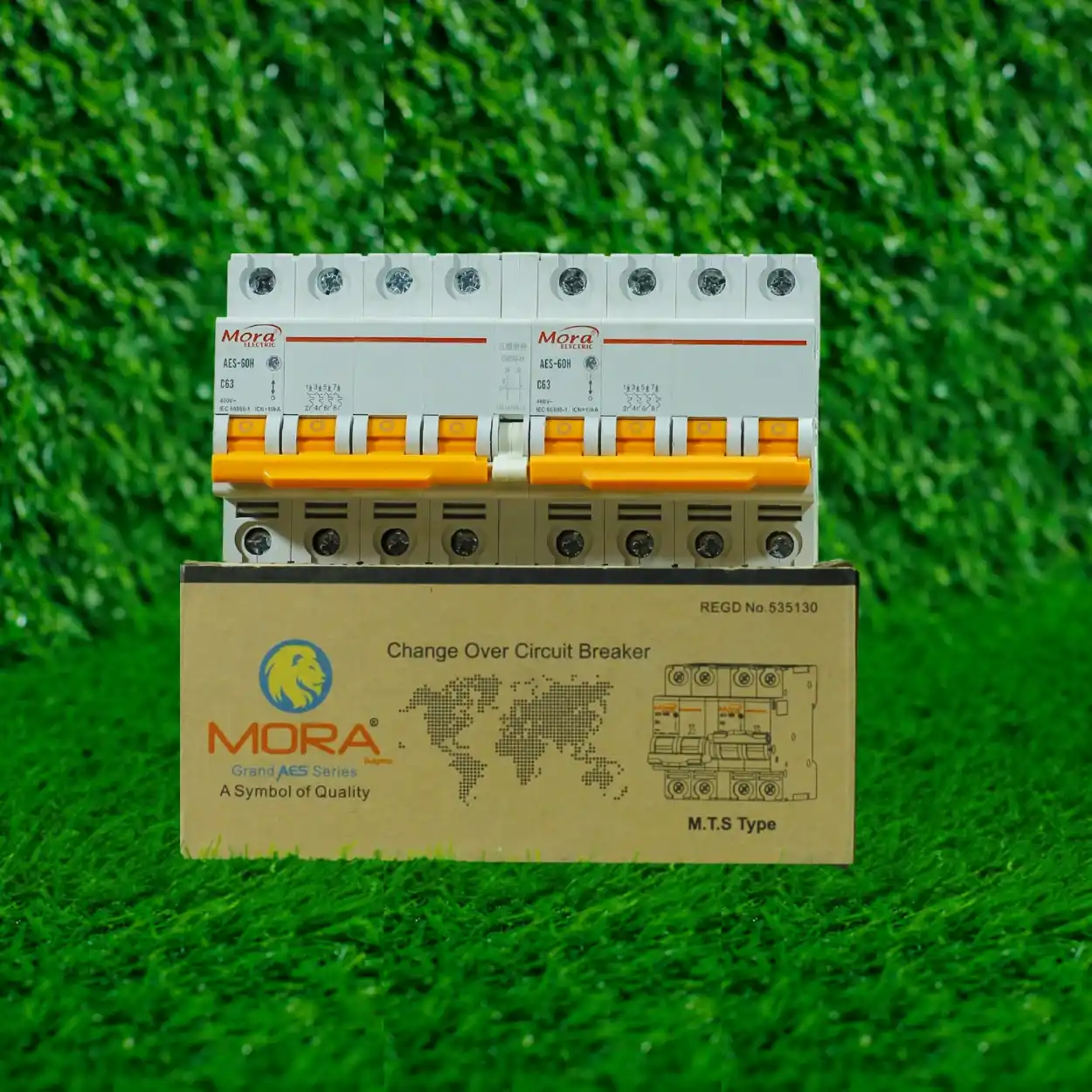
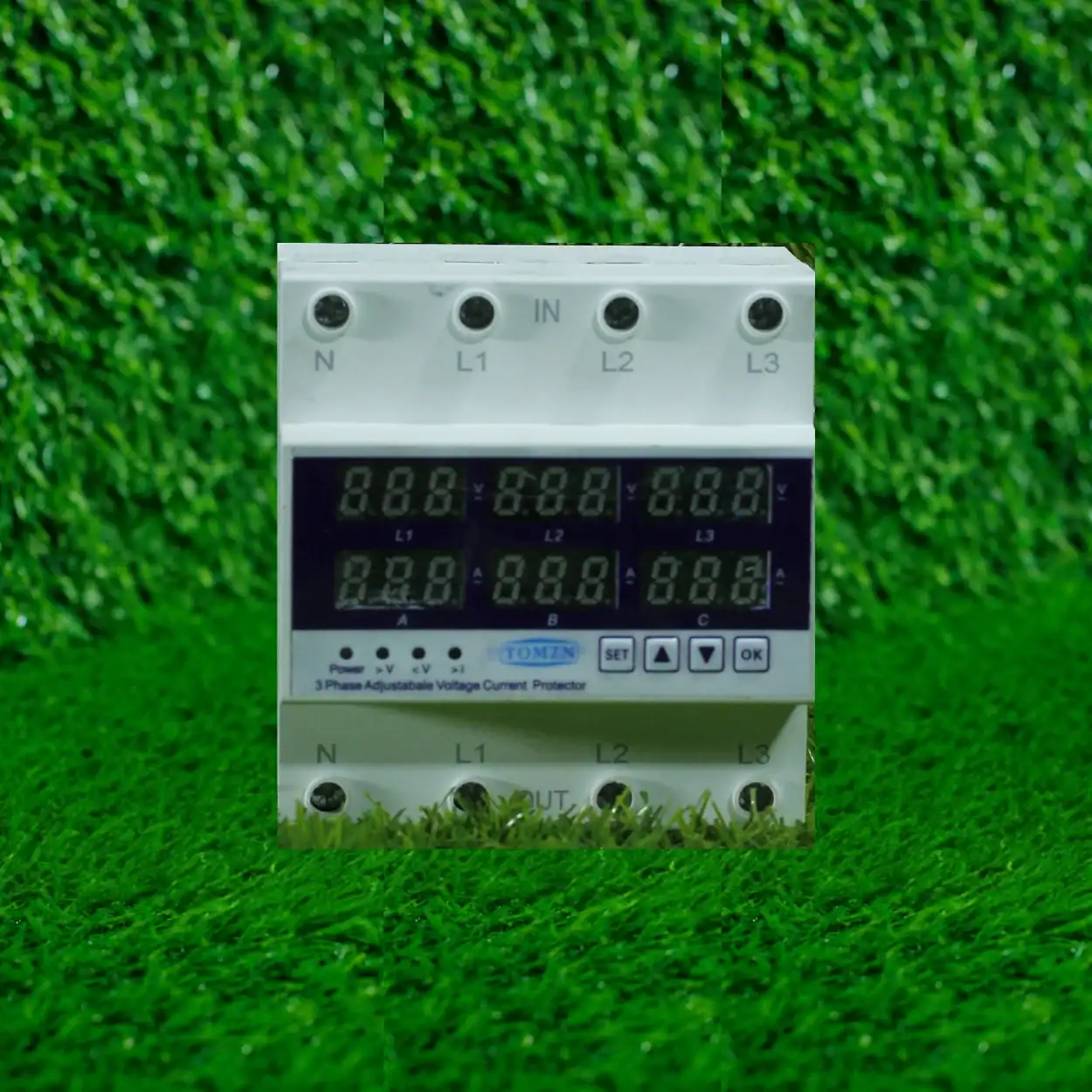
During heavy load-shedding season, an automatic transfer switch (ATS) cycles between WAPDA supply and generator or solar backup every few hours. A standard ATS does its job, but you don’t know when it’s cycling or whether it’s tripping nuisance faults due to voltage instability. With a smart ATS or monitored breaker, you get instant alerts when supply voltage dips below 190V or climbs above 245V, which tells you whether the grid issue is temporary or if you need to call your DISCO (LESCO, IESCO, K-Electric) to investigate. I’ve had customers catch their own faulty WAPDA meter this way, because the alerts showed voltage collapse only at specific times.
Remote supply checks during travel
If you own a shop, warehouse, or small factory and you’re traveling, a smart protection switch lets you verify the supply is still on and check real-time load without calling staff or making a trip back. On a few jobs, this has caught a tripped breaker due to an unattended fault (overloaded welding equipment, a short in a freezer, that kind of thing) before it became dangerous.
Voltage monitoring for sensitive equipment
Poultry farms and small manufacturing units run motors, incubators, or other equipment sensitive to voltage swings. Pakistani WAPDA supply regularly sits at 210-215V instead of the nominal 220V, and during peak hours can spike to 240V+. A smart meter or Wi-Fi-enabled protection device can log these swings over time, giving you data to show WAPDA if you file a supply-quality complaint. Several customers have used this data to justify compensation or demand taps on their transformer.
The Honest Drawbacks and Cost Reality
Now, let me tell you why most of my residential customers still opt for conventional equipment.
Price premium is real
A decent conventional 63A ATS from MORA or TOMZN costs you around 8,000 to 12,000 PKR. A smart version with genuine Wi-Fi connectivity, real-time voltage sensing, and app-based alerts runs 22,000 to 35,000 PKR or higher. That’s a 2.5x to 3x markup for features you’ll probably use rarely after the first week. Most homeowners look at that and decide they can just walk to their panel or ask a servant to check the breaker status.
App dependency and server reliability
The device needs a working Wi-Fi connection and a functioning server backend to send alerts and accept commands. I’ve seen a few installations where the app became glitchy after 18 months, or the manufacturer stopped maintaining the server and the app stopped working entirely. With a conventional breaker or ATS, you have zero dependency on cloud services. It trips when it should, period. This matters in Pakistan, where internet reliability varies and startup companies sometimes vanish.
Overkill for simple homes
If you live in a single residential unit, have one ATS, one main breaker, and a standard DB, you don’t gain much from smart monitoring. Your supply either works or it doesn’t. You either trip a breaker or you don’t. Knowing these things in real time from your phone sounds nice, but in practice, you notice when the power goes out the old-fashioned way: the lights go off.
Installation and setup friction
Smart devices require initial Wi-Fi configuration, app downloads, account creation, and sometimes firmware updates. I’ve had to spend 30-45 minutes at a site getting a smart switch talking to the app properly. A conventional breaker takes 10 minutes to install and it works forever. If you’re not tech-comfortable or don’t have reliable home Wi-Fi, this adds frustration.
What to Actually Check Before Buying
1. Does the device actually measure voltage accurately?
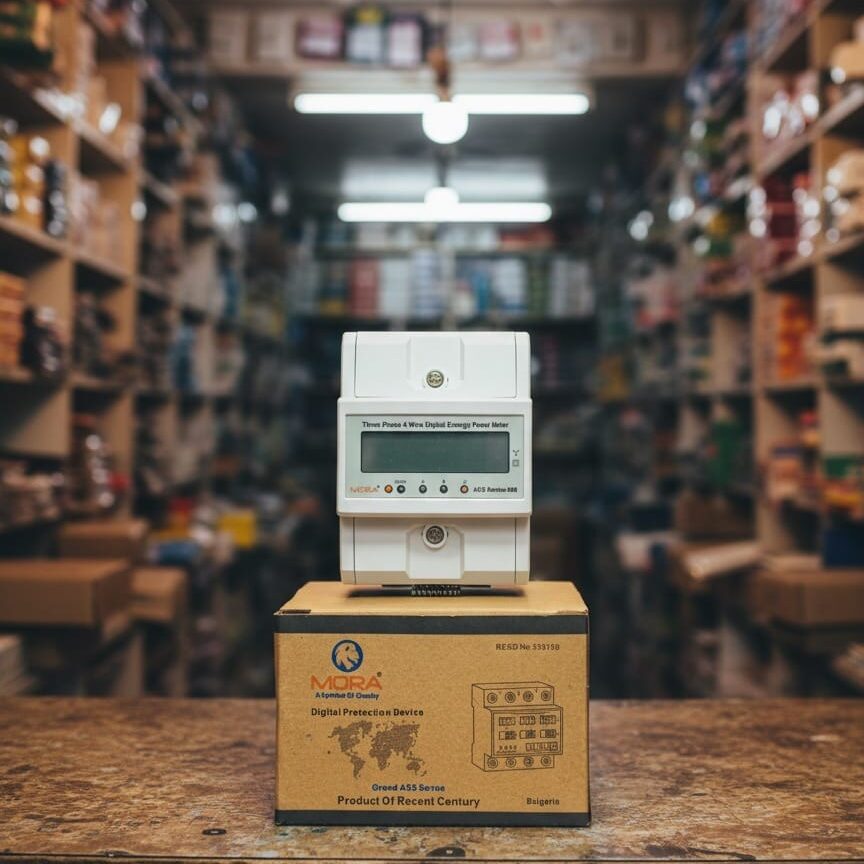
This is where I separate real products from marketing gimmicks. A smart Wi-Fi switch that logs and alerts on voltage is only useful if its voltage readings are correct. Check the device spec sheet for accuracy rating (it should be within +/- 2-3% of actual voltage). Test it alongside a reliable meter like a MORA Bulgaria digital volt meter during installation. If the app shows 215V and your meter shows 225V, that data is garbage and alerts based on it are pointless.
2. Does it integrate with your existing setup?
Smart switches come in different form factors. Some replace your entire main ATS. Others sit as an add-on monitoring device alongside your existing breaker. Some work only with specific inverter brands or solar systems. Before ordering, confirm it will physically fit your DB, that it matches your voltage and phase configuration (single-phase 230V, three-phase 380V, or both), and that it doesn’t conflict with your current protection scheme. I’ve seen jobs where a customer bought a smart device only to find it couldn’t be retrofitted without rewiring half the DB.
3. What happens when Wi-Fi drops?
The device should still protect you if the internet goes down. This is non-negotiable. A smart switch that loses its trip function because Wi-Fi is down is a liability. Any reputable product will keep baseline protection active (standard trip curves, overload shutdown, earthing fault detection) and just lose the smart features (alerts, remote control, logging). Confirm this explicitly with the seller.
4. Is the app actually maintained?
Ask the seller or manufacturer: how long has this product been on the market? Is it actively developed or is it old firmware stuck on old servers? Check if there are user reviews complaining about the app becoming unreliable after a year or two. I’ve seen cheap Chinese Wi-Fi switches where the app works great for three months and then the company abandons it. You end up with a fancy breaker that you can’t monitor anymore.
5. Does your home Wi-Fi reach the DB?
This is a practical one I ask every time. Your distribution box sits in a corner, often inside a metal cabinet, possibly outside on an exterior wall. Wi-Fi signal degrades through concrete, metal, and distance. Test your Wi-Fi signal strength at the exact location where the device will sit. If it’s weak or unreliable, you’ll lose connectivity constantly and the alerts won’t reach you. If you need to buy a Wi-Fi extender just to make this work, add that cost to your total investment.
When a Conventional Setup Plus a Basic Meter Works Just as Well
For most residential customers, I recommend a conventional 63A ATS or changeover switch paired with a good digital volt meter mounted on the inside of your DB door. Total cost: 10,000 to 15,000 PKR. You get reliable switching, you can walk over and check voltage anytime you want, and you have zero dependency on Wi-Fi or apps. If supply voltage is chronically out of range, you get a reading that proves it and you can file a complaint with WAPDA.
Smart switches start making sense when you have multiple properties, critical equipment that needs 24/7 monitoring, or you’re running a small business from a remote location. In those cases, the peace of mind and the data justifies the cost.
The Specific Brands and Models Worth Considering
If you’ve decided smart protection is right for you, focus on devices from established electrical component manufacturers, not random imported gadgets from online marketplaces. Look for brands with real after-sales support in Pakistan and devices that have been in the market for at least 2-3 years (meaning the firmware is stable and the app isn’t vaporware). Unfortunately, the smart Wi-Fi protection market in Pakistan is still small and dominated by Chinese products of inconsistent quality. Read recent reviews from actual users in Pakistan, not translated reviews from other countries where voltage standards and grid conditions are different.
As a rule, I’d rather see you buy a conventional MORA or TOMZN breaker now and upgrade to smart monitoring later if needed, than rush into an untested smart device because it looked good in a catalog.
The Bottom Line for Your Decision
Smart Wi-Fi protection switches are not a scam, but they’re also not necessary for a safe, functional electrical system. They’re a convenience and monitoring upgrade that justifies its cost only in specific situations: multi-property owners, remote business operations, systems running sensitive equipment, or sites with chronic supply-quality problems where you need timestamped data.
For a typical Lahore home with stable supply and a family that’s present most of the time, a standard ATS or MCB with a digital volt meter will protect you just as effectively. Spend your money where it matters: quality breakers, proper earthing, and wire sized correctly for your load. The Wi-Fi can wait.