








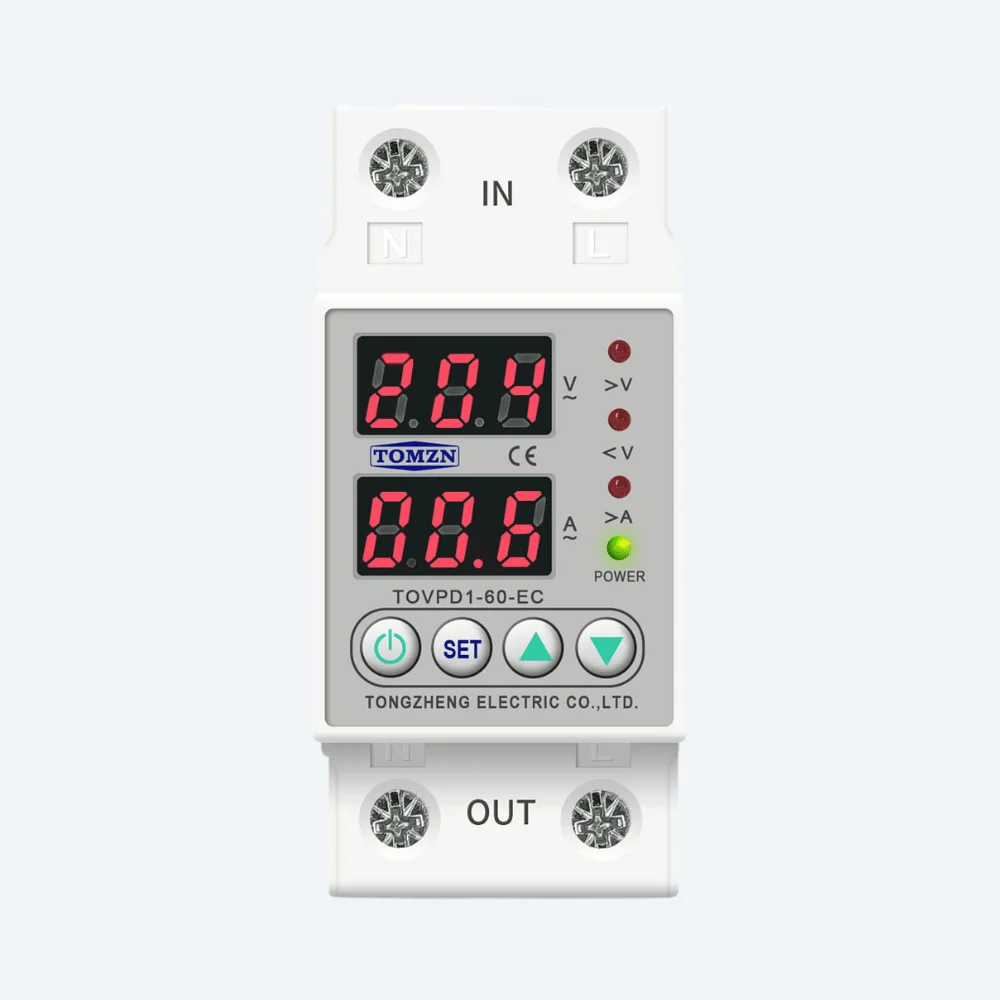
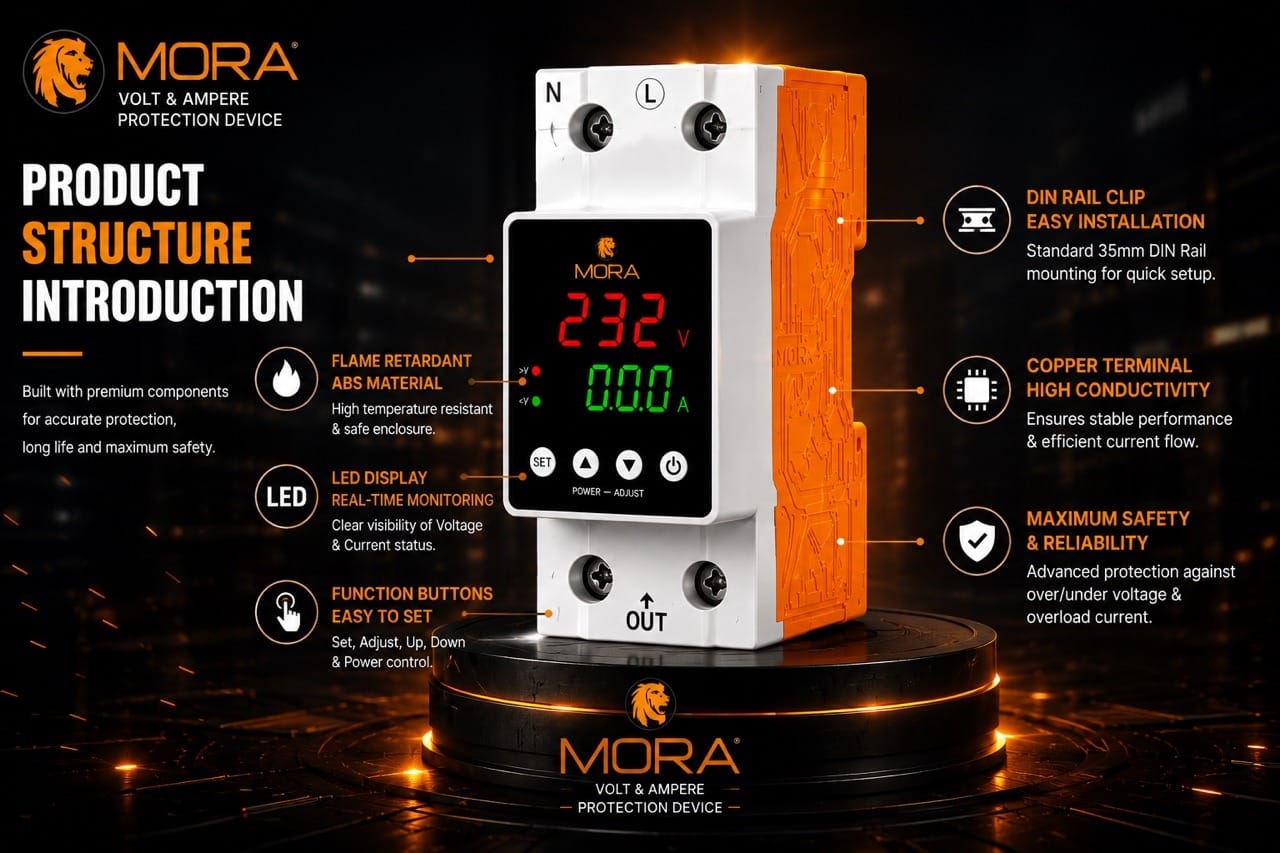

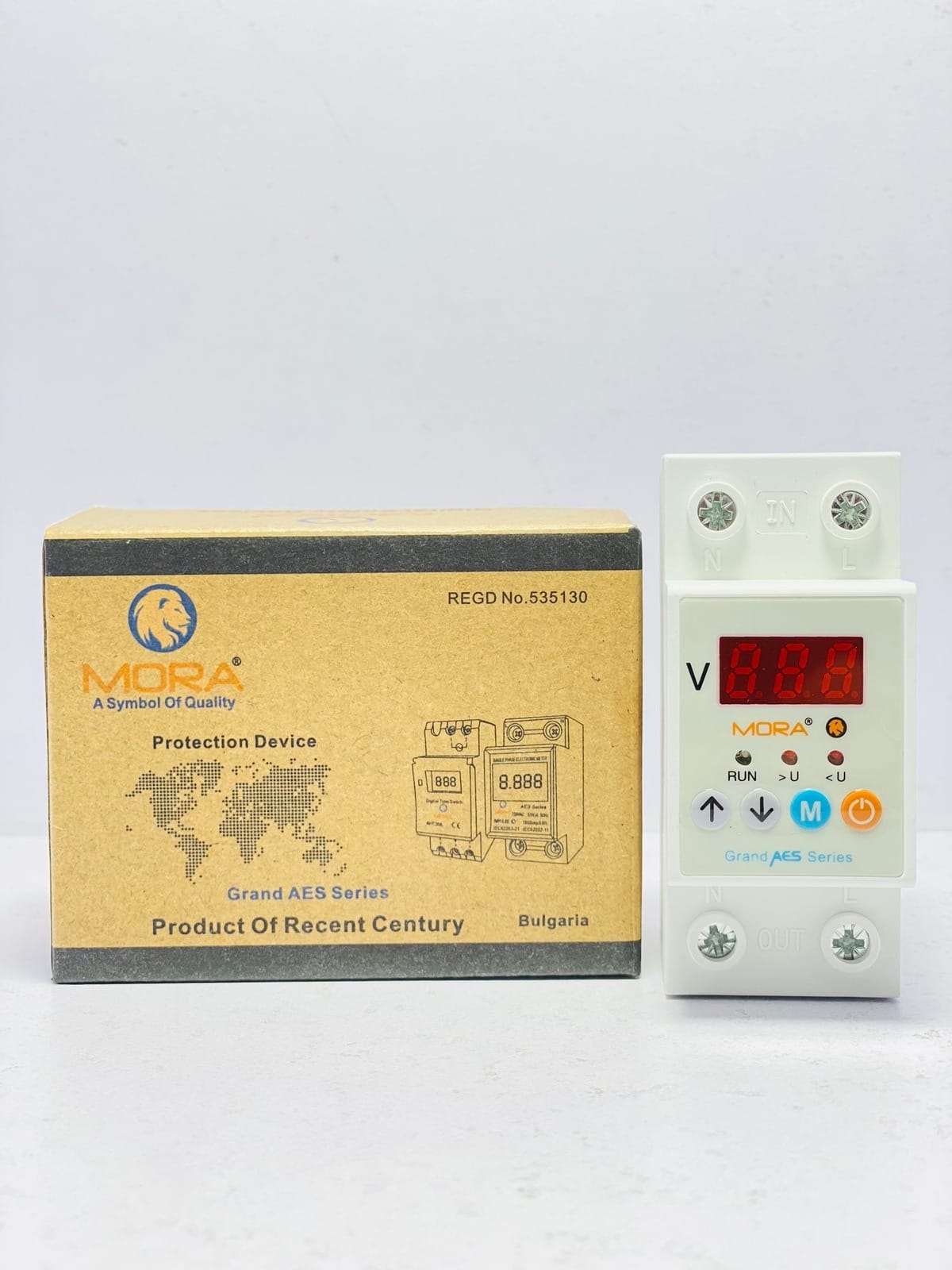
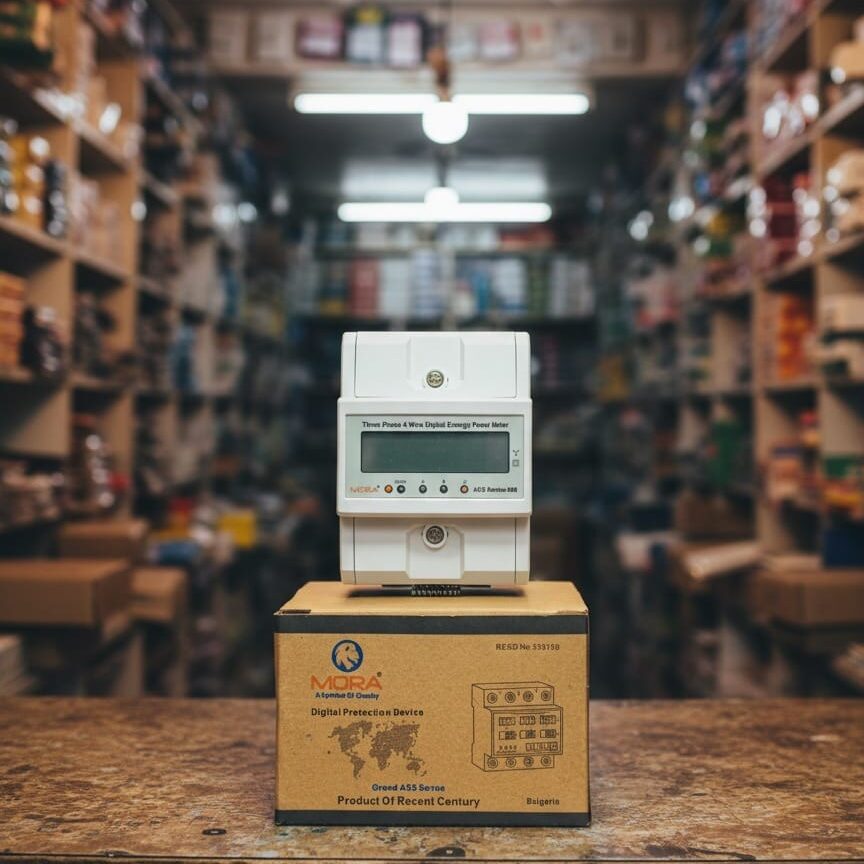

Digital Voltage Protector Error Codes Explained


What Those Blinking Lights Actually Mean
Your digital voltage protector is doing its job when it shows an error code, but if you don’t know what the code means, you’re left guessing whether to reset it, call an electrician, or buy a new unit. I’ve had customers arrive at my workshop with devices they thought were dead, when a simple fix would have brought them back online in five minutes.
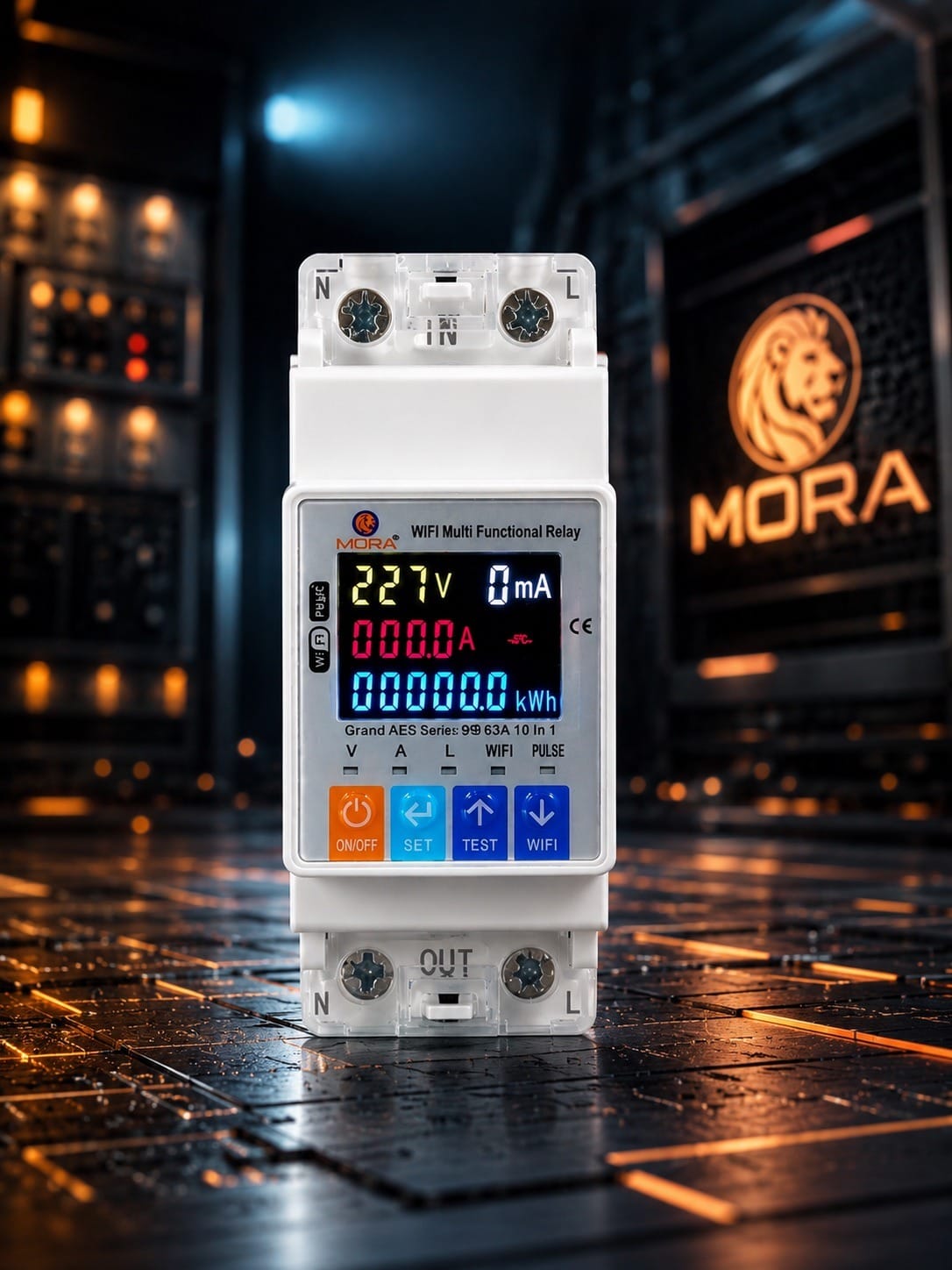
The error codes and LED patterns vary by manufacturer and model, but the logic behind them is consistent across most devices sold in Pakistan. MORA, TOMZN, and other reputable brands follow similar fault-detection sequences. Understanding what’s actually happening inside the device before you take action saves time and money.
Common Error Codes and What Triggers Them
Overvoltage Fault (OV)
This is the most common fault I see on sites across Lahore and Punjab, especially during low-load hours when WAPDA supply pushes above 240-250V on a single-phase line. Your protector cuts the output to save whatever’s connected downstream, usually your inverter, solar controller, or appliances.
Why it happens: WAPDA voltage fluctuations are a fact of life. During night hours or early morning, when demand drops, voltage can climb 10-15V above nominal 230V. Faulty transformer taps at the distribution transformer or a loose neutral connection at the pole are often the real culprits, but your protector can’t fix the supply, only protect against it.
What to do: Check the actual input voltage with a multimeter or a proper digital volt meter. If it’s genuinely above 250V, contact your DISCO (LESCO, IESCO, K-Electric, etc.) to log a complaint. If the voltage is normal but the error persists, the sensing circuit inside the protector may be faulty. Reset the device after the voltage stabilizes, wait 5-10 minutes, and see if the fault clears.
Undervoltage Fault (UV)
The opposite problem: voltage has dropped below 160-180V depending on the device’s threshold settings. This happens frequently during load-shedding hours, when large industrial loads are suddenly disconnected upstream, or when there’s a partial break in the neutral connection.
During heavy load-shedding blocks in summer, I’ve measured single-phase lines dropping to 150V or lower for hours. Your protector isn’t being fussy; that low voltage damages inverter chargers and solar MPPT controllers over time, so the shutdown is legitimate.
What to do: Verify the supply voltage at your meter. If it’s genuinely low, there’s nothing the protector can do except wait for the supply to recover. Check your meter board’s neutral connection, especially if the building is older. A corroded or loose neutral at the entry point can cause dramatic voltage sag on your phase alone while neighbors’ supplies look fine. If voltage is normal but UV errors keep occurring, the device’s voltage-sensing module needs replacement.
Overload or Overpower Fault (OL/OP)
The protector has detected current or power draw exceeding its rated capacity. On digital protectors, this usually means the load connected to the output has suddenly spiked, or a short circuit is beginning to develop downstream.
I’ve seen this triggered by an inverter charger initializing, a large motor starting (like a 1.5 HP irrigation pump), or a faulty compressor trying to draw 40-50A when it should draw 20A. Sometimes it’s a capacitor bank on an air conditioning unit failing.
What to do: Identify what’s drawing the load. If it’s a single large appliance, check whether it’s running at startup or if it’s continuously drawing high current. Many quality inverters draw high inrush current for 1-2 seconds during power-on; if the protector trips consistently at the same moment, its overload threshold may be set too low for your specific load. Consult the device manual or contact the supplier about adjusting the threshold. If the load is not abnormal, the issue may be a short or ground fault building up in a cable or appliance, which is dangerous and needs professional investigation.
Phase Loss or Imbalance (PH/IM)
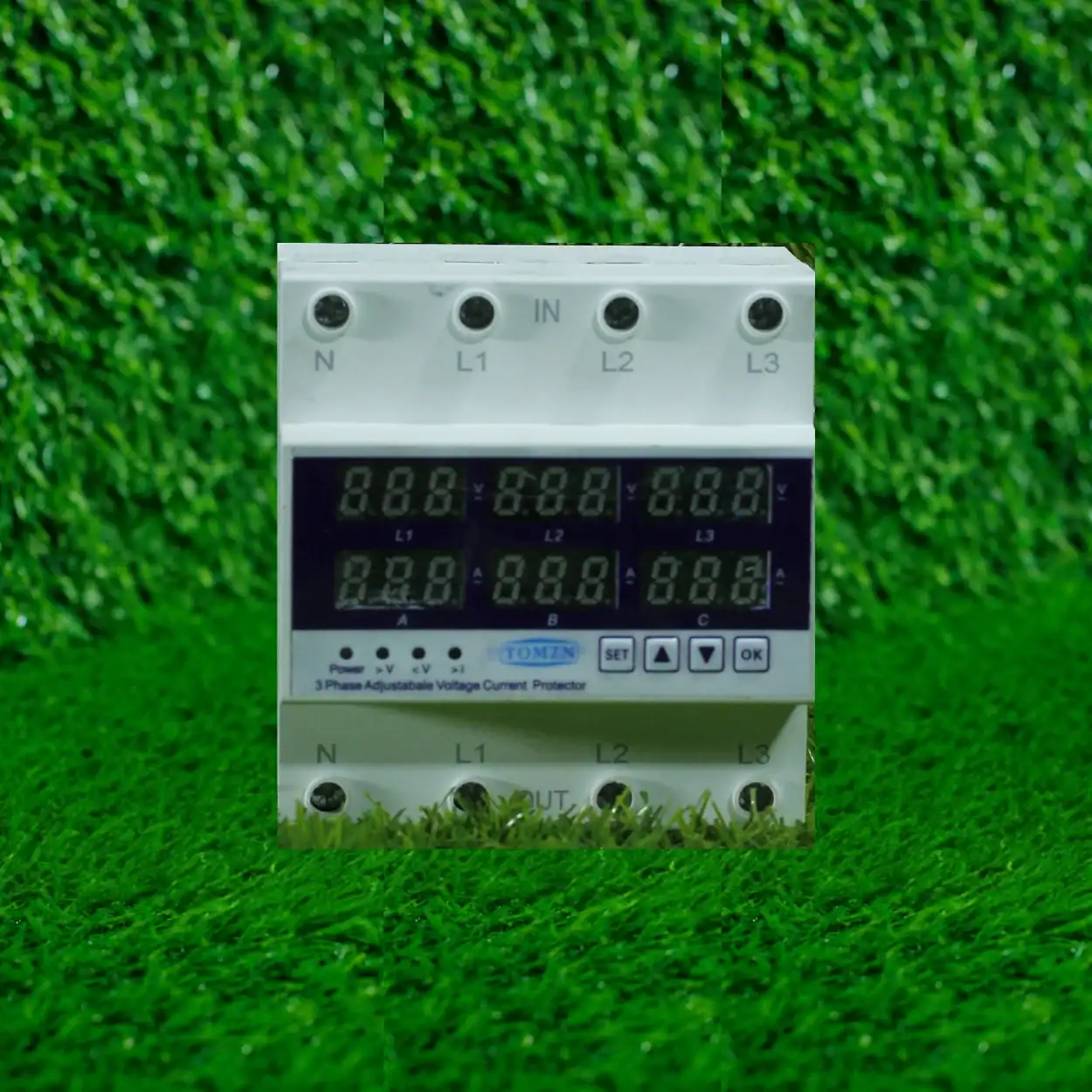
On three-phase protectors (common in commercial and poultry farm installations), this fault signals that one or more phases have dropped out, or the current draw across phases is severely unbalanced. A three-phase pump or compressor running on only two phases will overheat and damage itself quickly.
This can happen if a phase connection comes loose at the meter, a DISCO line goes down (more common than you’d think in rural areas), or a contractor has wired a single-phase load (like a large welding unit) across only one phase of a three-phase supply.
What to do: Turn off power immediately and check all three-phase connections at your meter. Use a multimeter to confirm all three phases are present and roughly equal in voltage (within 10-15V of each other). If one phase is missing or very low, contact your DISCO. If all phases are present at the meter but the protector still faults, the device’s phase-detection circuit may be faulty, or there’s an internal wiring issue in your distribution box.
Step-by-Step Troubleshooting Checklist
- Note the exact LED pattern or code displayed. Is it a steady red light, blinking red, a specific number, or a combination? Write it down or take a photo. This is your starting point.
- Check the supply at your meter. Measure voltage and current at the main switch using a proper multimeter. Does the voltage match what the protector is reporting as faulty? (Many digital protectors display the input voltage, so you can cross-check.)
- Verify what’s connected to the protector’s output. Is the load within the device’s rated capacity? If you’re running a 5kW solar inverter through a protector rated 63A at 230V (14.5kW), you’re fine. If you’re running it through a 40A protector, you’re cutting it close and inrush currents will cause nuisance trips.
- Check for loose connections. Unscrew the terminals where the input and output wires connect. Is the wire properly seated, or has it come loose from vibration or heat cycling? Loose connections create intermittent faults and can arc internally.
- Look for physical damage or heat marks inside the device. If you’re comfortable opening the enclosure, check whether any components are burned, discolored, or cracked. Do not open the device if it’s actively powered or if you’re not trained to do so safely.
- Reset the device according to its manual. Most protectors have a reset button or a procedure (turn off, wait 30 seconds, turn on). Wait 2-3 minutes after power-up before re-engaging the load to allow the sensing circuits to stabilize.
- If the fault clears and doesn’t return, log what happened. Was it a temporary supply fluctuation? A short-duration overload? Document it so you can spot patterns (e.g., always at 6pm when the air conditioner starts).
- If the fault returns immediately or doesn’t clear, the device likely has an internal fault. The sensing module, relay, or switching circuit is faulty and needs replacement.
Fault Codes That Mean Replace the Device
Some error codes indicate internal hardware failure, not a supply or load problem. If your protector displays a consistent fault code while the supply voltage is normal and the load is reasonable, these typically mean the device itself is damaged.
A stuck relay, a burned-out sensing circuit, or a failed microcontroller can’t be reset into working again. I’ve seen this happen after power surges (lightning strikes or extreme WAPDA spikes), thermal stress from sitting in direct sunlight in a poorly ventilated panel, or simply age after 8-10 years of continuous duty cycling during load-shedding.
Before replacing, confirm your original diagnosis: measure the actual supply voltage and current with an independent meter, and verify the load is normal. If everything looks correct and the protector still faults, replacement is the only solution. Trying to force a faulty protector online risks damaging whatever it’s supposed to protect.
Prevention: Keep Faults From Happening
Regular maintenance cuts the number of fault calls significantly. Every 6-12 months, depending on how heavily loaded your system is, spend 15 minutes checking your protector’s installation.
Ensure the device sits in a cool, dry location with good airflow. If your panel is mounted in direct sun or in a hot room, the internal components age faster and sensing circuits become unreliable. I’ve seen devices fail prematurely when installed inside a cramped equipment closet in summer heat.
Check that input and output terminals are tight. Heat cycling from daily power on/off cycles causes metal to expand and contract; terminals that were tight last year may have loosened this year. Use a torque screwdriver if you have one, or simply ensure the wire moves only minimally when gently tugged.
Keep a log of faults and when they occur. If your protector faults every evening around 7pm, that’s a supply pattern issue, not a device fault. If it faults randomly, it’s more likely to be a device problem. This information helps a technician diagnose correctly instead of guessing.
If you’re installing a new protector, choose one with capacity slightly above your peak load (typically 20-30% headroom is sensible, not 100%). An oversized protector won’t protect you effectively; an undersized one will trip on every heavy load. Most quality brands like MORA publish detailed datasheets with load recommendations, so read them before buying.
For solar installations, make sure your protector is rated for DC as well as AC if you’re installing it on the AC side of an inverter. Not all voltage protectors handle the switching noise and harmonics that inverters produce. If you’re unsure, ask your supplier whether the device has been tested with inverters in your wattage range.
If you’re dealing with frequent overvoltage or undervoltage faults despite normal supply at the meter, consider installing a proper surge and voltage protection device upstream. Some sites have chronic instability from poor DISCO infrastructure, and a dedicated stabilizer or conditioner is a better long-term solution than constantly resetting your protector.
Error codes are your device’s way of saying something’s wrong before it damages your equipment. Learning to read them correctly turns you from a person who panics and buys a replacement into someone who actually fixes the problem.