









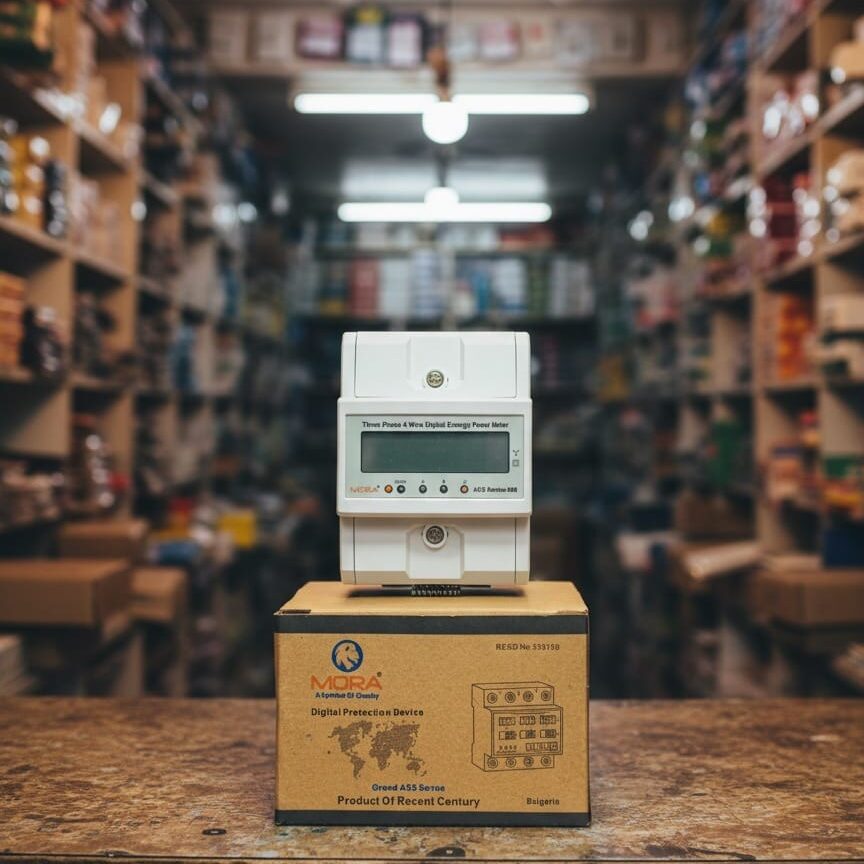

63A vs 80A Wi-Fi Protector: What Load Actually Needs Which?

The mistake most people make: confusing panel size with load capacity
I see this almost every week on residential jobs in Lahore. A customer gets a new house, looks at the breaker in their distribution box, sees it says 63A, and assumes that’s what they need in a Wi-Fi protector. Or they’ve heard that 80A is ‘safer’ and order that instead. Neither calculation works that way. Your Wi-Fi protector ampere rating has nothing to do with what your WAPDA bill shows or what the main breaker is sized at. It depends entirely on what you’re actually plugging into it.
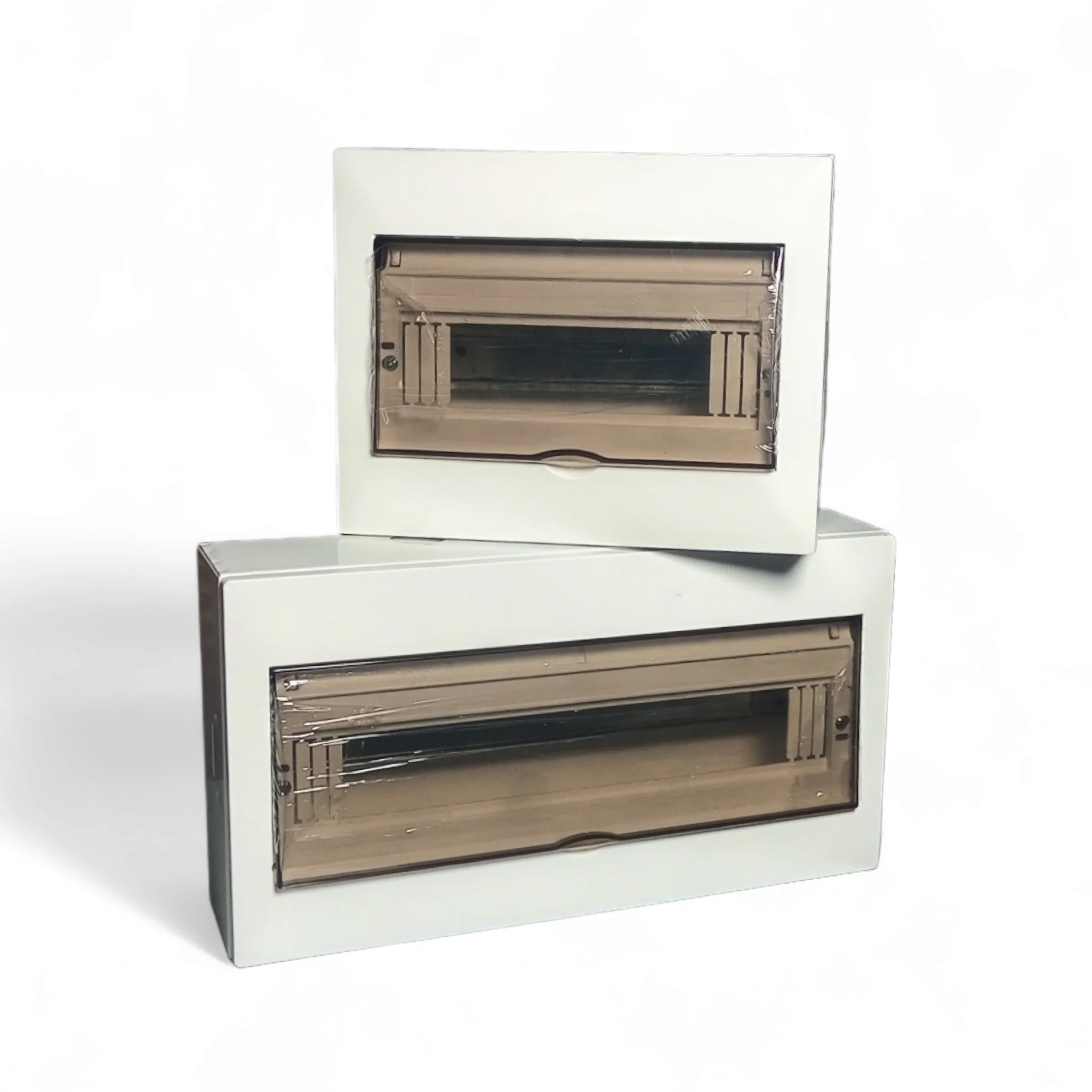
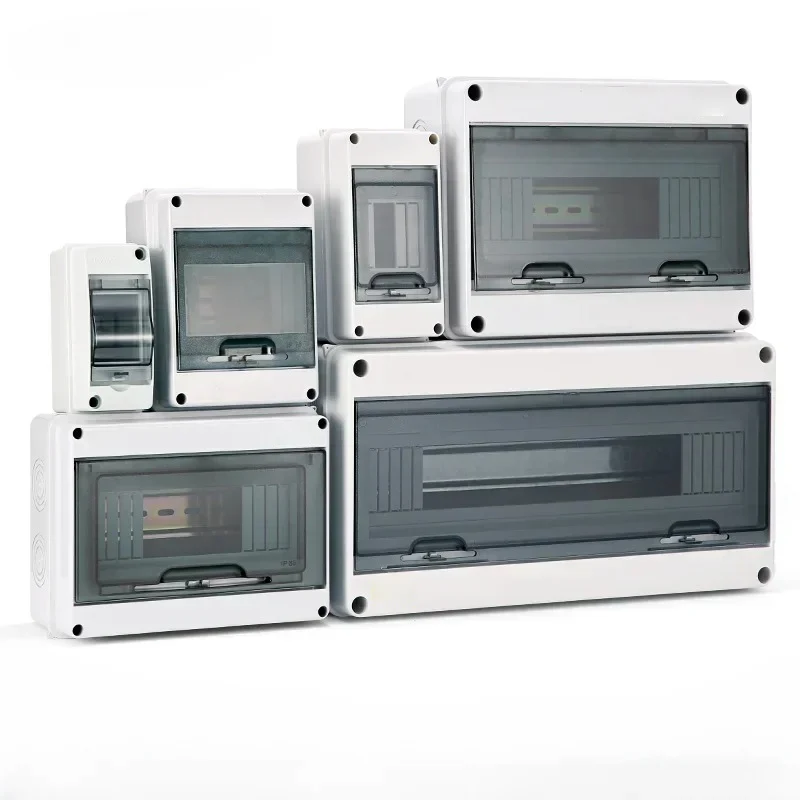
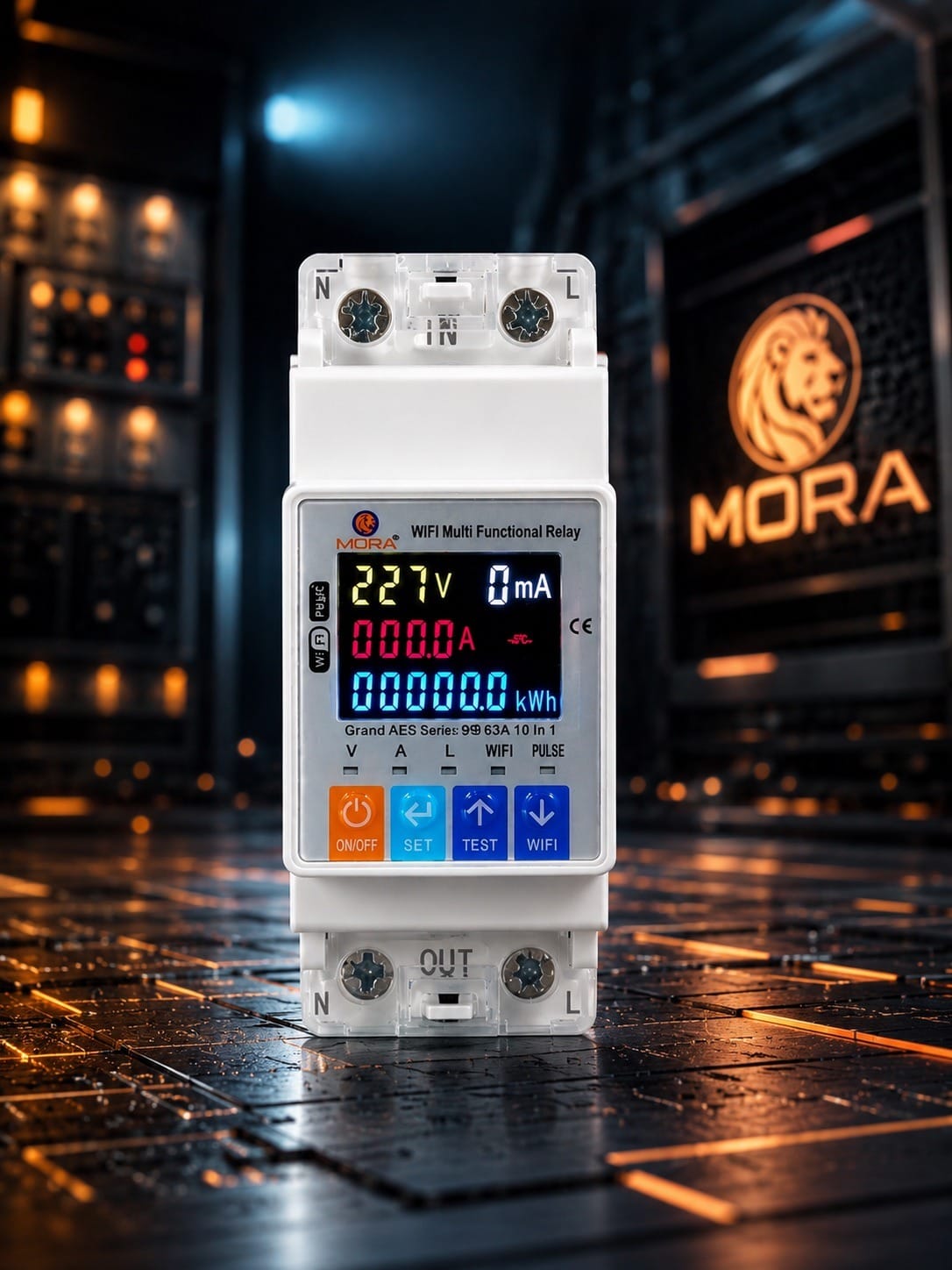
The core issue is that most customers treat a protector like a one-size-fits-all safety device. It’s not. A Wi-Fi-enabled smart protector (often called a Wi-Fi circuit breaker or smart MCB) is a distribution point with integrated current monitoring. Its ampere capacity must match the total connected load it’s protecting, not some arbitrary ‘main’ rating.
Understanding ampere ratings: what 63A and 80A actually mean
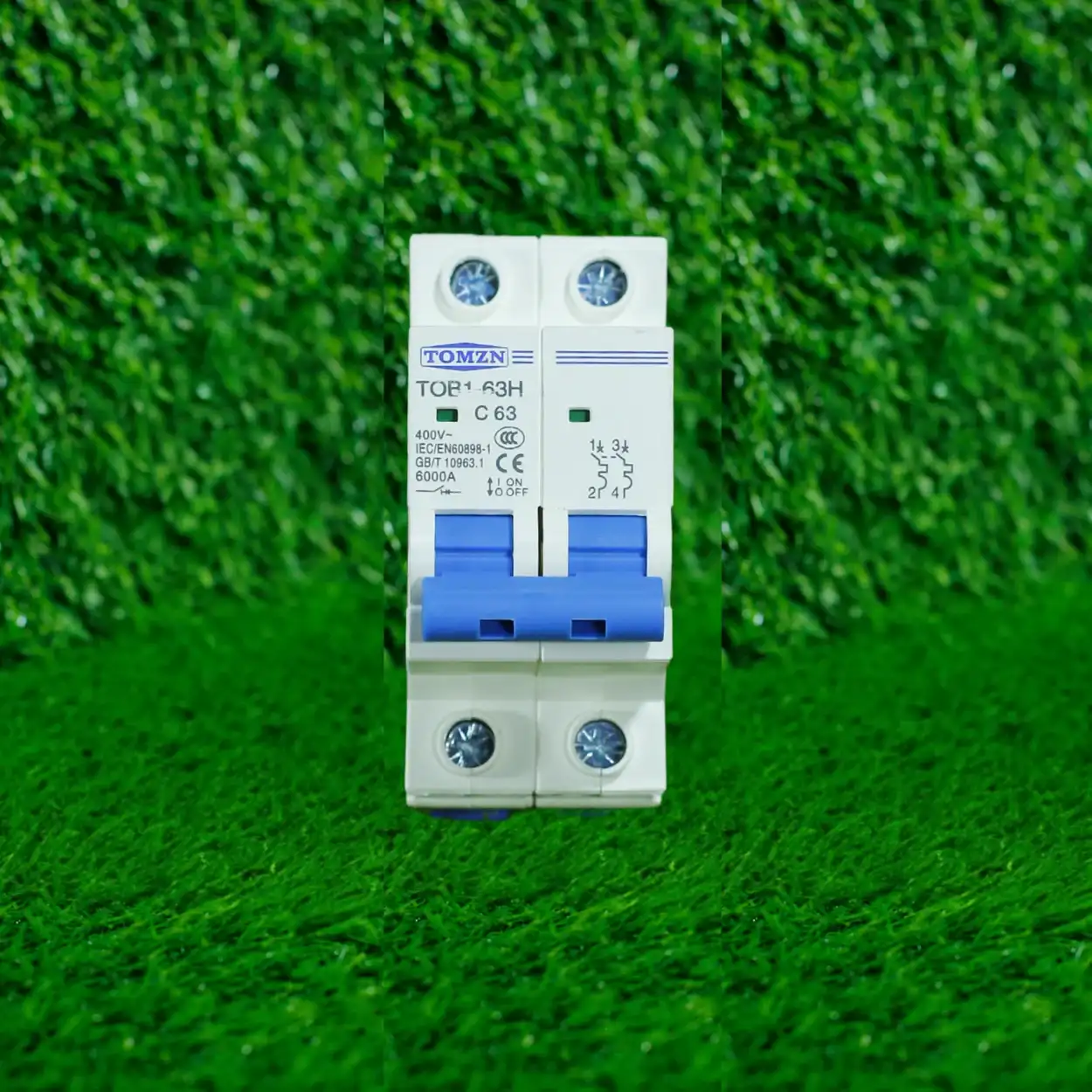
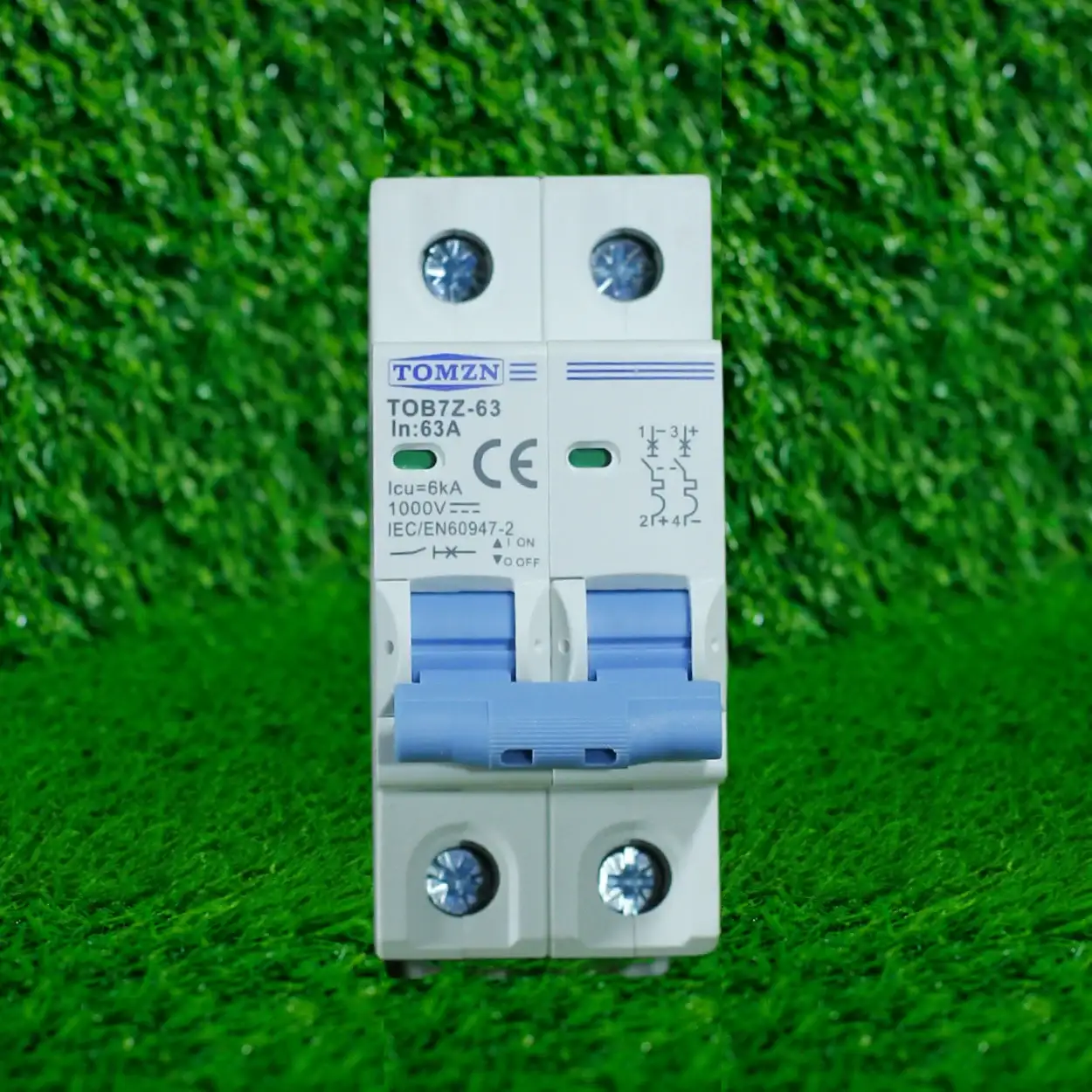
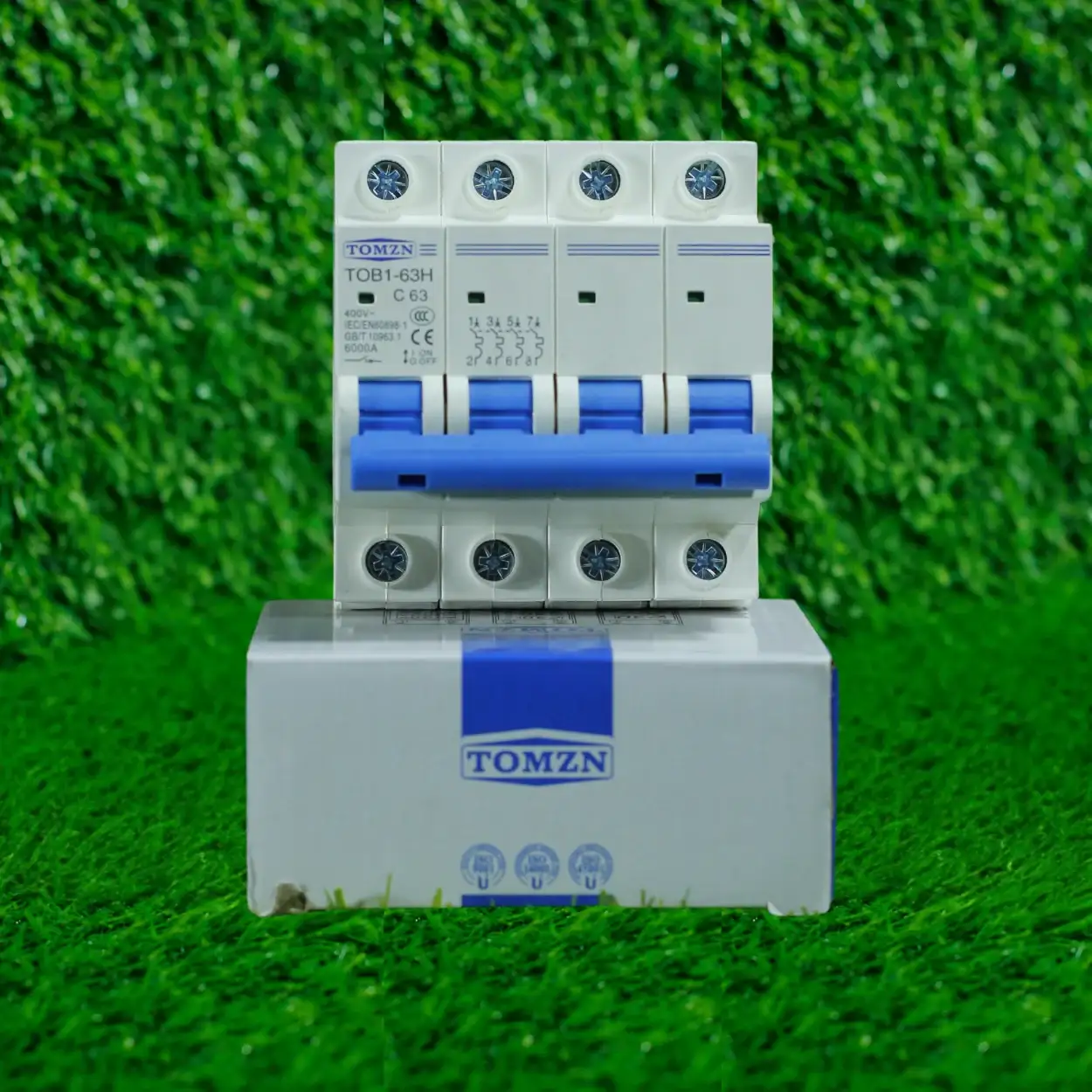
Both 63A and 80A are standard ampere ratings you’ll see on single-pole MCBs and smart protectors in the Pakistani market. The number is the maximum sustained current the device can carry without tripping its thermal element (under normal conditions). It’s also your breaking capacity marker: a 63A rated breaker will safely interrupt a fault current up to its breaking capacity (usually 6kA, 10kA, or higher depending on the device and where it sits in your installation hierarchy).
The confusion starts because WAPDA supply is 220-230V single-phase in most residential areas, and 380-400V three-phase in industrial and larger commercial setups. That voltage doesn’t change the ampere rating of your protector, but it does affect the power you can actually deliver at a given ampere rating. At 230V, a 63A protector can deliver roughly 14.5 kW of power (watts = volts × amps). An 80A protector delivers roughly 18.4 kW. But if you’re only pulling 8 kW because that’s all you need, the 80A is oversized and sitting idle, plus you’re paying for equipment you don’t need.
Calculating what load you’re actually running
Start by listing what’s plugged into the protector at the same time. Not one by one, but in realistic simultaneous use. On most residential setups in Lahore, that’s one of these scenarios:
- Single-room office or bedroom setup: laptop (150W), light (40W), fan (60W), maybe a small AC window unit (1500W). Total real simultaneous draw, roughly 1.75 kW.
- Kitchen with appliances: refrigerator always on (500W), microwave or oven when in use (2000W), maybe a kettle (1500W). You don’t run all three at full power simultaneously, but assume two at once: 2500W in a worst case.
- Living area with TV, lighting, fans, and one AC: roughly 2.5 to 3.5 kW simultaneous.
- Full home setup (residential, not commercial): three rooms, kitchen, lounge, and all lighting: 5 to 8 kW simultaneous maximum on a typical WAPDA domestic supply.
Once you know your kilowatts (or estimated wattage), convert to amps using the formula: Amps = (Watts / Volts). At 230V Pakistani supply:
- 3 kW = roughly 13A
- 5 kW = roughly 22A
- 8 kW = roughly 35A
- 10 kW = roughly 43A
- 12 kW = roughly 52A
- 15 kW = roughly 65A
If your realistic simultaneous load is under 15A, a 63A protector is oversized; a 40A or 50A would fit better. If it’s 15 to 35A, a 63A works well. If it’s 35 to 50A, you’re in the 80A range. If you’re pushing 60A or more on a single-phase line, you either have an undersized incoming supply, or you should be looking at a three-phase distribution (which requires a different conversation).
Why Wi-Fi protectors change the calculation slightly
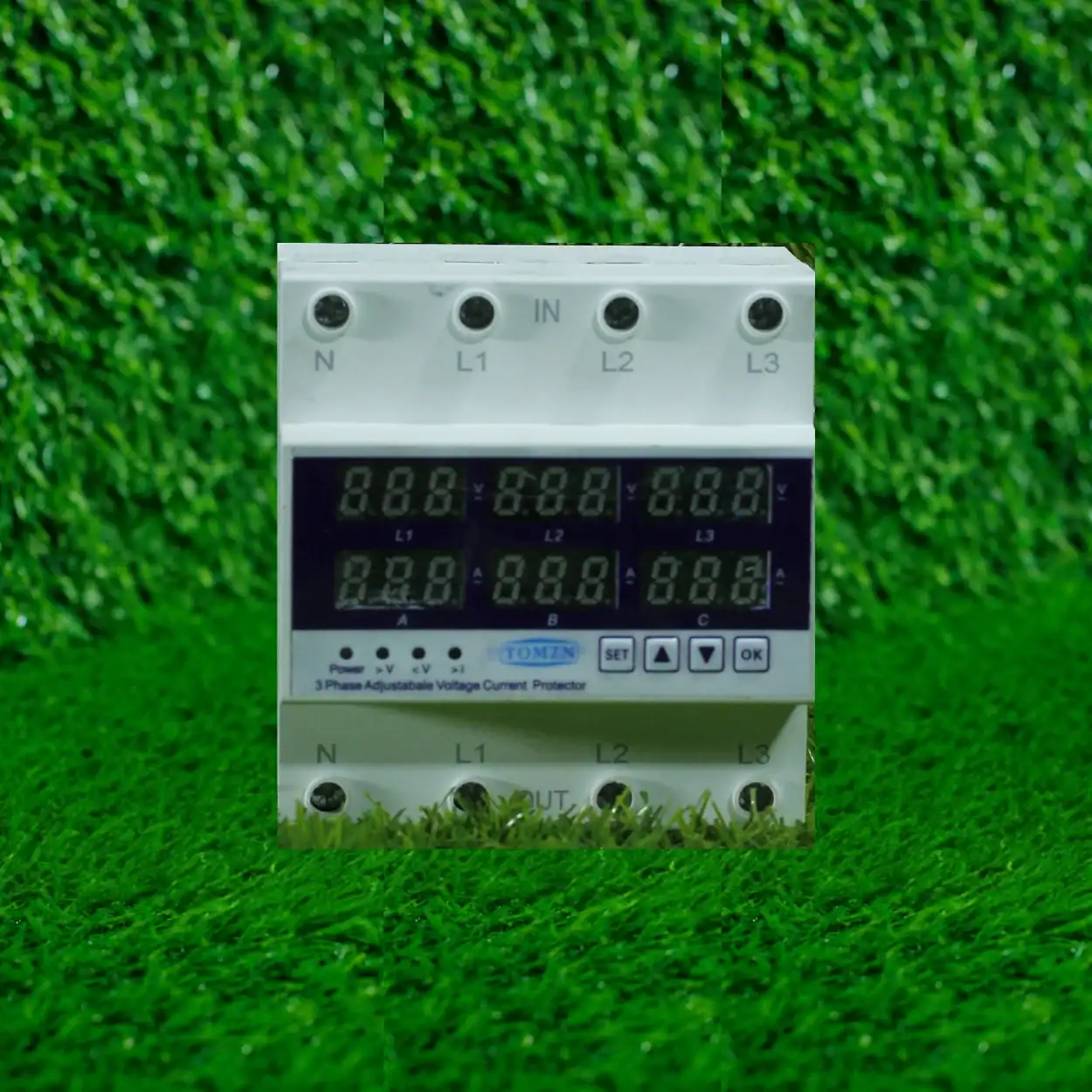
A regular MCB in your distribution box just sits there and trips if current exceeds its rating or a fault occurs. A Wi-Fi-enabled protector does the same thing, but it also monitors and sends data to your phone, logs usage, and lets you trip the load remotely. That’s a convenience feature, not a safety upgrade. The ampere capacity decision stays the same. What does change is that the smart protector’s monitoring hardware draws a tiny bit of power itself (milliamps, essentially negligible on a 63A or 80A device), and it may have a slightly different thermal curve because of the embedded electronics. In practice, if you’d size a regular 63A MCB for your load, a 63A Wi-Fi protector handles it the same way.
The real benefit of a Wi-Fi protector is the remote ON/OFF and the ability to see which circuits are drawing power when you’re troubleshooting. On a poultry farm or commercial site where you’ve got multiple loads in separate zones, that data is genuinely useful. For a residential single-room setup, it’s nice-to-have but not essential.
63A or 80A: which one fits your home?
Here’s the practical decision tree I use on site:
- Choose 63A if your simultaneous connected load is realistically under 14 kW (roughly 60A). This covers most residential single-room setups, small offices, retail shops, and multi-room homes where not everything runs at full power simultaneously.
- Choose 80A if your simultaneous load is 14 to 18 kW, or if you plan to add significant loads (another AC, an electric water heater, heavy workshop equipment) within the next few years and don’t want to upsize again.
- Don’t choose either if your load exceeds 18 kW on single-phase supply. You need a three-phase distribution, which means a different main breaker setup, possibly a stepping down of voltage regulation, and conversation with your DISCO (electricity distribution company like LESCO or IESCO in Punjab) about your incoming supply capacity.
I had a residential job in Defence, Lahore last year where the customer had a 63A main breaker but wanted an 80A Wi-Fi protector for a sub-distribution circuit. I asked them what they were actually planning to plug in. Answer: a laptop, a small server rack (network equipment, UPS, storage), and a 1.5kW AC. Total, under 3 kW. I fitted a 40A Wi-Fi protector instead. It monitors their power draw, it’s got headroom, and they’re not paying for capacity they’ll never use.
WAPDA supply limits and earthing complications
Pakistan’s WAPDA domestic supply to most residential areas is single-phase, 230V nominal, and rated for a maximum continuous load. Your incoming bill is metered in kilowatts, and overages are charged accordingly. However, the supply cables themselves have a voltage regulation tolerance of roughly 10 percent (so you might see 207V to 253V on any given day depending on network load and time of day). That voltage fluctuation doesn’t change your breaker’s trip point (which is current-based, not voltage-based), but it does mean the actual power you draw at a given ampere rating varies slightly.
More importantly, older buildings in Lahore often have poor or nonexistent earthing (grounding). If you’re installing a Wi-Fi protector on a distribution box in a building where the earth is suspect (not bonded to the actual building steel, missing earth rods, corroded copper straps), the protector can’t give you the full protection it’s designed for. A 63A or 80A protector will still trip on a short circuit or overload, but it won’t protect against an indirect contact (someone touching a live conductor via a faulty appliance) unless the earthing path is solid. Before you worry about ampere capacity, check the earth. I’ve seen countless installs where the customer spends money on a fancy smart protector but the building earth hasn’t been tested in five years.
Generator and solar backup considerations
If your Wi-Fi protector is going to be fed from a generator (which is common in load-shedding areas) or a solar inverter with battery backup, the ampere rating logic stays the same, but the source impedance changes. A generator or inverter has internal resistance, which means voltage sags under high current draw. If you’re oversizing the protector significantly (putting an 80A protector on a 3kW load, for example), you may see nuisance tripping during generator startup or solar load transients because the voltage momentarily dips, and the soft-start protection in the inverter or generator interacts badly with the protector’s thermal curve.
In solar setups, if this protector is going in the AC output side (after the inverter), the calculation is straightforward: size it to the inverter’s maximum AC output amperage. A 5kW inverter at 230V outputs roughly 22A, so a 40A protector is appropriate. Don’t use 63A or 80A unless you’re going to be paralleling multiple inverters. For DC-side protection in solar installations, you’d use a different type of breaker entirely (DC-rated, IEC 60947 rated for DC breaking capacity), but that’s a different conversation. We’ve covered the basics of protection devices for solar systems in detail elsewhere.
Quality and brand reliability matter more than ampere rating
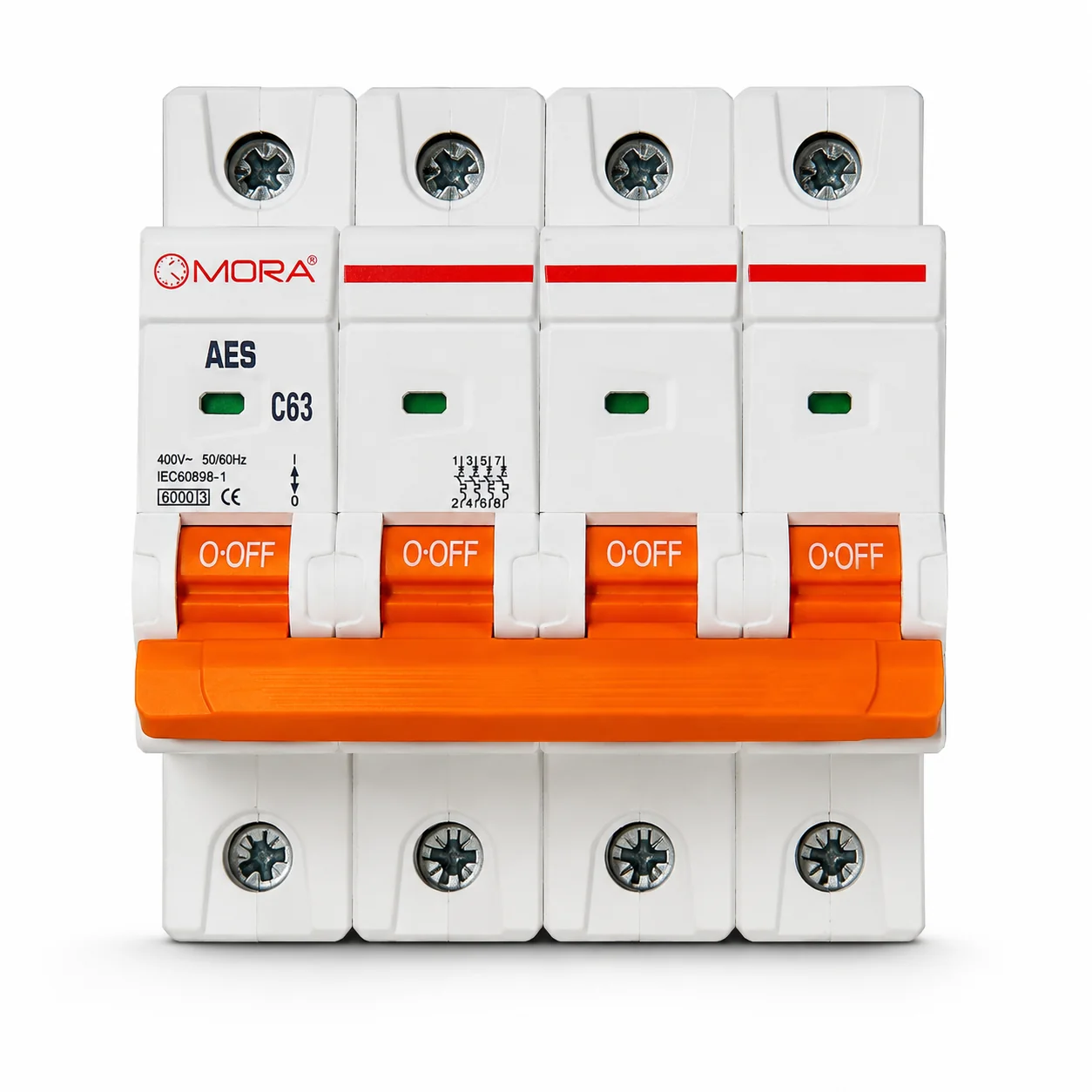
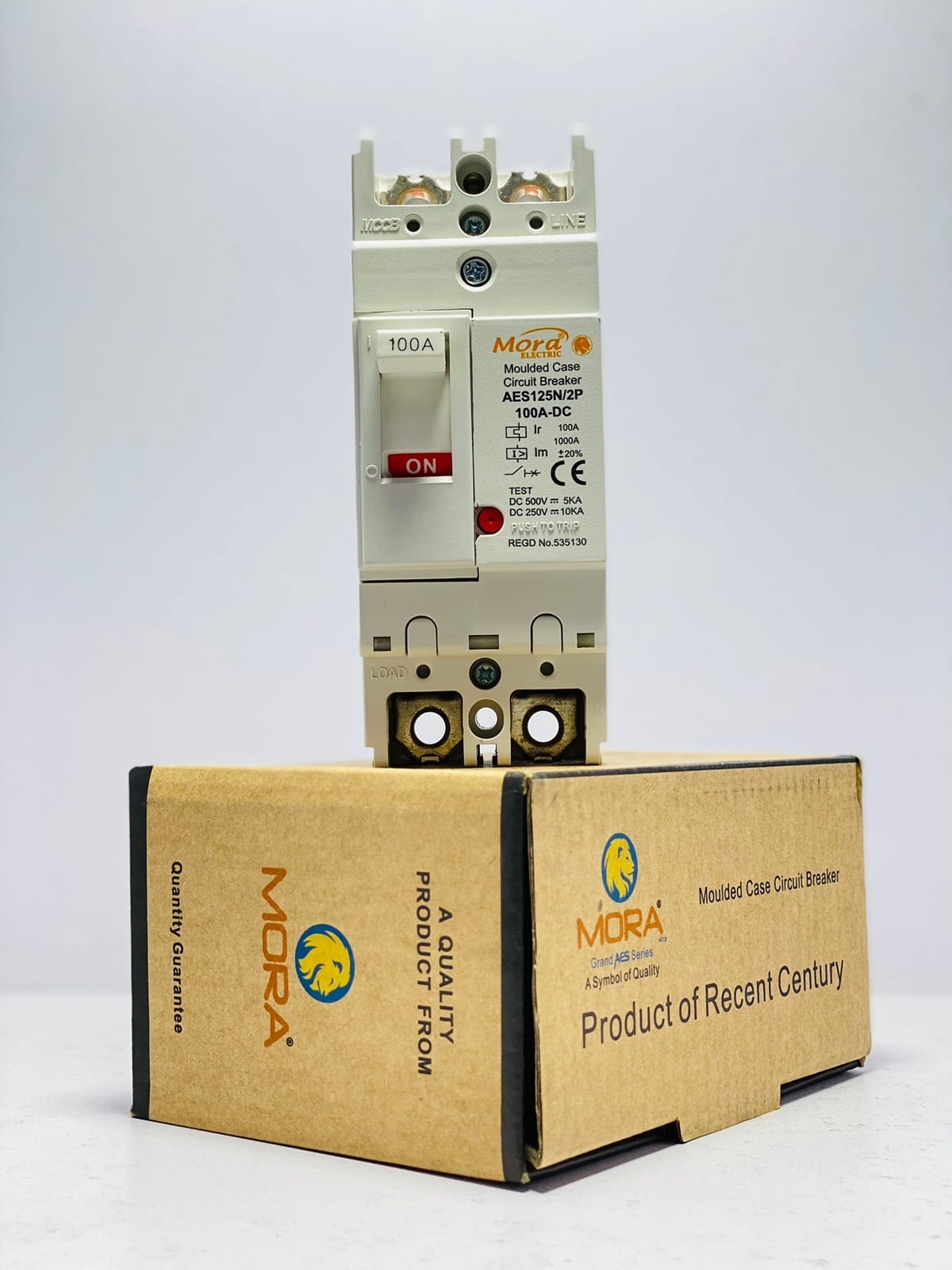
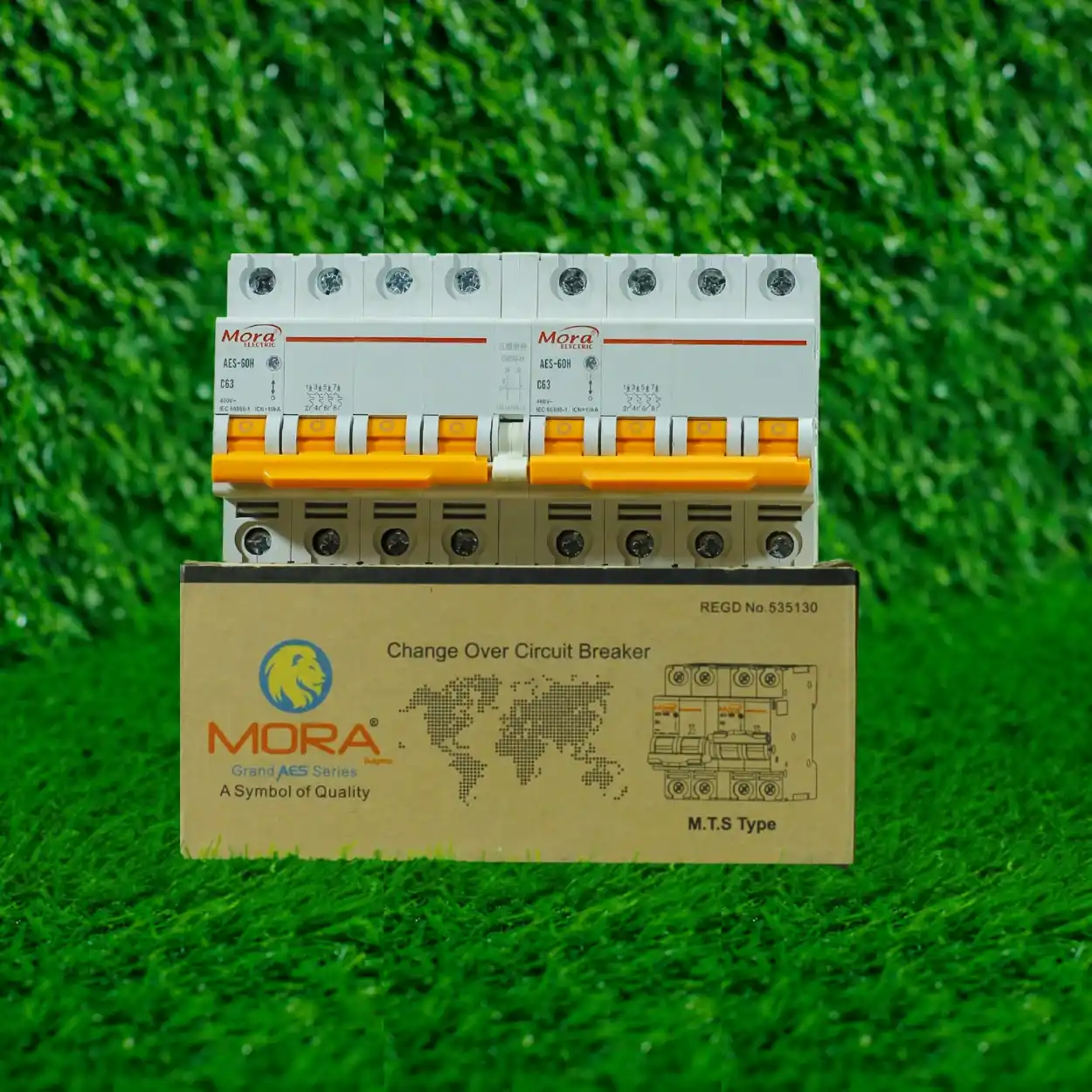
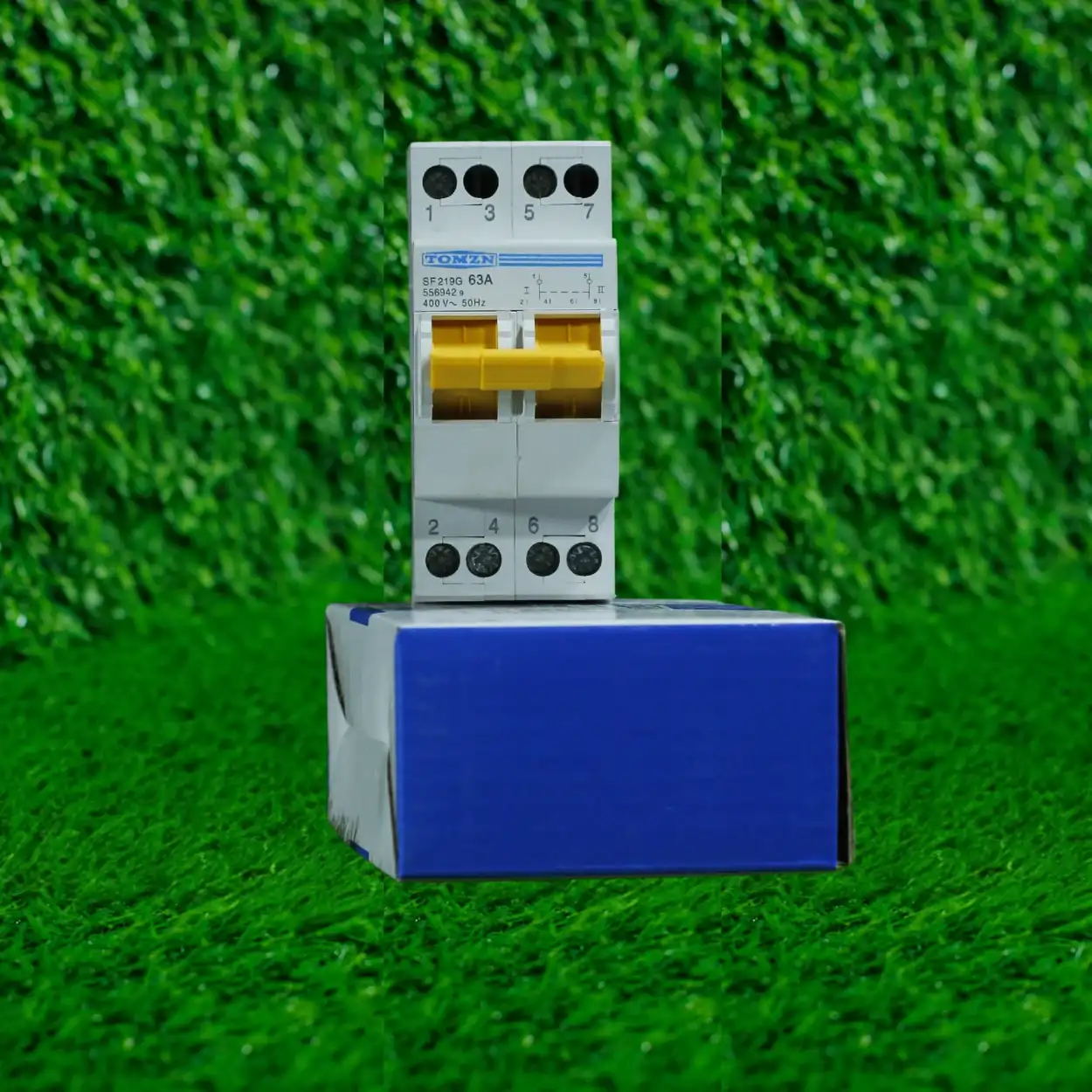
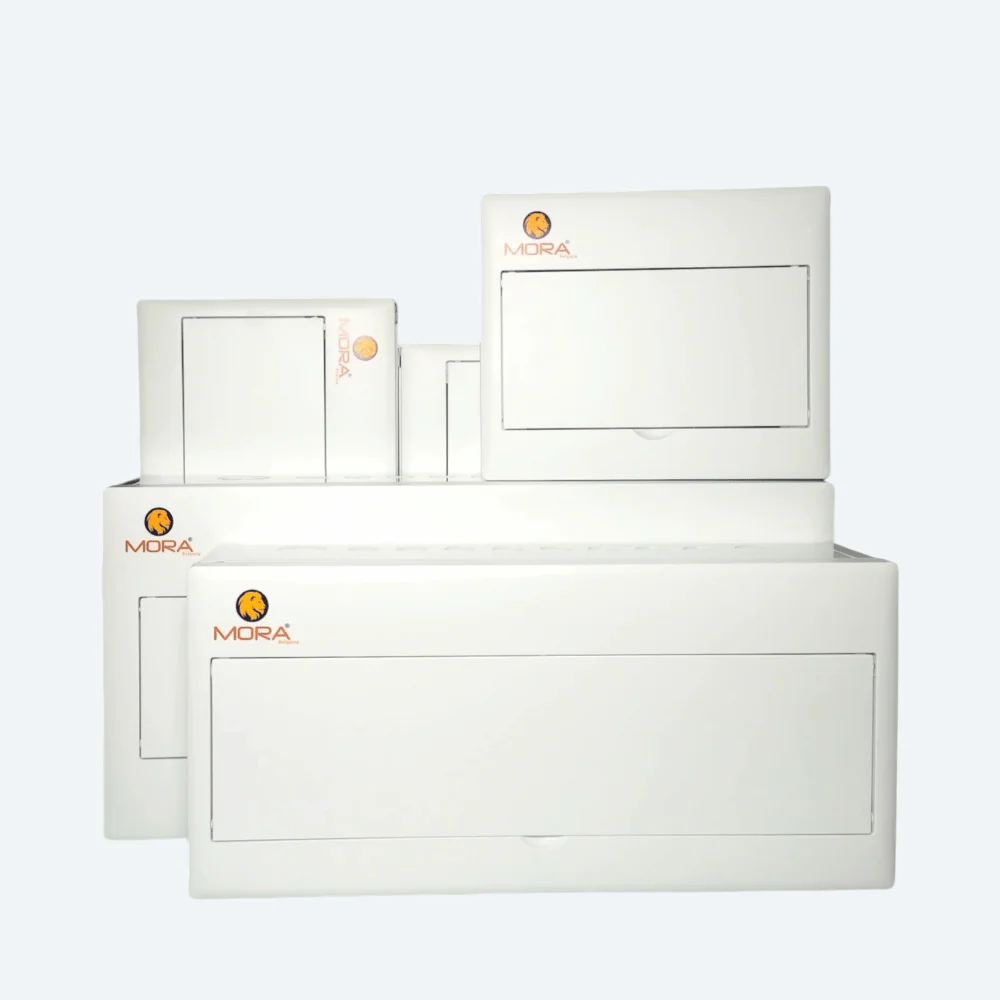
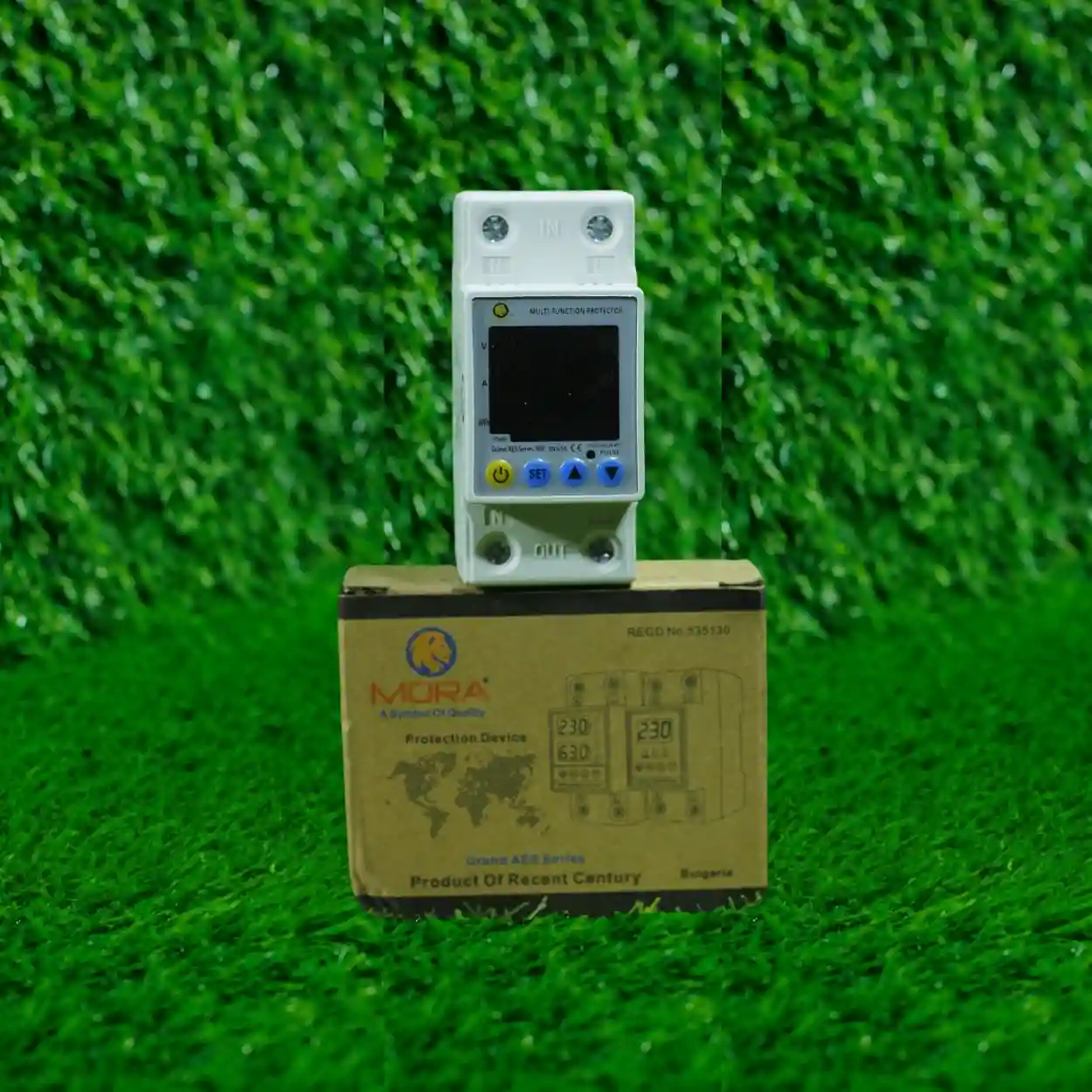
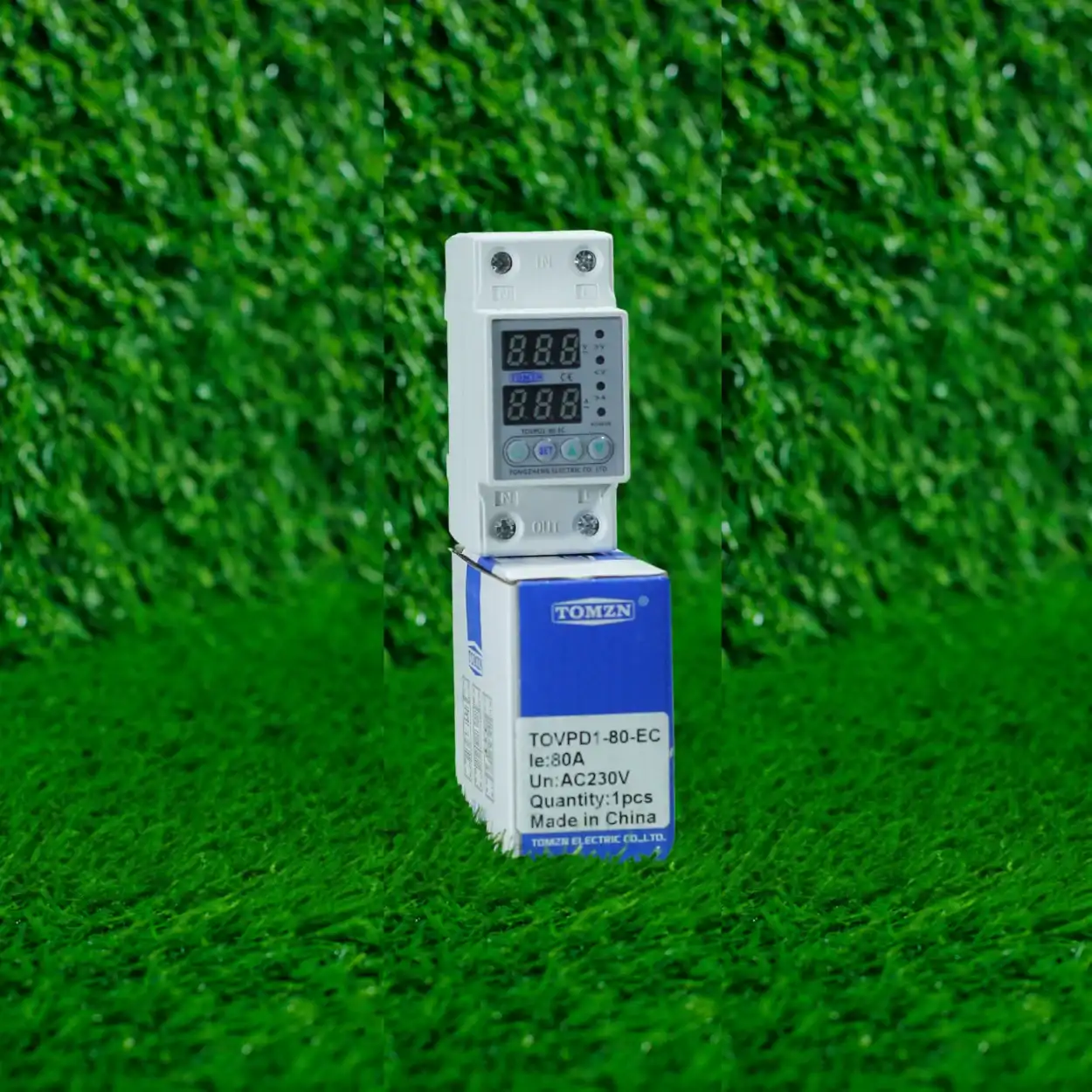
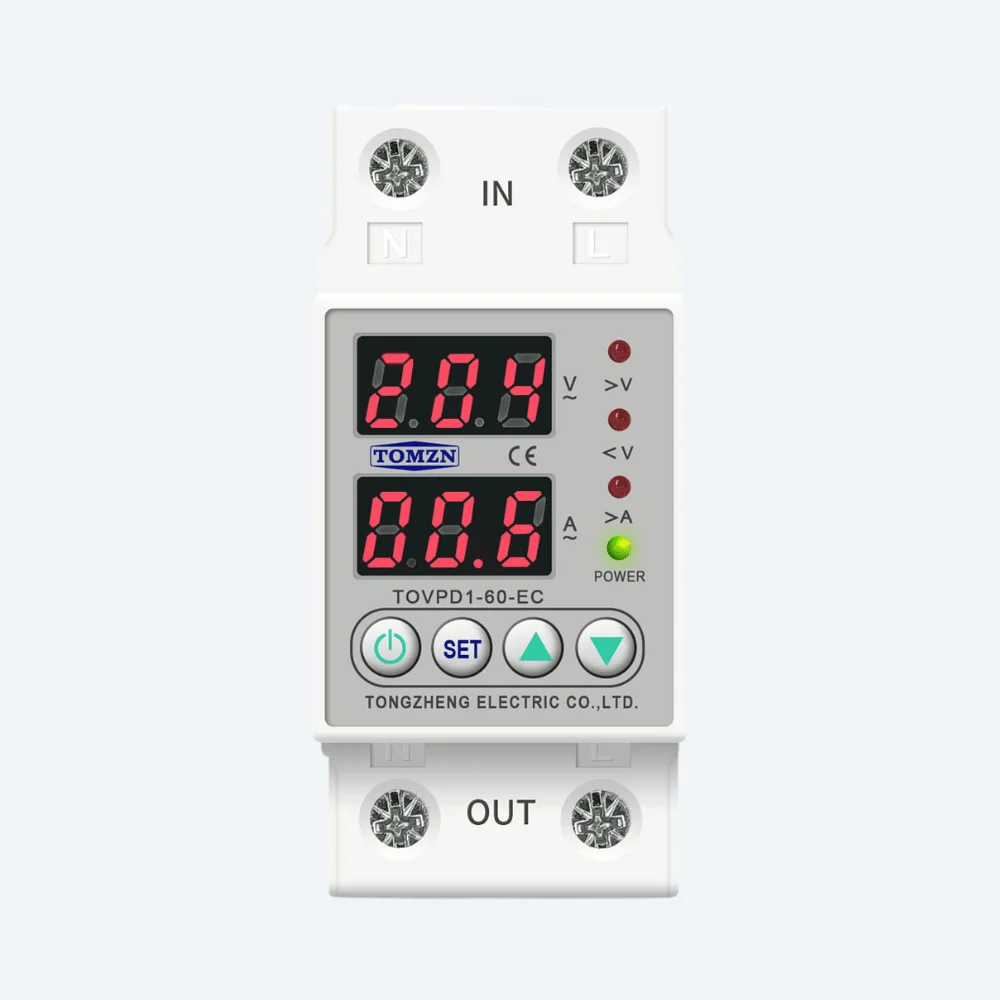
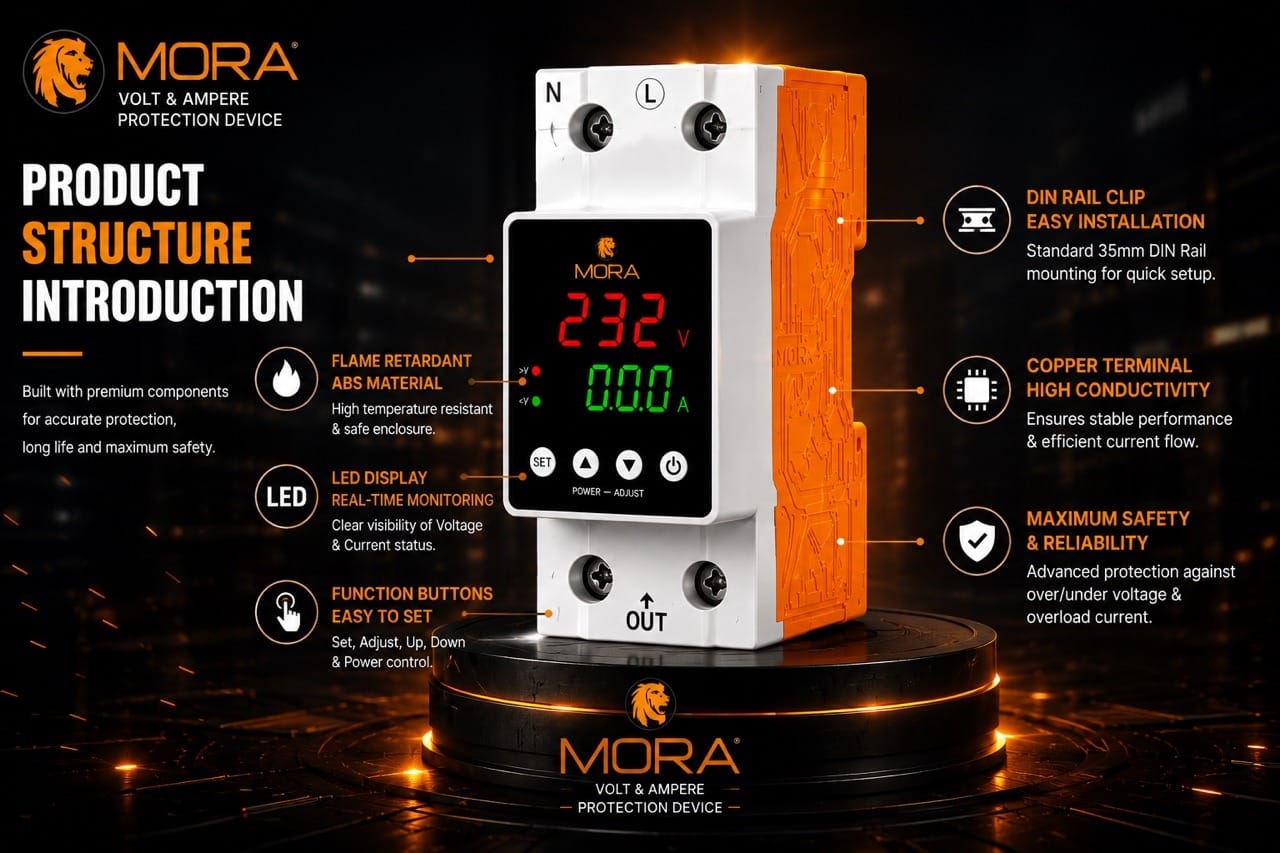
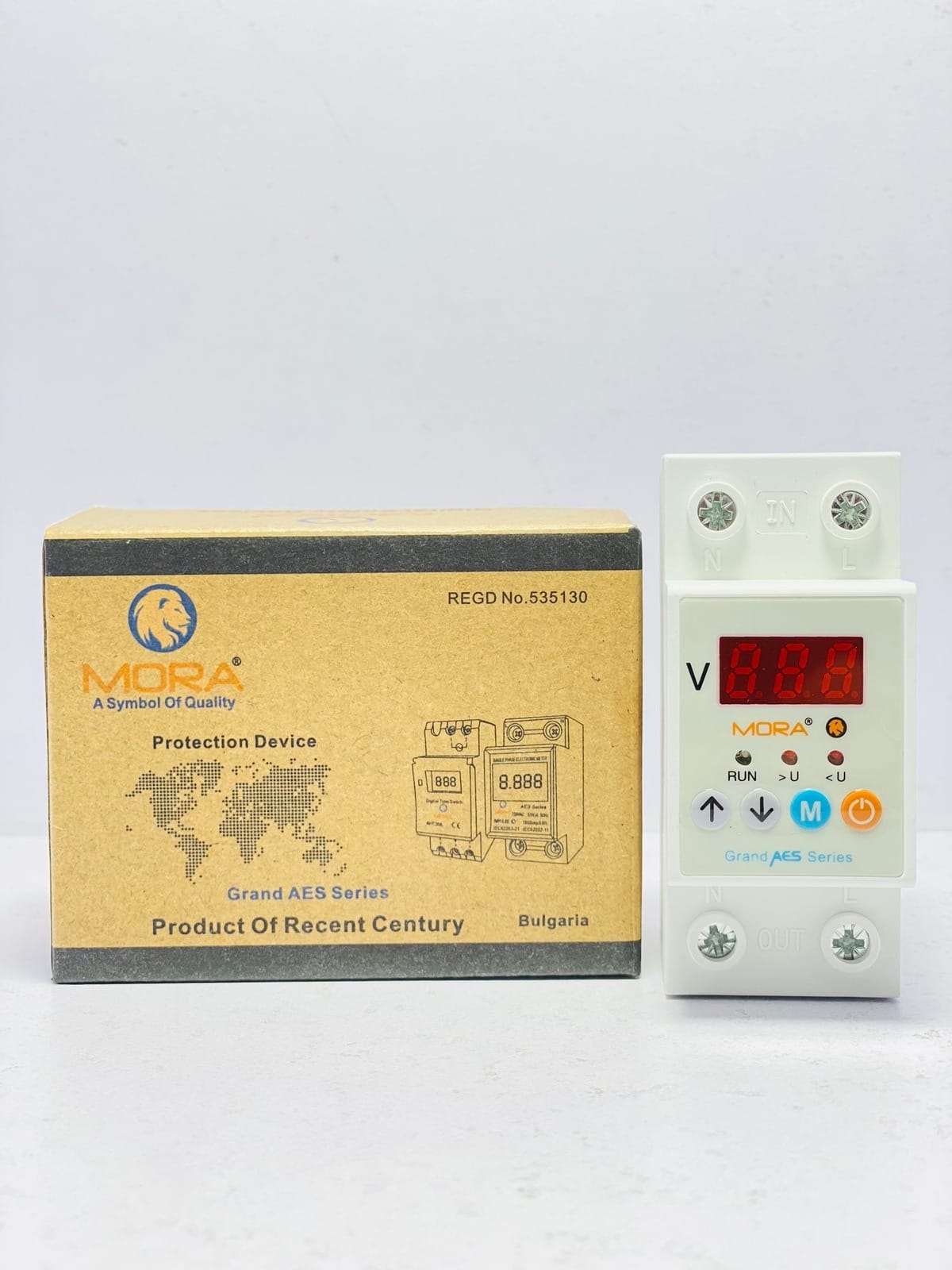
I’ll be direct: the Pakistani market has flooded with cheap Chinese knockoff MCBs and Wi-Fi protectors that claim to be 63A or 80A but aren’t. They have poor thermal characteristics, loose wiring, and plastic housings that melt if current reaches claimed rating. Brands like MORA and TOMZN (which we stock at HN Electric) have actual quality control and proper breaking capacity testing. A genuine MORA 63A protector will protect your home reliably; a counterfeit one at half the price will fail when you need it most.
When you’re choosing between 63A and 80A, also choose a brand you can verify. Ask your supplier for the product datasheet, check the breaking capacity rating (should be 6kA, 10kA, or higher for residential use), and confirm it’s tested to IEC 60947-1 or equivalent. That matters more than whether you picked 63 or 80.
Making your final choice
The decision between 63A and 80A isn’t complicated once you’ve done the load calculation. Calculate your realistic simultaneous connected power in kilowatts, convert to amperes at 230V, and choose a protector that comfortably covers that amperage with some headroom (roughly 20 to 30 percent) for future growth or startup surges. If that calculation puts you at 30 to 40A, buy 63A. If it puts you at 40 to 60A, buy 80A. If it puts you below 30A, consider a smaller protector (40A or 50A) and save money. If it exceeds 60A on single-phase, escalate to a three-phase setup.
Don’t let the WAPDA bill, the size of your house, or marketing speak push you into a choice that doesn’t match your actual load. And don’t assume a Wi-Fi protector is automatically safer than a regular MCB just because it’s smart. The safety comes from correct ampere rating, solid earthing, and genuine product quality. The Wi-Fi part is a convenience.