



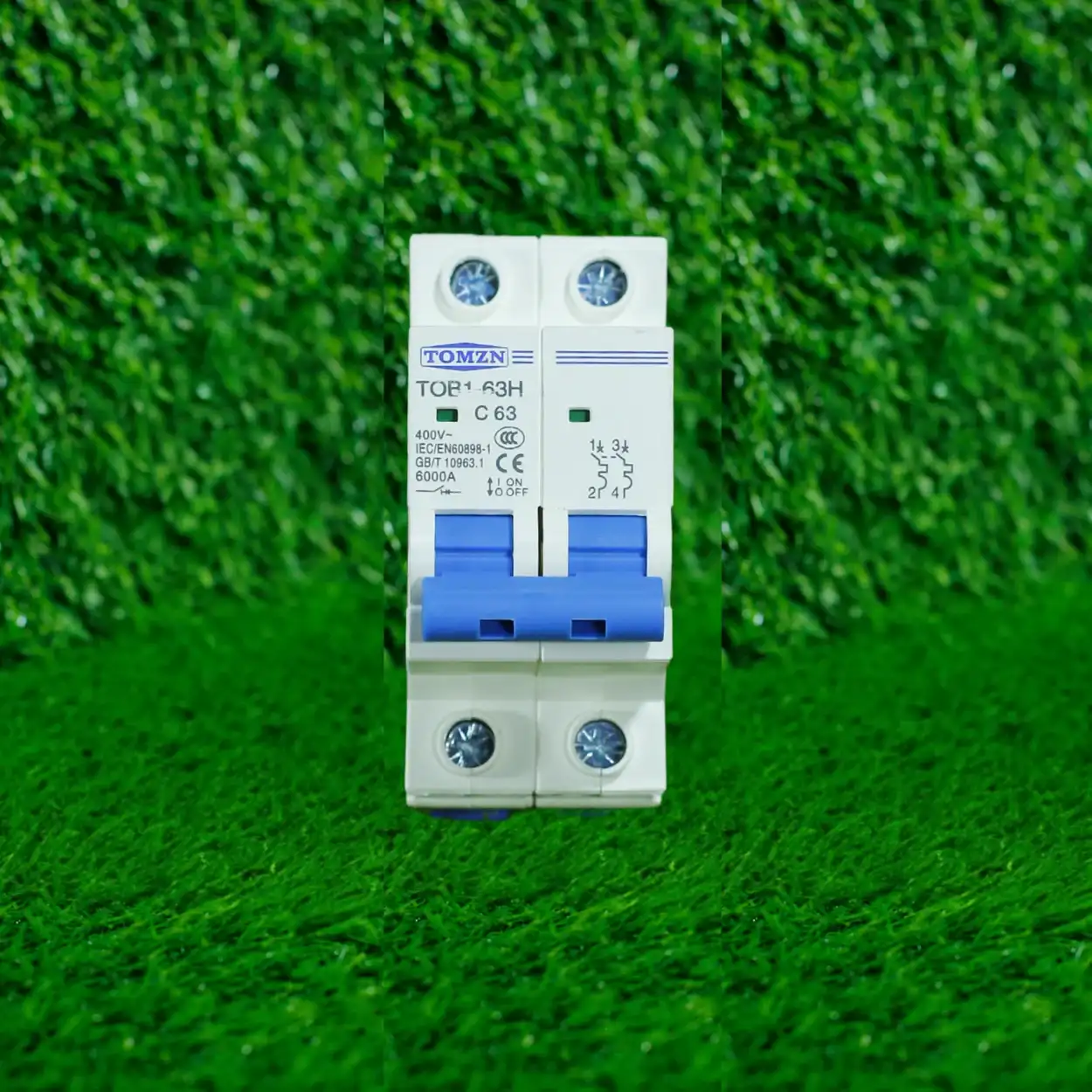
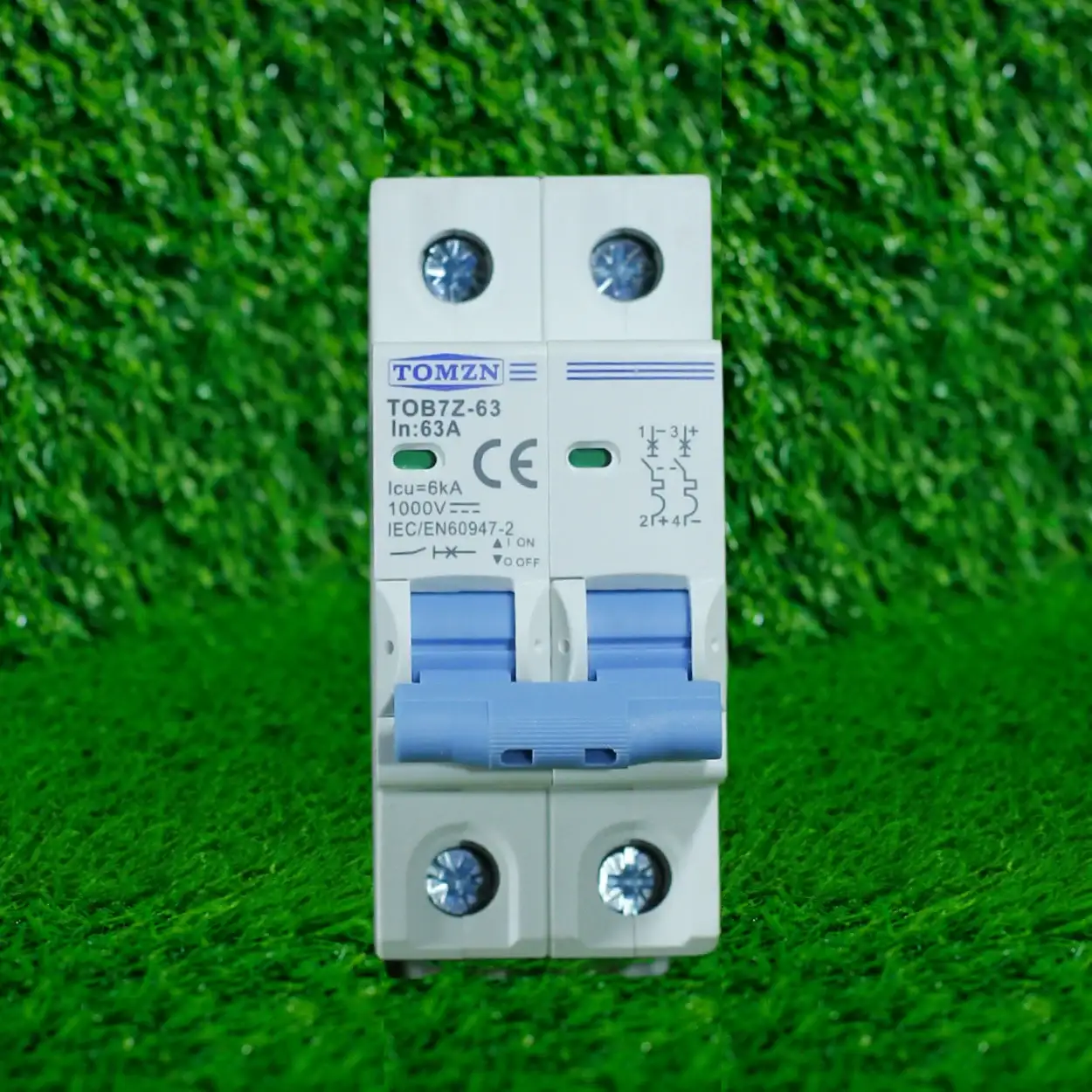

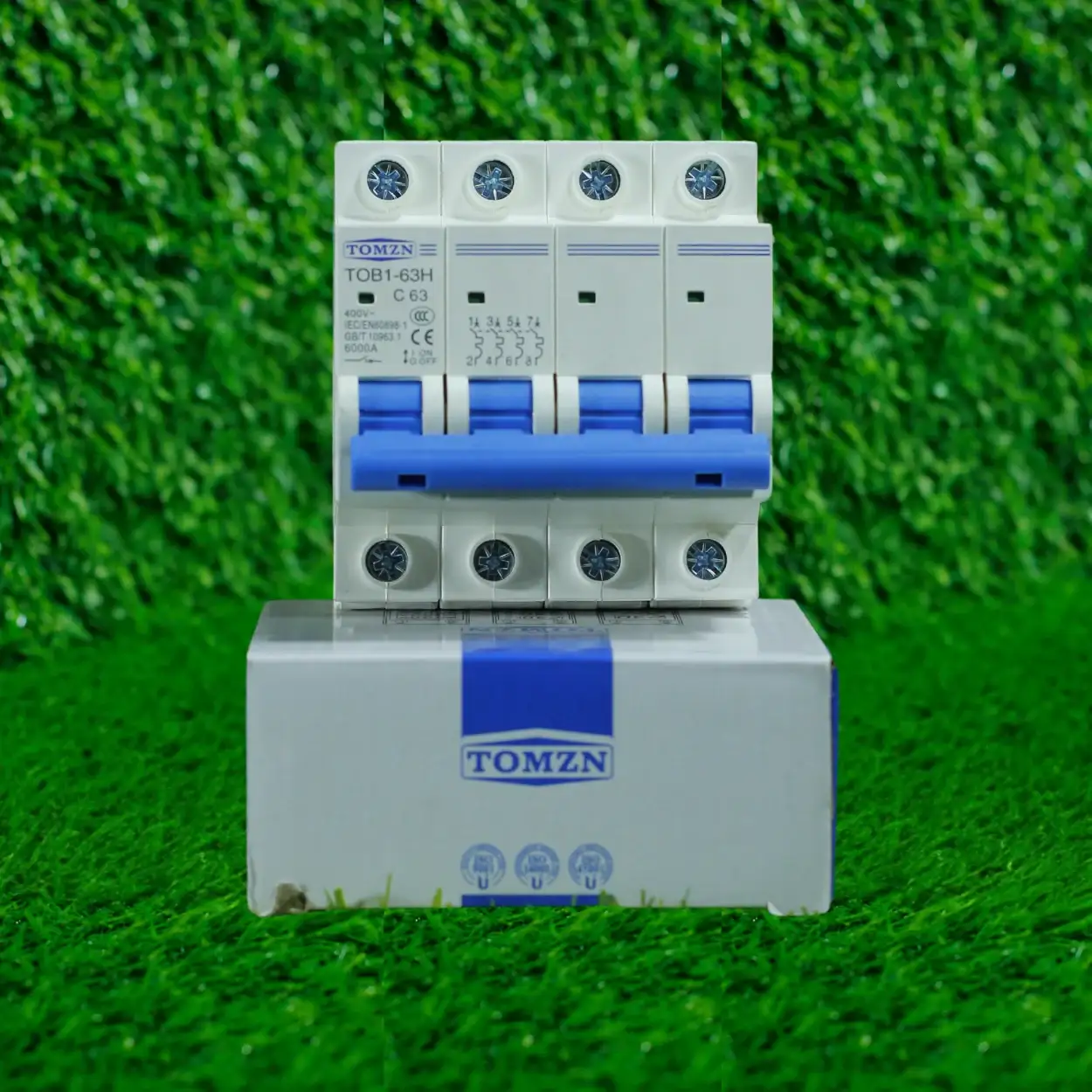
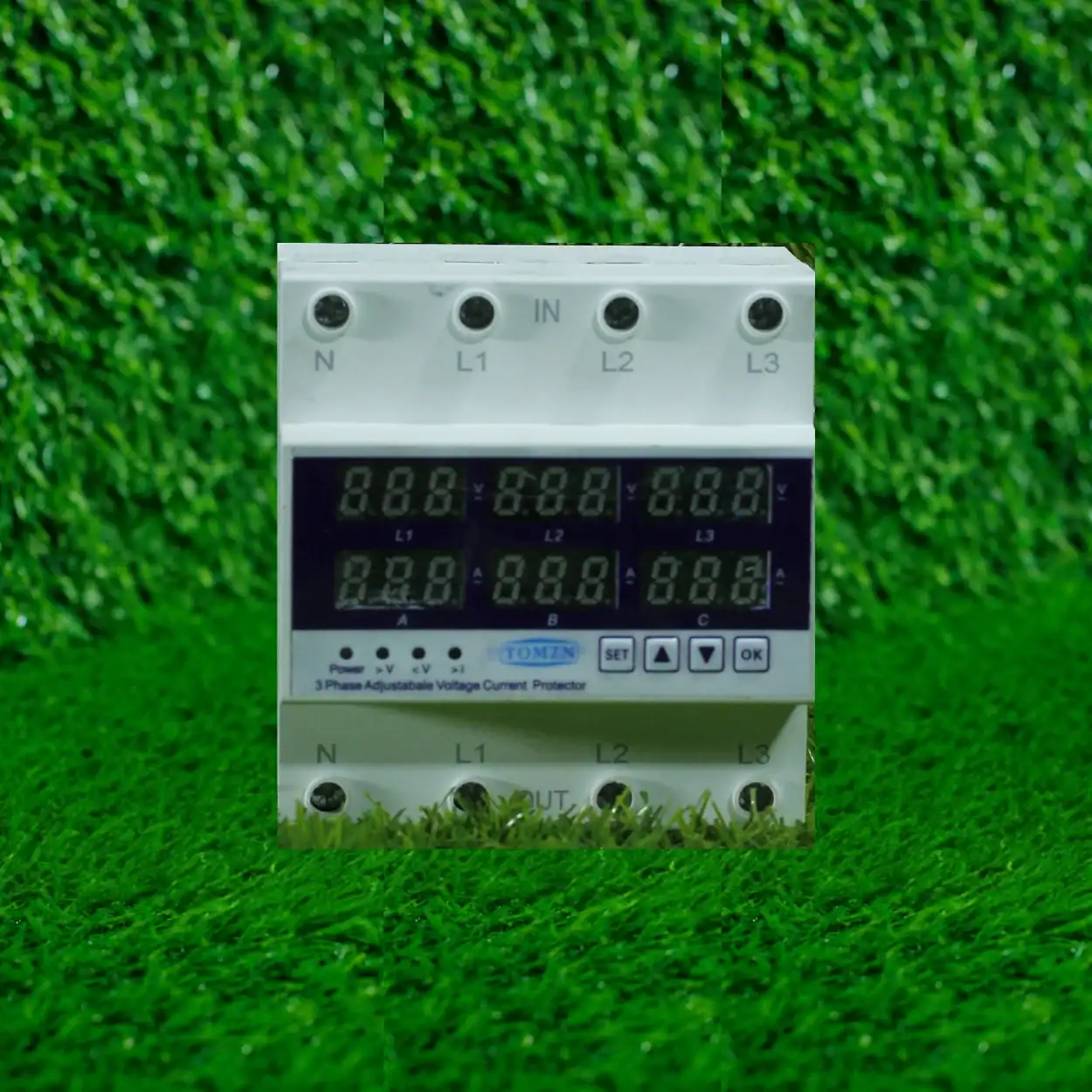


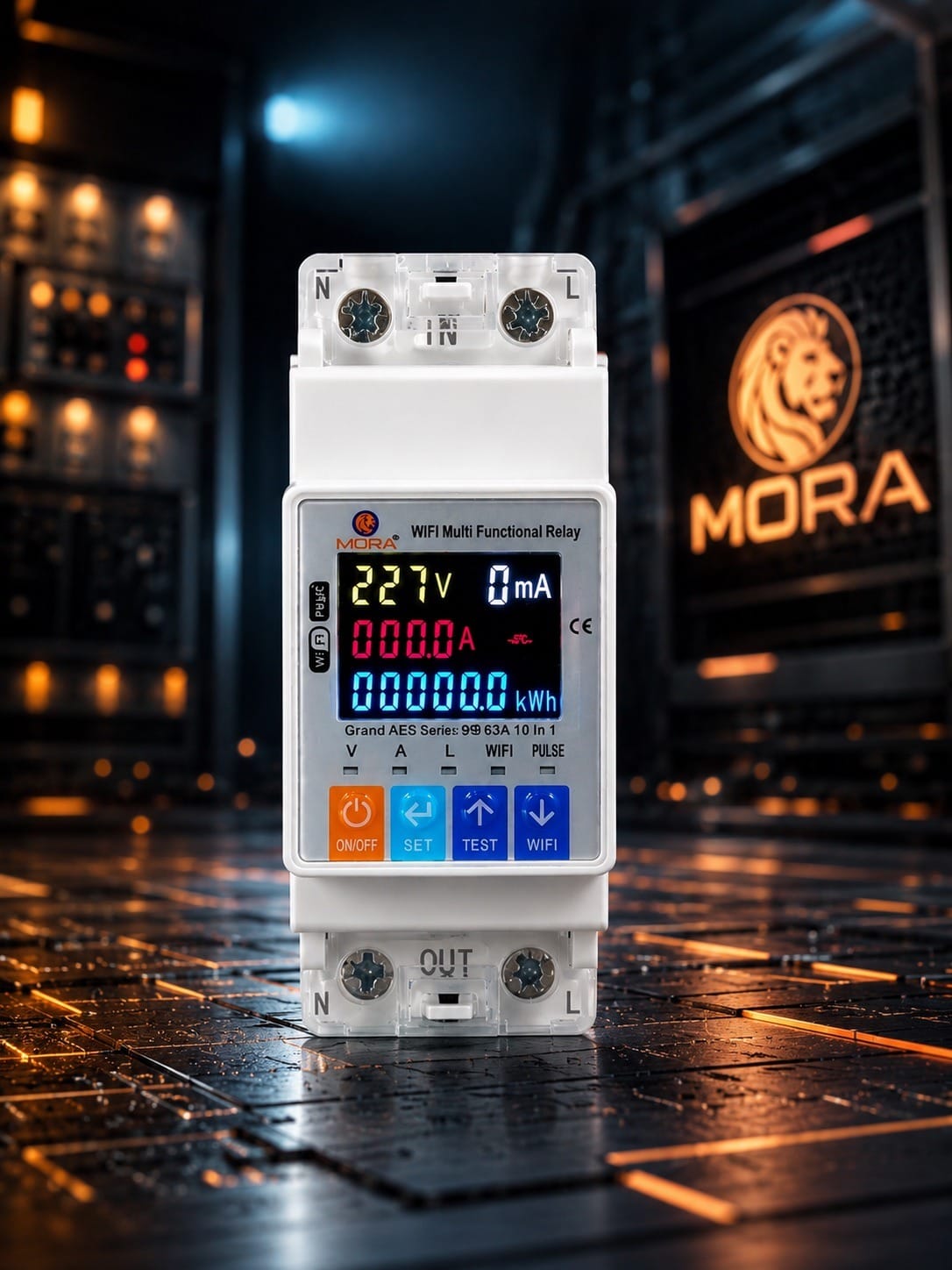



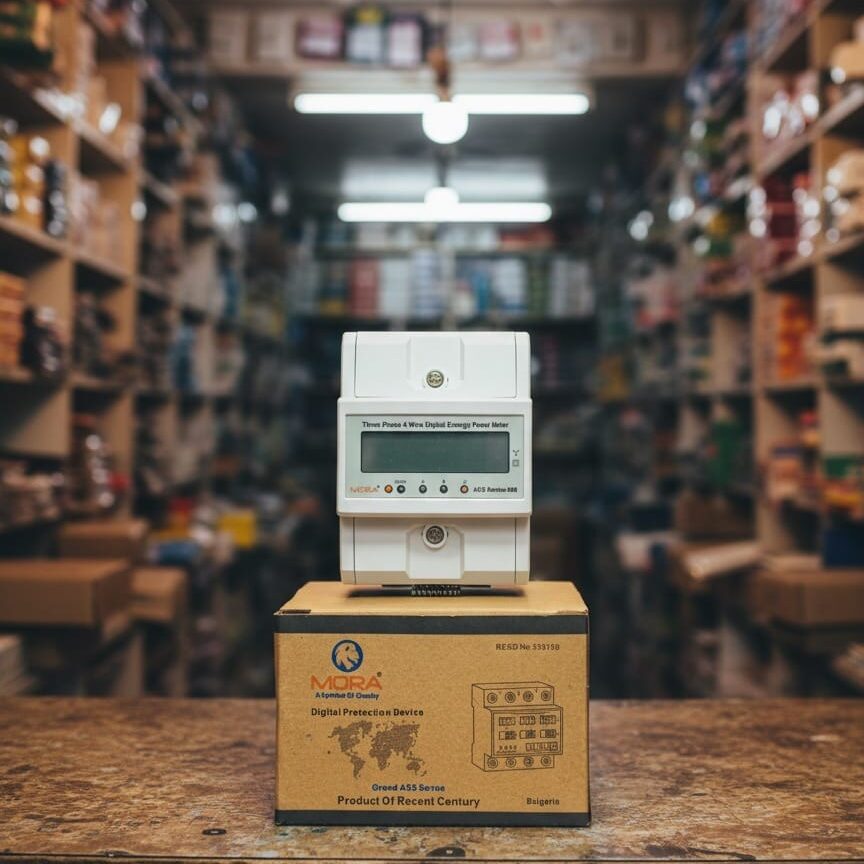

10-in-1 Wi-Fi Protector: Real Safety Gains for Your Home


What a 10-in-1 Wi-Fi Protector Actually Does
A few months back, a customer from Defence walked into the shop with a burnt-out router. Bought it three weeks earlier, good brand, just died. His first question wasn’t ‘why did it fail’ but ‘how do I stop this happening again?’ That’s when most people start asking about Wi-Fi protectors. The answer isn’t as simple as plugging one in and forgetting about it.
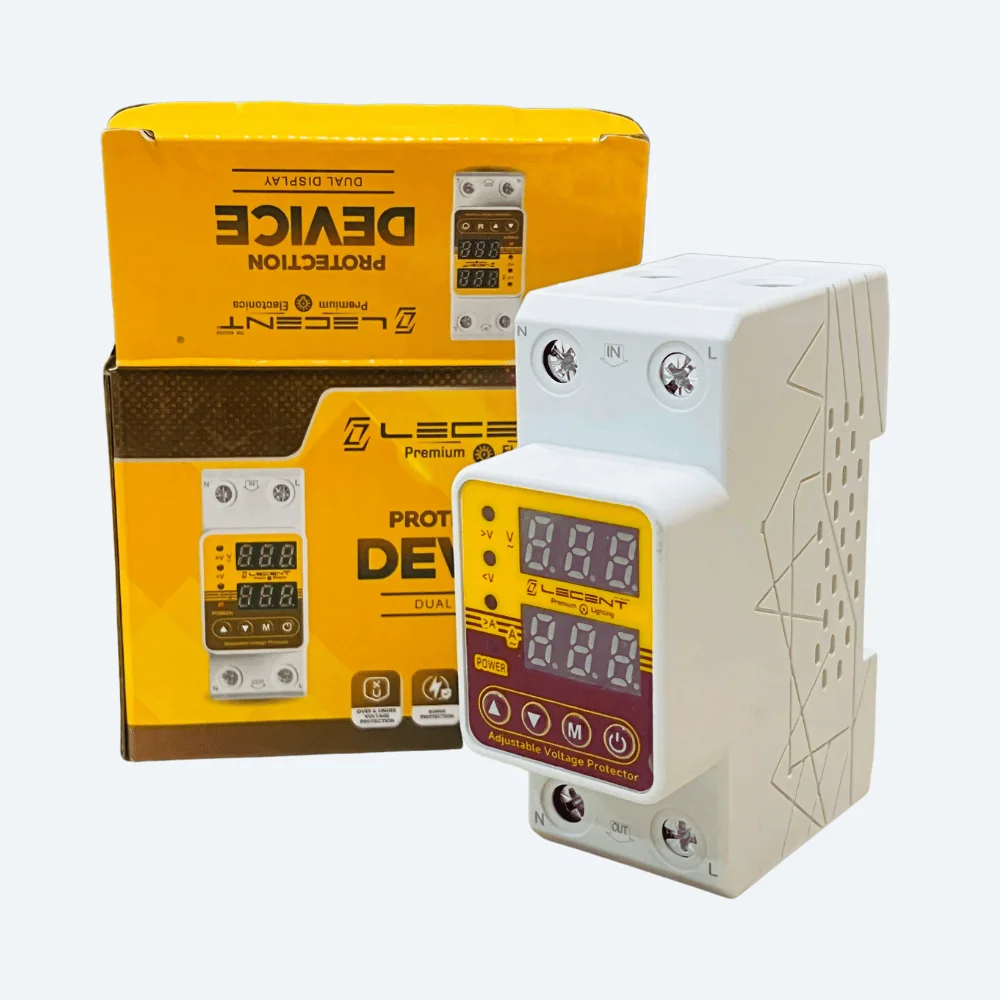
A 10-in-1 protector is a multi-function surge and voltage protection device that sits between your wall socket and your equipment. The ’10-in-1′ label means it combines protection against multiple electrical faults in a single unit. Most commonly these include surge protection (against voltage spikes from lightning or grid switching), under-voltage protection (when WAPDA supply dips below safe levels), over-voltage protection (when it climbs too high), and often thermal overload cutoff, power-on delay, and indicator lights. Some versions add features like child-lock outlets or master switch control.
The core idea is solid: Pakistan’s electrical supply isn’t stable. WAPDA fluctuates regularly, load-shedding cycles stress equipment, and lightning strikes during monsoon season can destroy an entire device in milliseconds. A protector that catches multiple fault types stops the most common failure modes before they reach your appliances.
How It Improves Safety on a Real Pakistani Electrical Setup
Surge suppression stops fast voltage spikes
When load-shedding ends or a fault clears on the WAPDA grid, the voltage doesn’t rise smoothly. It can spike 300-400V in microseconds on a 220V supply. A surge protector uses a Metal Oxide Varistor (MOV) or similar suppression component to clamp that spike to safe levels before it enters your device. I’ve seen routers, TV boxes, and microwave control boards fail this way. A proper surge suppressor catches it.
Under and over-voltage cutoff protects against brownout and overvoltage damage
This is where the 10-in-1 shines for Pakistani conditions. If supply drops to 180V or climbs to 250V (both common in load-shedding and grid stress scenarios), a quality protector’s relay cuts the output before equipment damage starts. Sensitive electronics like inverter control boards, refrigerator compressors, and washing machine motors hate voltage outside 200-240V. Running them on 170V or 260V for even 10 minutes can shorten their life dramatically. I’ve seen brownouts destroy fridge compressors because customers didn’t cut power in time.
Thermal overload cutoff prevents fires in the protector itself
A cheap protector with undersized internal wiring can overheat under sustained fault current. A good 10-in-1 includes a thermal cutoff that disconnects the load if the device’s own temperature rises past safe limits (usually around 60-65 degrees Celsius). This stops the protector becoming a fire hazard itself, which is crucial if you’re mounting it behind a TV or in a confined space.
Power-on delay prevents inrush damage
When grid power returns after load-shedding, there’s a brief voltage surge. A power-on delay (usually 1-3 seconds) means the protector waits before re-energizing the circuit, letting that initial spike pass. Without it, the first second of restored power is the most dangerous moment for your equipment.
What a 10-in-1 Protector Does NOT Do
This matters. Too many customers buy a protector thinking it’s a complete solution. It isn’t.
First, a protector does nothing about earthing faults or electrical shock hazard. If your house wiring lacks proper earth connection (very common in older Lahore buildings), a protector won’t protect you from touching a live neutral or a faulted appliance chassis. You need proper grounding and an RCCB for personal safety. A protector protects equipment; an RCCB protects people.
Second, it won’t stop high-frequency electrical noise from inverters, solar systems, or poor power factor loads. Some protectors claim to filter this, but the protection is usually minimal. If you’re running sensitive electronics (precision scales, server equipment, high-end audio) on backup power, you need a proper voltage stabilizer or UPS, not just a surge protector.
Third, if WAPDA supply is sustained at 180V or 260V for hours (not uncommon during peak summer load-shedding), a protector cuts power and does nothing else. Your appliances stay off until voltage returns to the safe band. That’s protection, but it’s not a solution to unstable supply. For that, you need a stabilizer or solar + inverter backup.
When a 10-in-1 Protector is the Right Choice
You should use one if you’re protecting electronics that are sensitive to voltage spikes and brief over/under-voltage swings, but your supply generally sits in the 200-240V range most of the time. This covers most urban Pakistan homes and small offices in Lahore, Islamabad, and Karachi where WAPDA supply is relatively stable day-to-day, but voltage events happen during grid switching or monsoon storms.
Examples: protecting routers, TV boxes, microwave ovens, refrigerators, air conditioner outdoor units, desktop computers, printer setups, and charging stations. These devices cost 15,000-50,000 PKR and failing one is frustrating and expensive. A decent 10-in-1 protector costs 2,500-5,000 PKR and will save that replacement cost once in its lifetime.
You should NOT rely on a protector alone if your supply regularly sits outside 200-240V, if you’re in a rural area with unstable grid, or if you’re running solar/inverter backup systems. In those cases, add a separate voltage stabilizer upstream to bring supply into the safe band first, then use a protector to catch remaining spikes.
Real Installation Tips from the Field
Mount the protector as close as possible to the device you’re protecting. A 3-meter run of wire between the protector outlet and a TV will let some of the surge energy arrive at the TV before the protector can suppress it. Close is better.
Use the protector’s switch to cut power when you’re not using the device for extended periods. Don’t just unplug. This stops the protector itself from sitting idle with the MOV aged and degraded. MOV components degrade over time, especially after handling a big surge. If your protector just suppressed a lightning-adjacent event, replace it. Don’t assume it’s good for another five years.
Don’t overload the protector’s outlets. Most 10-in-1 units are rated for 10A-13A total load across all sockets. If you’re plugging in a 2000W heater and a kettle on the same protector, you’re asking for nuisance tripping or worse. Use one outlet per device for critical equipment.
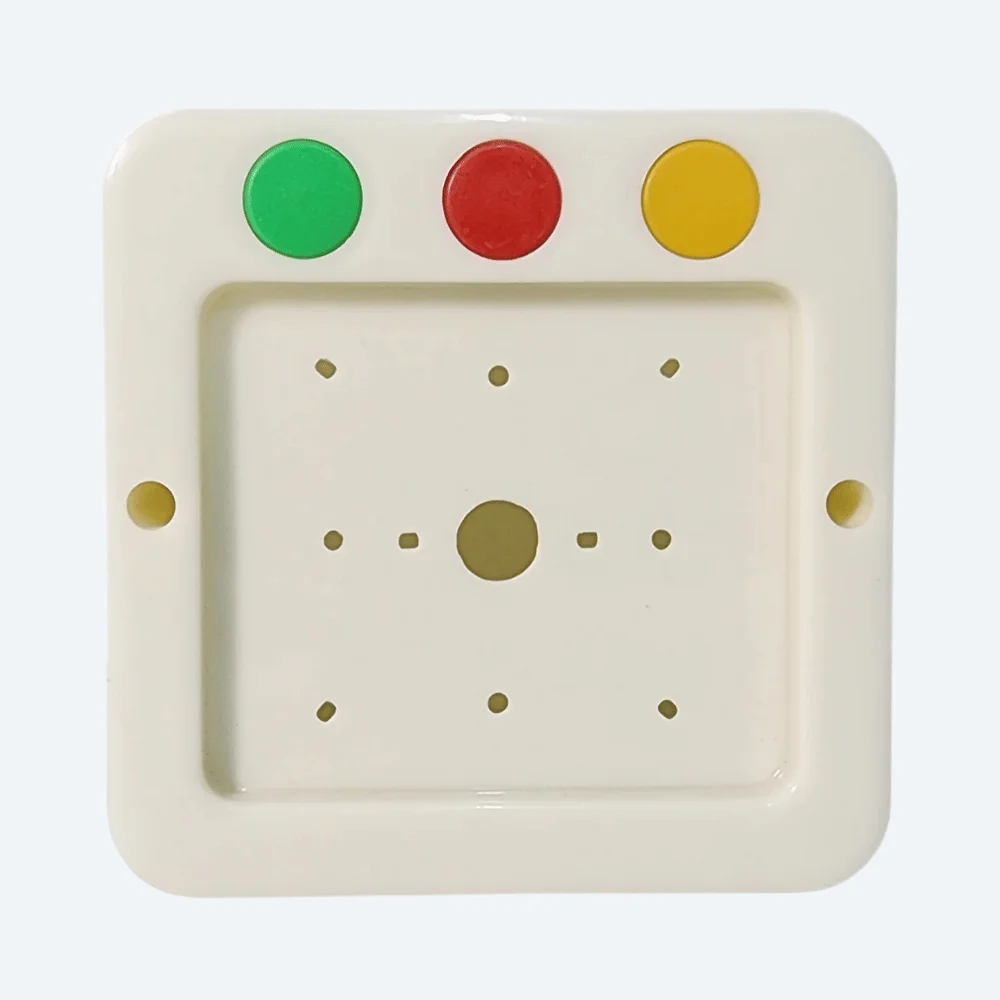
Check the indicator light. If it’s off or flickering, the protector isn’t working. Some units glow green when active and red when protection has kicked in (over/under-voltage detected). If it’s red and stays red, unplug everything and investigate the wall supply before reconnecting.
Choosing a Reliable Brand
Not all 10-in-1 protectors are the same. I’ve seen cheap Chinese units fail after one power event, leaving zero protection on the second fault. Brands matter. Look for units with proper specifications printed on the label: surge suppression voltage (should be 300-400V for a 220V supply), response time in nanoseconds (faster is better, under 5ns is good), and visible MOV components inside if you can open the casing.
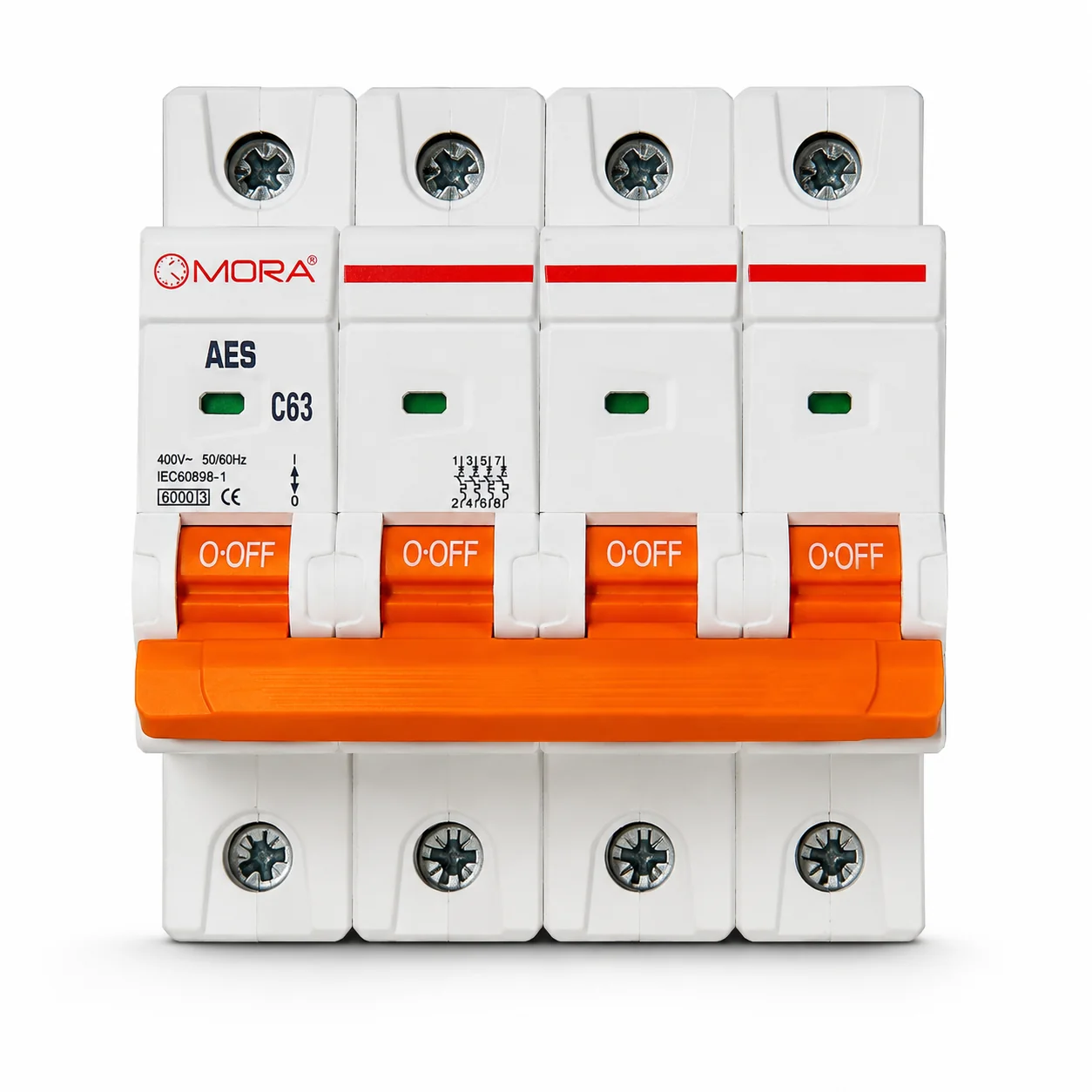
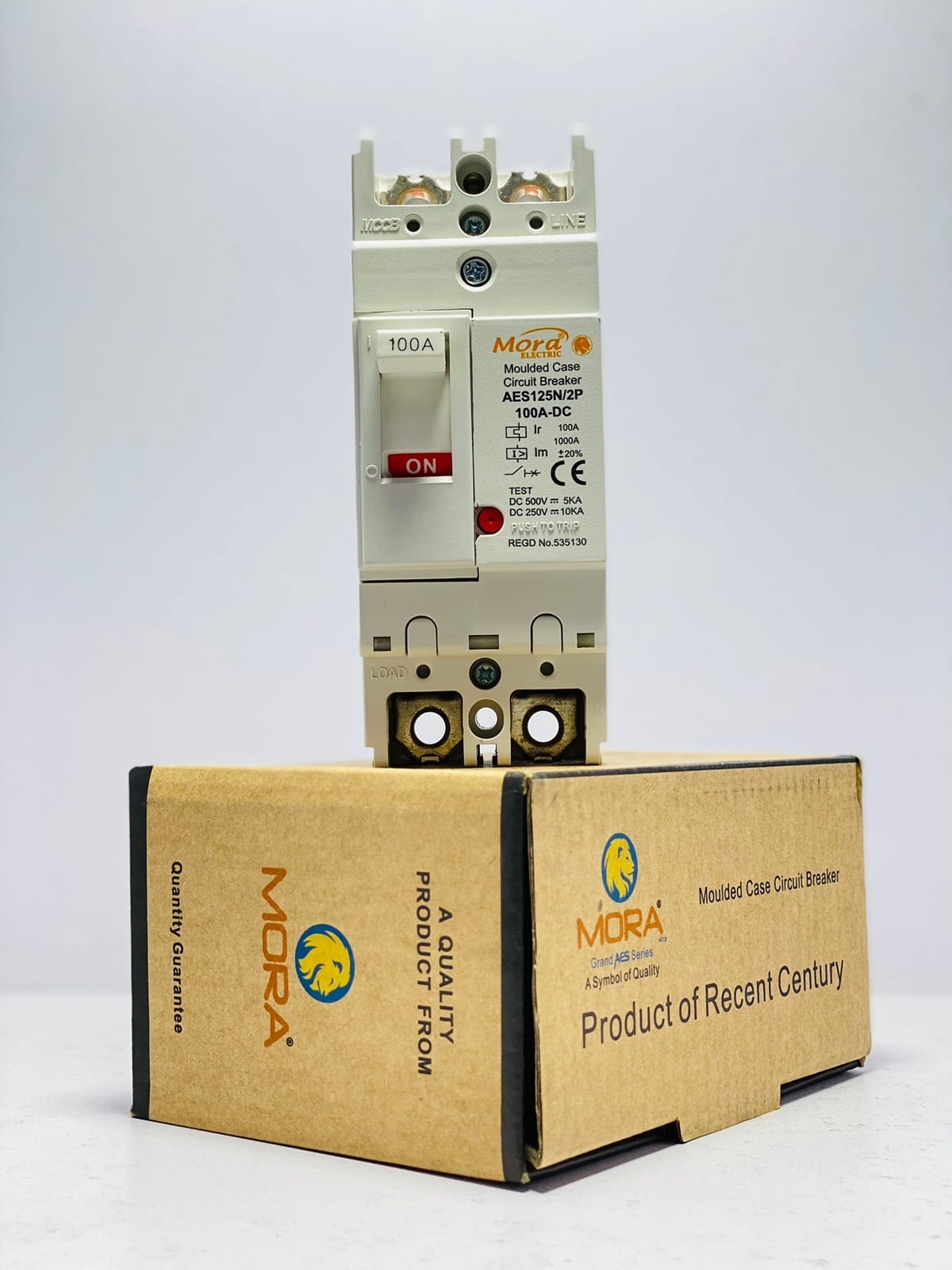
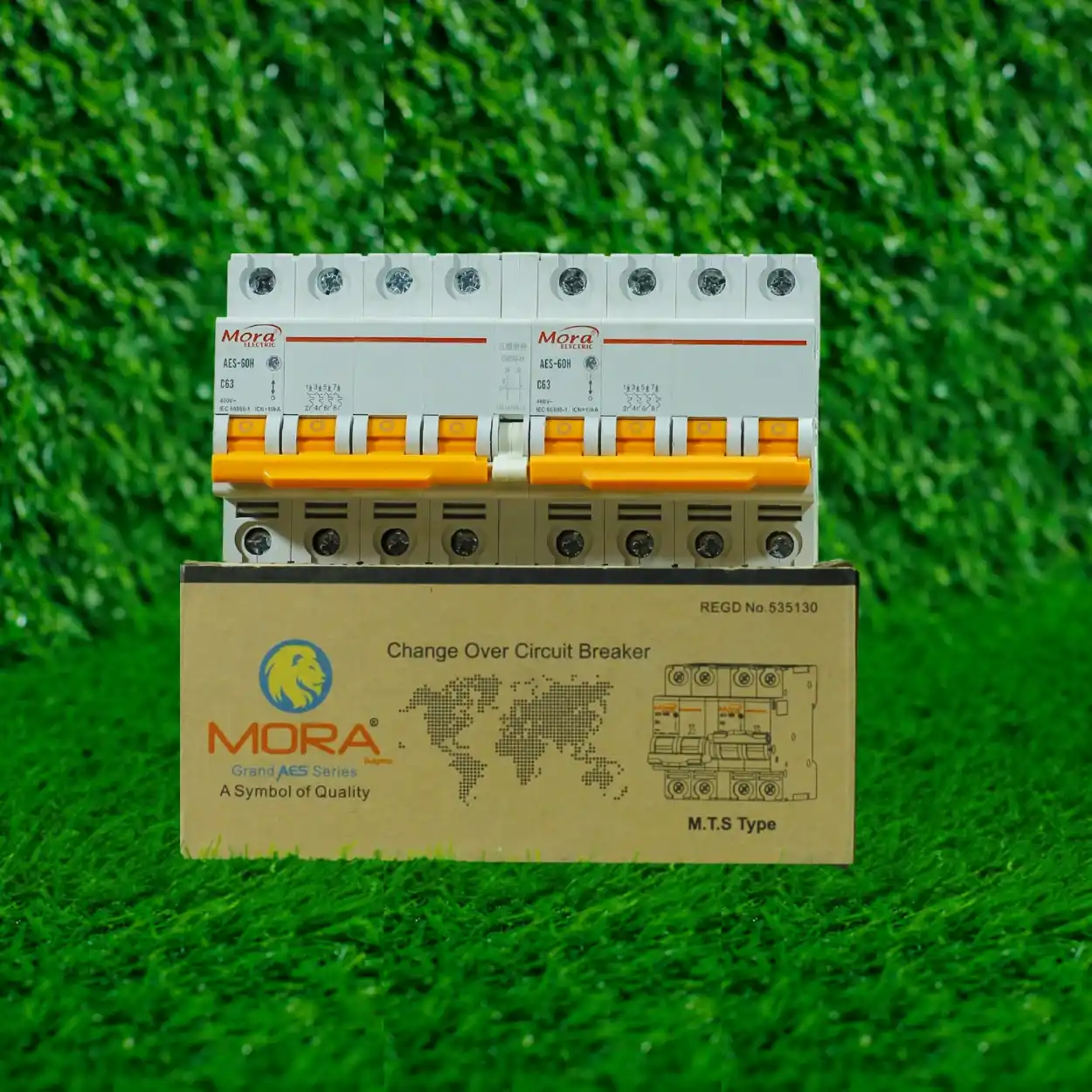
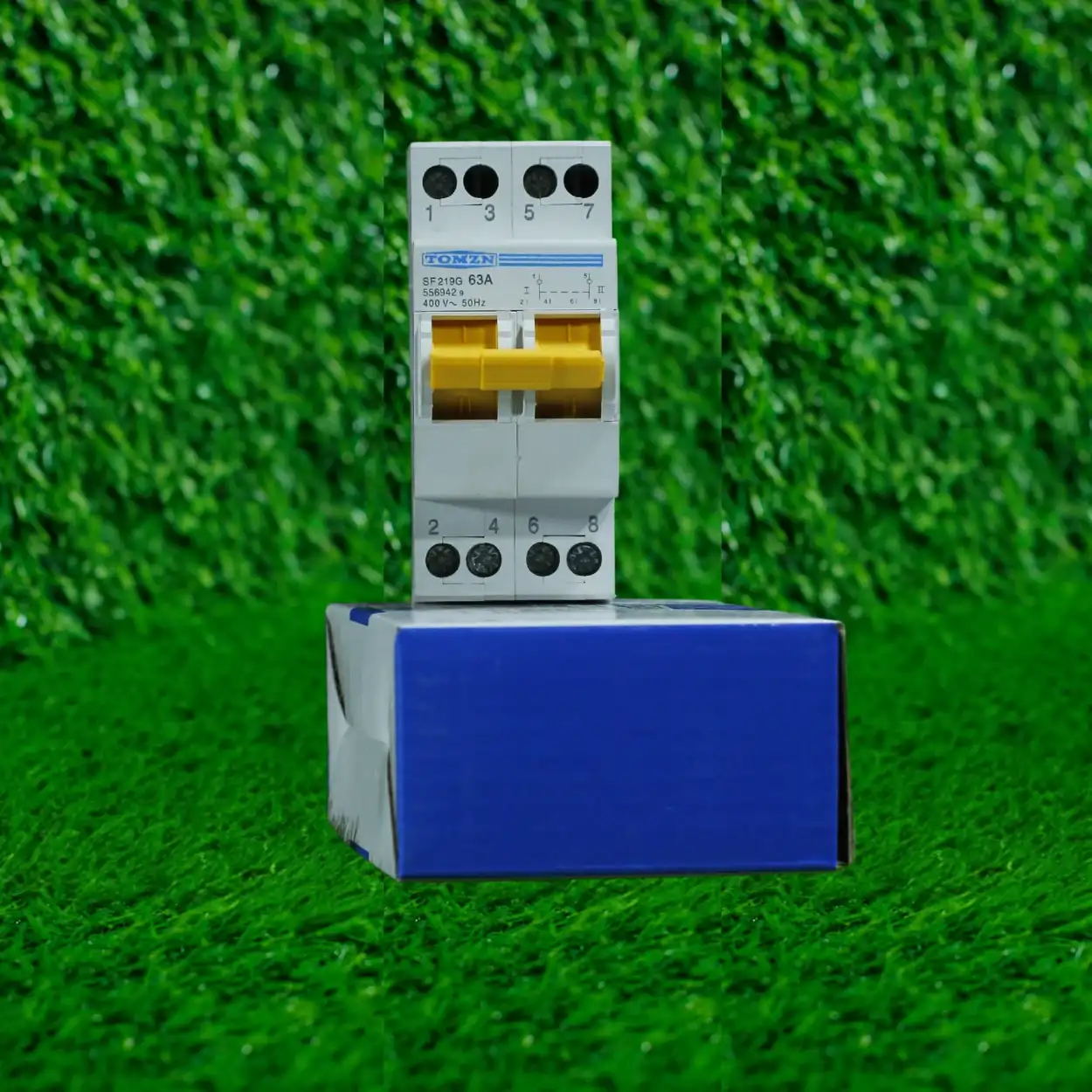
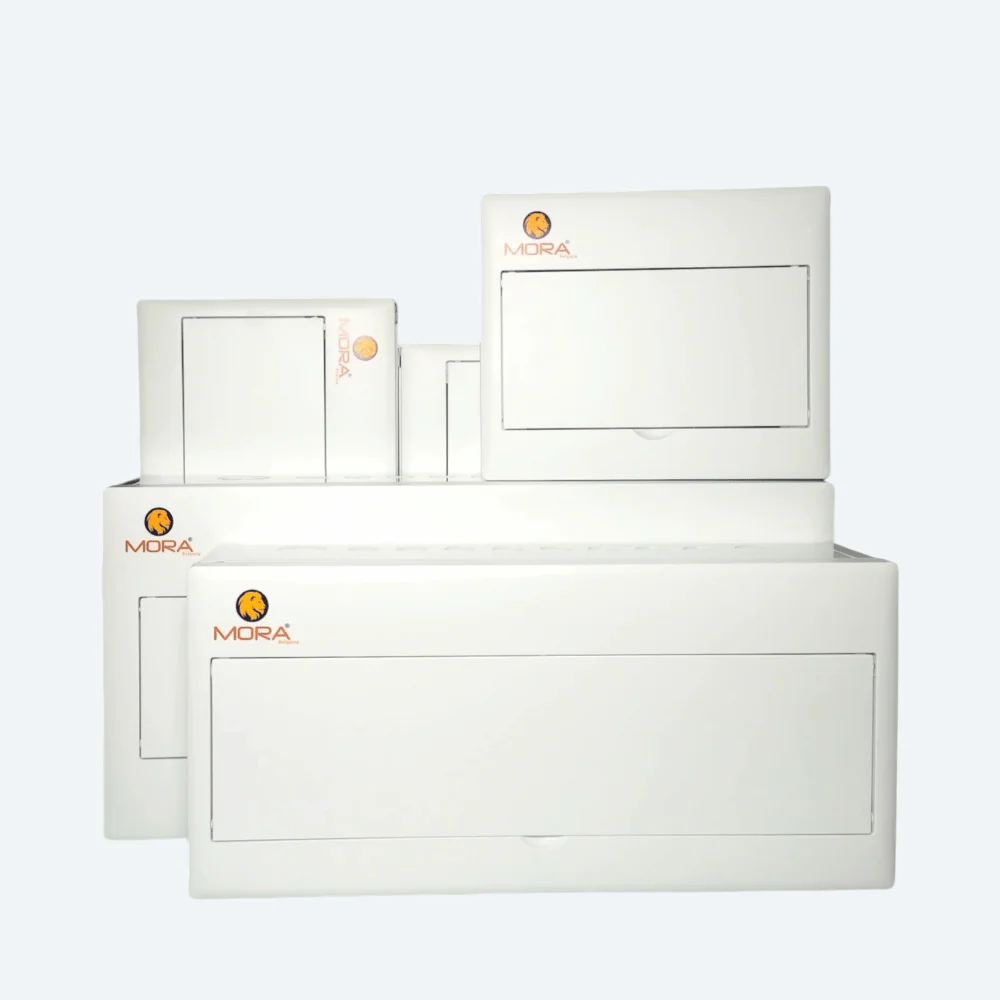
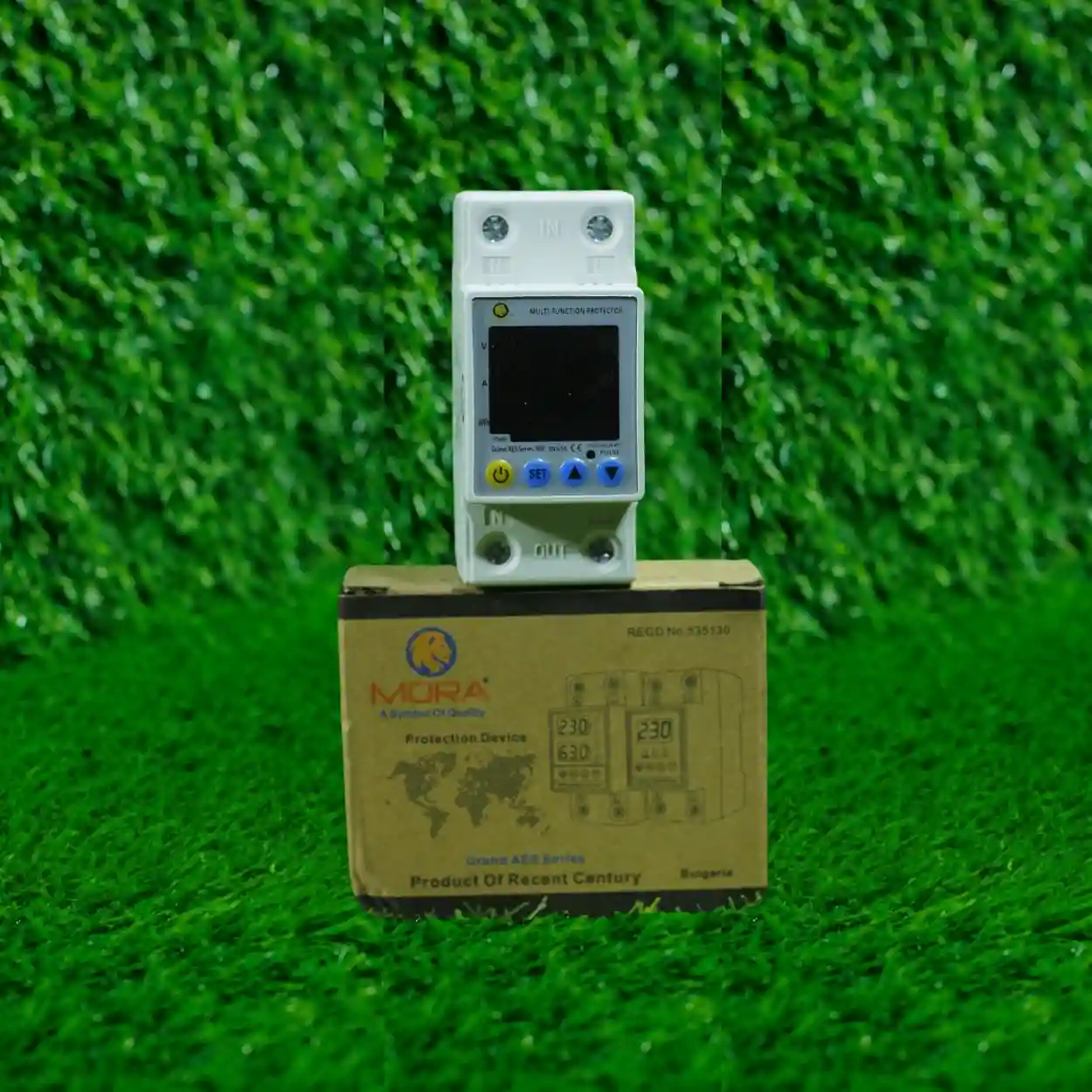
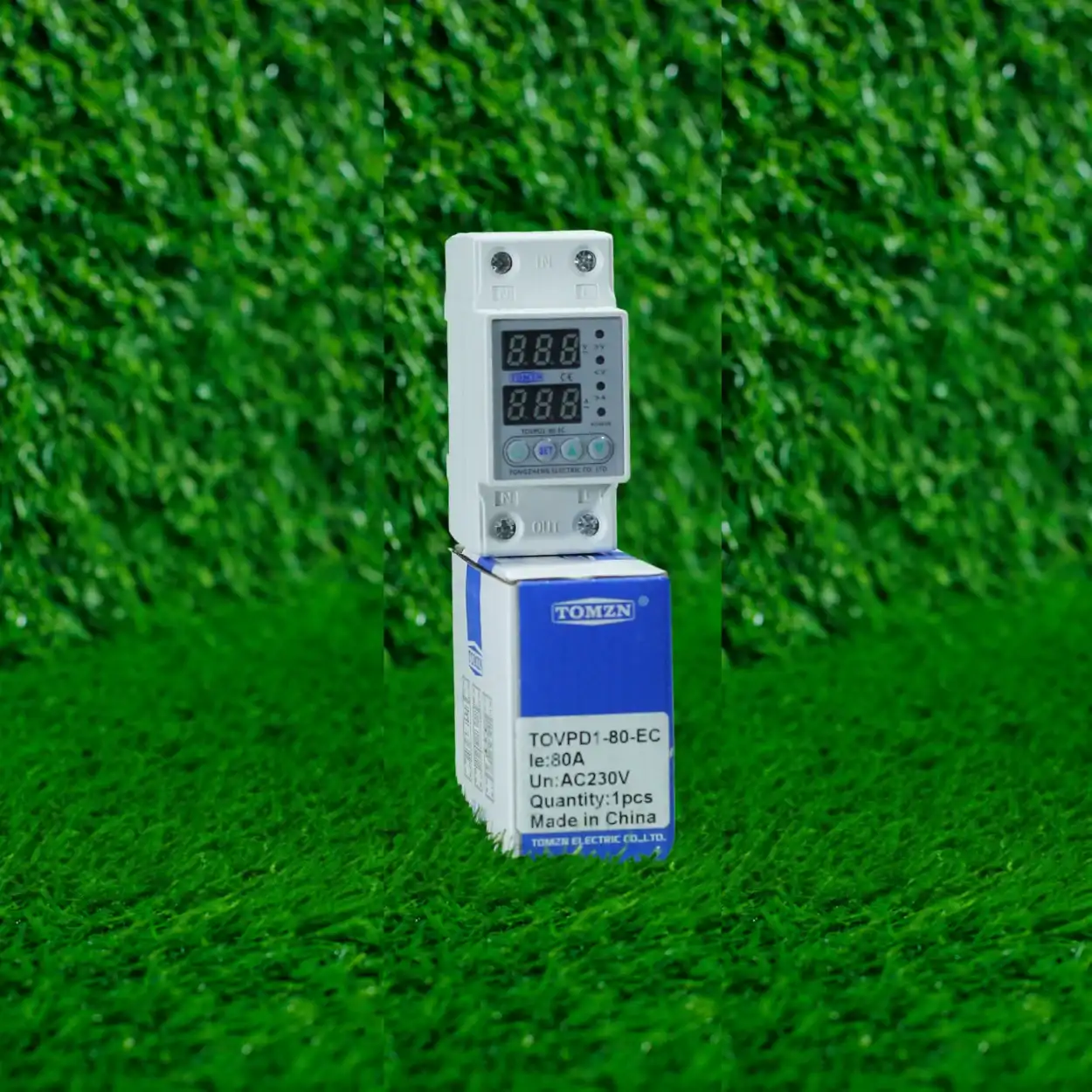
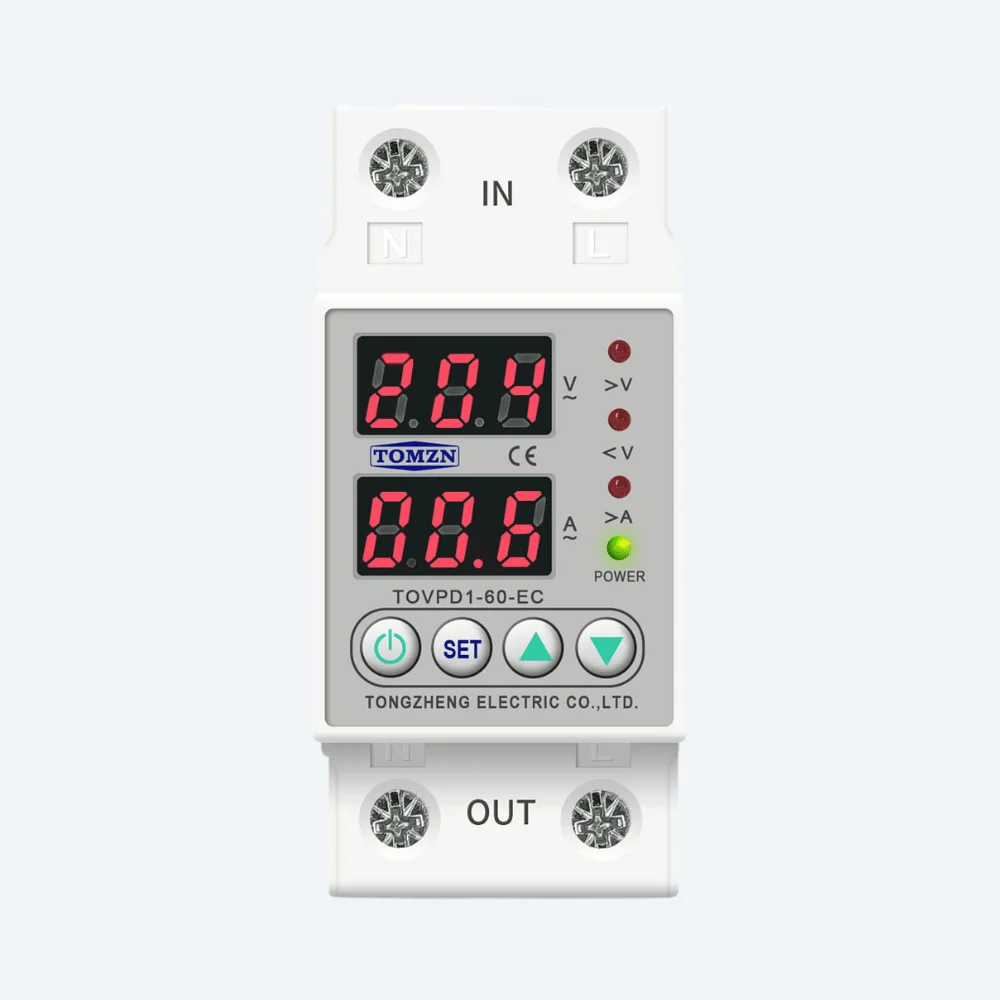
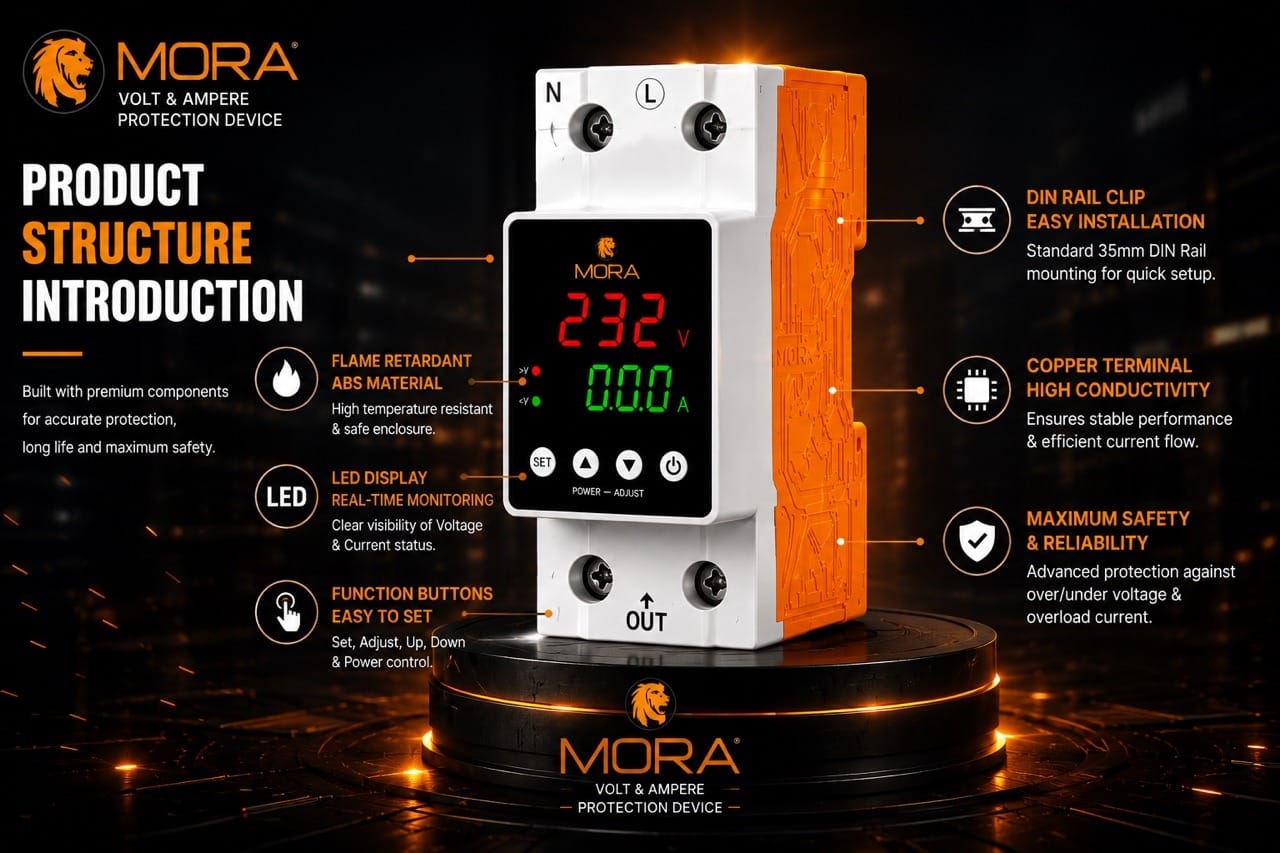
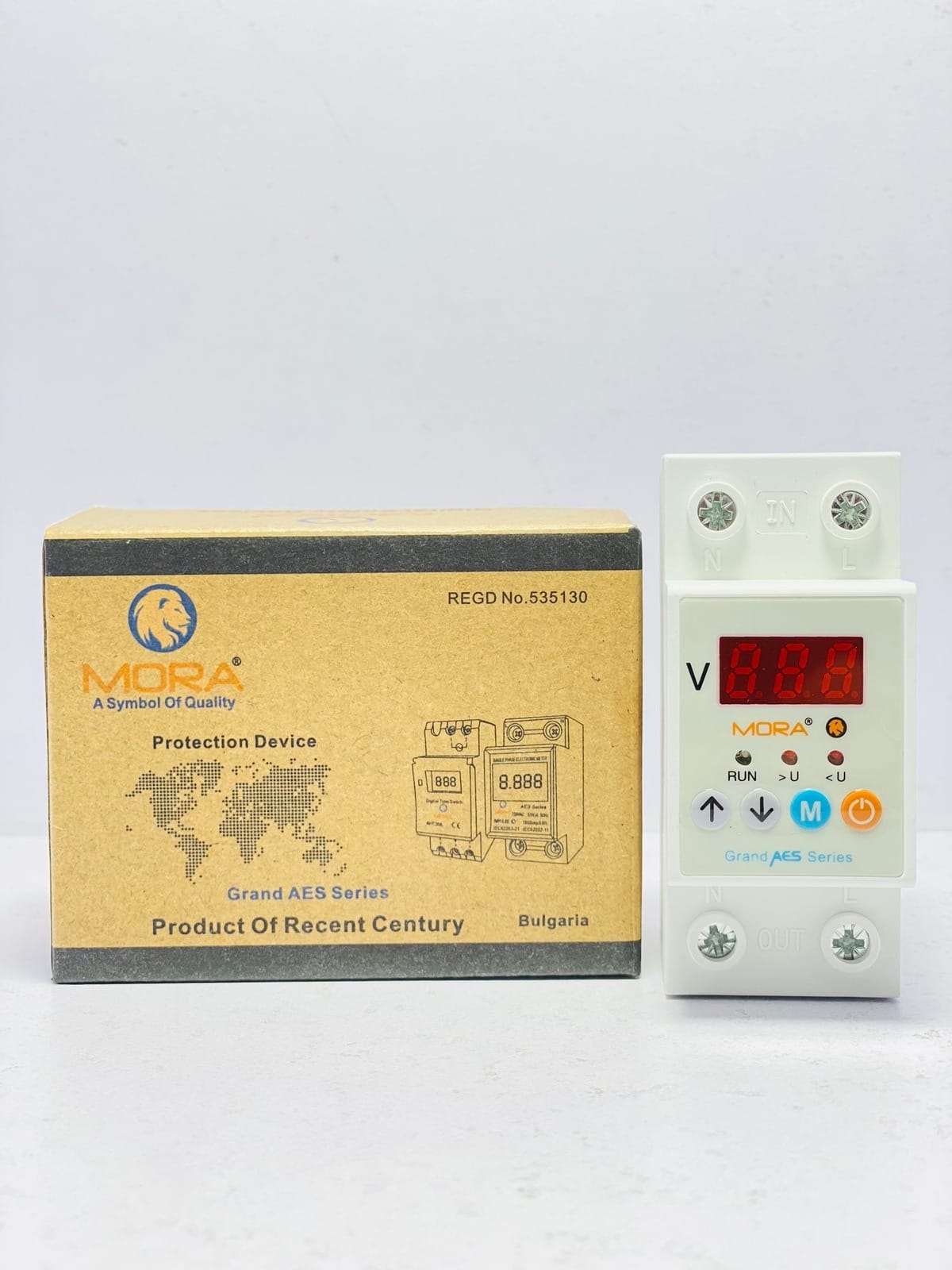
Locally available brands like MORA and TOMZN offer decent mid-range protectors with genuine components and available spare parts if something fails. They’re not the cheapest, but they’re reliable. Avoid units with no brand marking or suspiciously low prices (under 1,500 PKR for a 10-in-1). You’re buying protection, not a gamble.
For electrical tools, accessories, and components to pair with your protector setup (including crimp tools for solar DC wiring if you’re building a backup system), check the electrical tools category and the broader solar products range if you’re considering hybrid protection with renewables.
Common Mistakes That Reduce Protection
Chaining multiple protectors in series. If you plug a protector into another protector’s outlet, they interfere with each other’s surge suppression timing. Use one good protector per circuit or device.
Ignoring the earthing pin. A 10-in-1 protector only works properly if your wall outlet is correctly grounded. If the socket has no earth connection (check for a round hole between the two rectangular slots), the protector’s neutral clamping doesn’t work. Get that socket earthed properly before installing a protector.
Leaving the same protector in place for 10+ years. MOV components degrade silently. After 5-7 years of service, especially if the unit has handled multiple surge events, replace it. It won’t announce failure; it’ll just stop working the moment you need it most.
Using a protector on a circuit already protected by an RCCB or stable UPS. Some protection is redundant. However, using a protector on a circuit with a standard MCB (which only handles short circuits and overload, not surges or voltage swings) is the standard setup in Pakistan and works well.
Final Word
A 10-in-1 Wi-Fi protector is not a substitute for proper wiring, earthing, or panel design. It’s a last-line defense against the most common electrical faults that kill consumer electronics in Pakistan. It works best when your supply is generally stable but subject to spikes and brief voltage swings. Paired with an RCCB for personal shock protection and a stabilizer if you live in an area with truly unstable supply, a good protector will save you thousands in appliance replacement costs. Pick a reliable brand, install it close to the device, replace it every 5-7 years, and don’t treat it as a license to ignore other safety practices. That’s how it actually improves your electrical safety.